
T-Dongle ESP 32 - An interesting use
Published by Vivian van Zyl in ESP32 Microcontrollers the 10/02/2024 at 03:44 am

Exploring the ESP32 with the LilyGo T-Dongle S3
The ESP32 is a powerful microcontroller that has gained popularity among hobbyists and professionals alike. In this blog post, we will dive into the LilyGo T-Dongle S3, a compact device powered by the ESP32 S3. This innovative gadget is not just a USB stick; it’s a full-fledged computer that can perform various tasks, including querying APIs and displaying data. Let’s explore its features, functionality, and how you can set it up for your own projects.
Table of Contents
- What is the LilyGo T-Dongle S3?
- Setting Up the T-Dongle S3
- Understanding the Display Functionality
- Building the Application
- Querying the API
- Making It Standalone
- Potential Applications for the T-Dongle S3
- Conclusion
- FAQs
What is the LilyGo T-Dongle S3?
The LilyGo T-Dongle S3 is a small device that resembles a USB stick. It houses the ESP32 S3, providing users with a compact solution for various applications. The T-Dongle features an LCD display, GPIO ports, an SD card slot, and a reset button, making it versatile for development projects.
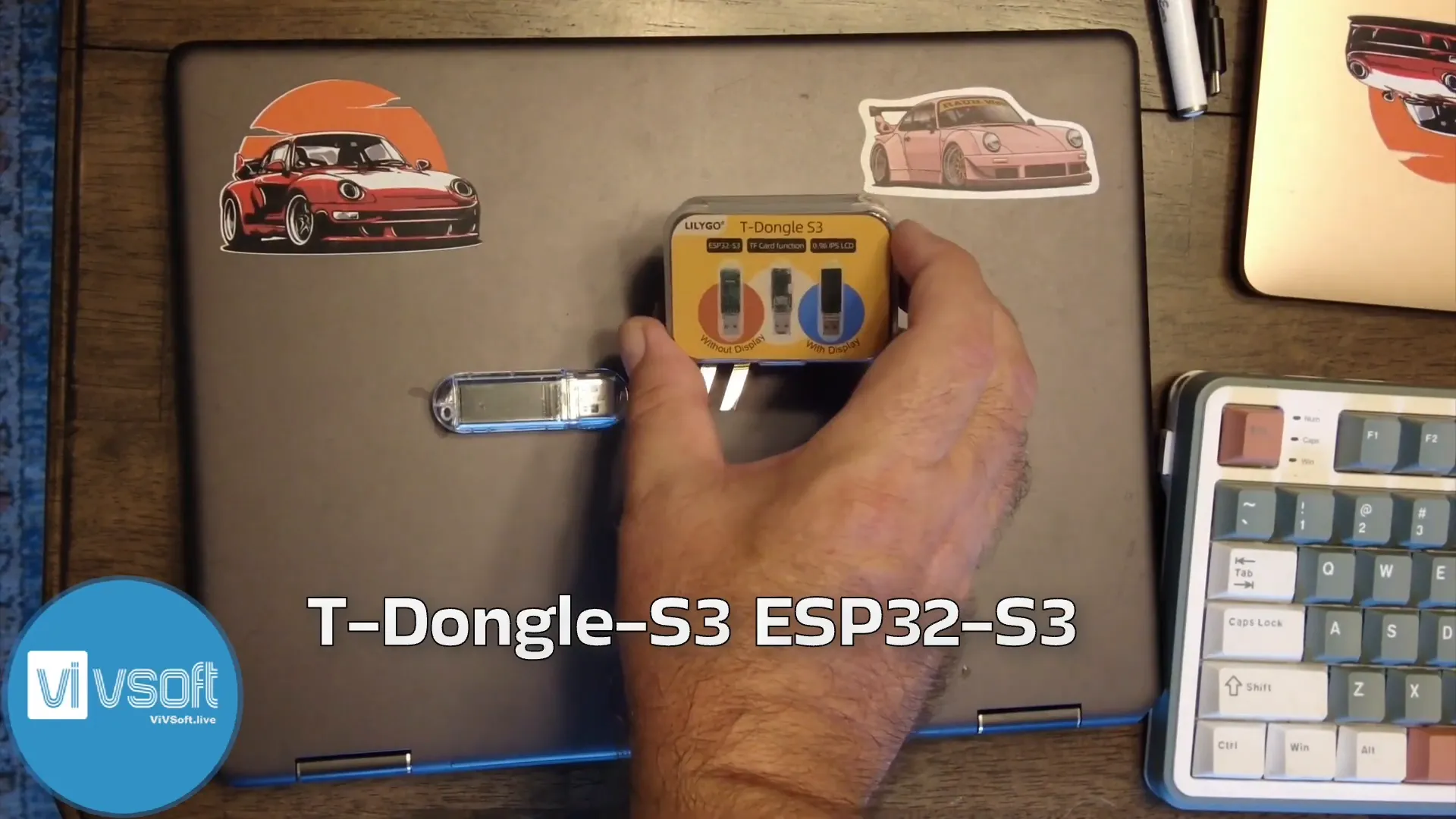
Setting Up the T-Dongle S3
Getting started with the T-Dongle S3 is straightforward. Initially, it costs around $30, making it an affordable option for developers. To set it up, you will need to flash it with the appropriate firmware, which can be done using the ESP tool on a Windows PC. The device comes with MicroPython pre-installed, allowing for easy programming and application development.
Before diving into coding, ensure you have the necessary components:
- LilyGo T-Dongle S3
- USB power source or a power bank
- MicroSD card (optional for storage)
Understanding the Display Functionality
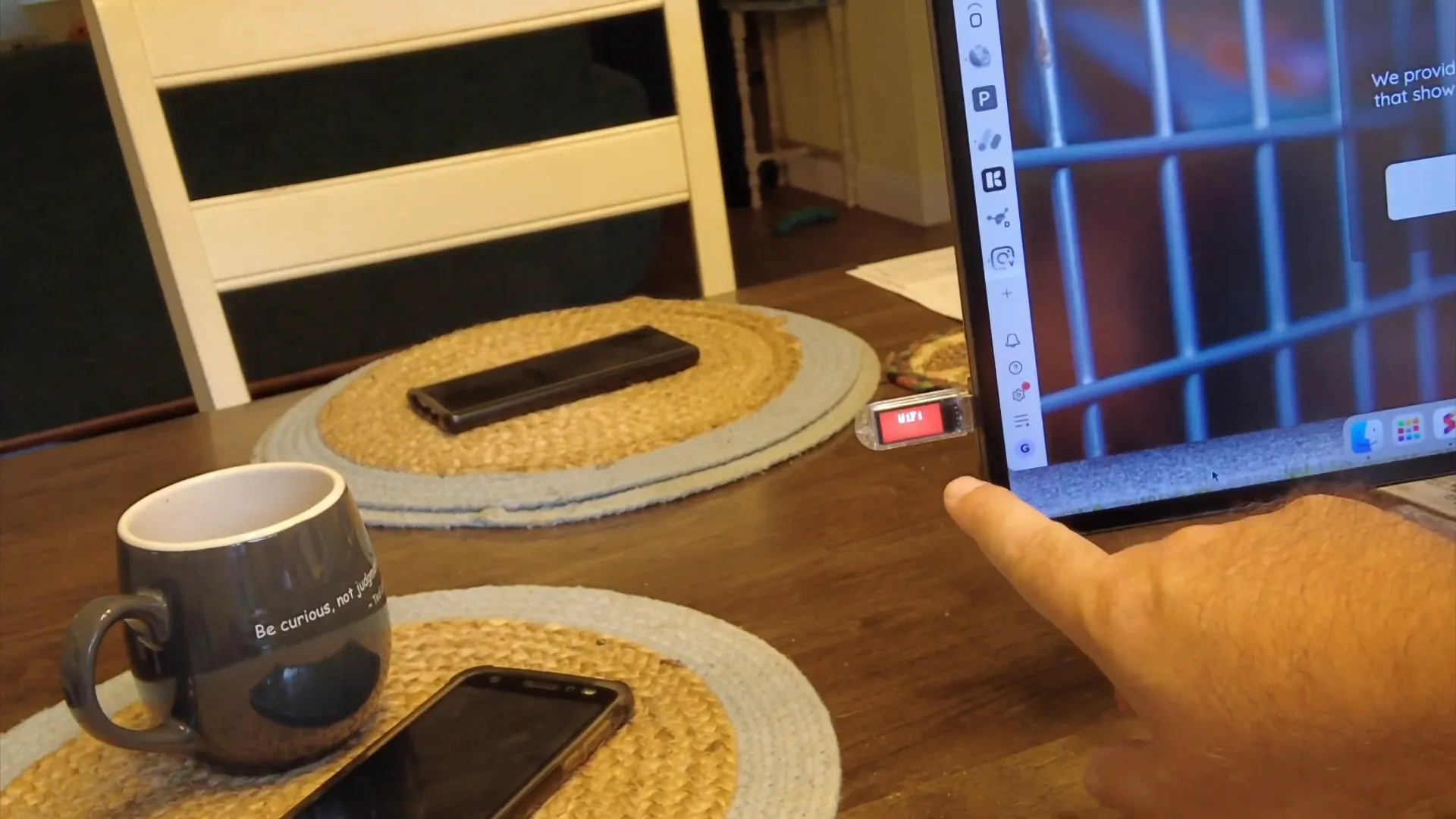
The T-Dongle S3 features an LCD display that can show various data, making it ideal for applications that require real-time feedback. In a recent project, the display was used to show the number of API calls made to a specific service. The application updates the count displayed on the screen every minute, reflecting the latest data from the API.
Building the Application
To build an application for the T-Dongle S3, you will primarily work with MicroPython. The process involves creating a boot.py file that runs automatically when the device powers on. This file is responsible for establishing the Wi-Fi connection and calling the desired API.
Here’s a brief overview of the application structure:
- Import necessary libraries (time, network, etc.).
- Set up Wi-Fi credentials and API endpoint.
- Implement a function to call the API and update the display.
- Use a loop to repeat the API call every minute.
The following code snippet illustrates how to set up the Wi-Fi connection:
import network
import time

ssid = 'your_SSID'
password = 'your_PASSWORD'

# Connect to Wi-Fi
def connect_wifi():
    wlan = network.WLAN(network.STA_IF)
    wlan.active(True)
    wlan.connect(ssid, password)
    for _ in range(20):  # Retry for 20 seconds
        if wlan.isconnected():
            print("Connected to Wi-Fi")
            return
        time.sleep(2)
    print("Failed to connect")
Querying the API
Once connected to Wi-Fi, the application can call the API to retrieve data. The API call is made using HTTP requests, and the response data is parsed to extract the information needed.
The API call function could look something like this:
import urequests

def api_call():
    response = urequests.get('https://api.example.com/data')
    if response.status_code == 200:
        data = response.json()
        return data['count']  # Assuming the API returns a count
    else:
        print("Error calling API")
        return None
Making It Standalone
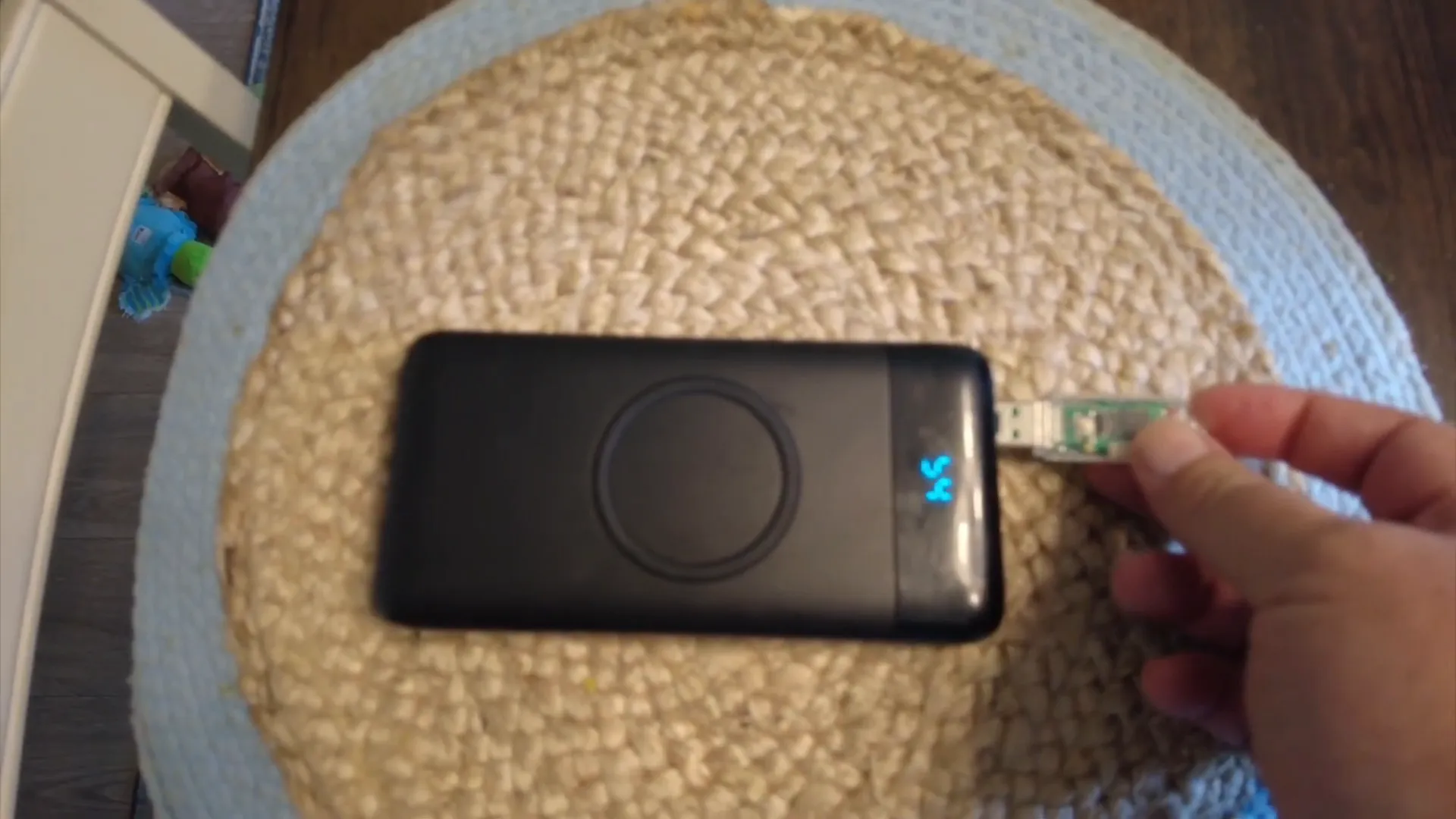
One of the most exciting aspects of the T-Dongle S3 is its ability to operate independently. After programming it, you can simply connect it to a power bank, and it will run the application without needing a computer. This makes it incredibly portable and versatile for various use cases.
Potential Applications for the T-Dongle S3
The possibilities are endless when it comes to using the T-Dongle S3. Here are a few ideas:
- Real-time data display from APIs (like the example of tracking API calls).
- IoT applications that require remote monitoring and control.
- Portable devices that need to display sensor data or alerts.
- Custom applications that integrate with existing systems for notifications or updates.
Conclusion
The LilyGo T-Dongle S3 is an excellent example of the capabilities of the ESP32. Its compact design, combined with powerful features, makes it a fantastic tool for developers looking to create innovative applications. Whether you’re tracking API calls or building a more complex IoT system, the T-Dongle S3 can handle it all. With MicroPython, the development process becomes smooth and efficient, allowing you to focus on creating amazing projects.
FAQs
What programming language do I need to use for the T-Dongle S3?
You can use MicroPython, which is pre-installed on the device, for programming the T-Dongle S3.
Can the T-Dongle S3 operate without a computer?
Yes, once programmed, the T-Dongle S3 can operate independently when powered by a USB power source or a power bank.
What are some projects I can build with the T-Dongle S3?
You can create projects that involve real-time data monitoring, IoT applications, or even custom alert systems that respond to specific conditions.