
$10 Meshtastic Node: Never Miss a Message!
Published by Vivian van Zyl in Meshtastic the 01/22/2025 at 09:09 pm

Have you ever wished for a way to stay connected even when cellular networks fail? The $10 Meshtastic node is a game-changer in the realm of decentralized communication. In this post, we'll explore the features and enhancements of the Seeed Studio SX1262 Meshtastic node, including modifications like adding a buzzer for instant message alerts and creating a custom case for portability. Let’s dive in!
Table of Contents
- Overview of the Seeed Studio SX1262 Meshtastic Node
- Enhancing Your Node with a Buzzer
- Setting Up the Buzzer
- Customizing Alert Durations
- Testing the Setup
- Creating a Custom Case
- Why Use Meshtastic? Key Features
- Getting Started with Meshtastic
- Practical Tips for Using Meshtastic
- FAQs
- Conclusion
Overview of the Seeed Studio SX1262 Meshtastic Node
The Seeed Studio SX1262 node is compact yet powerful. It’s designed for long-range communication using LoRa technology. This tiny device is equipped with Bluetooth and a LoRa antenna, making it one of the most versatile options for mesh networking.
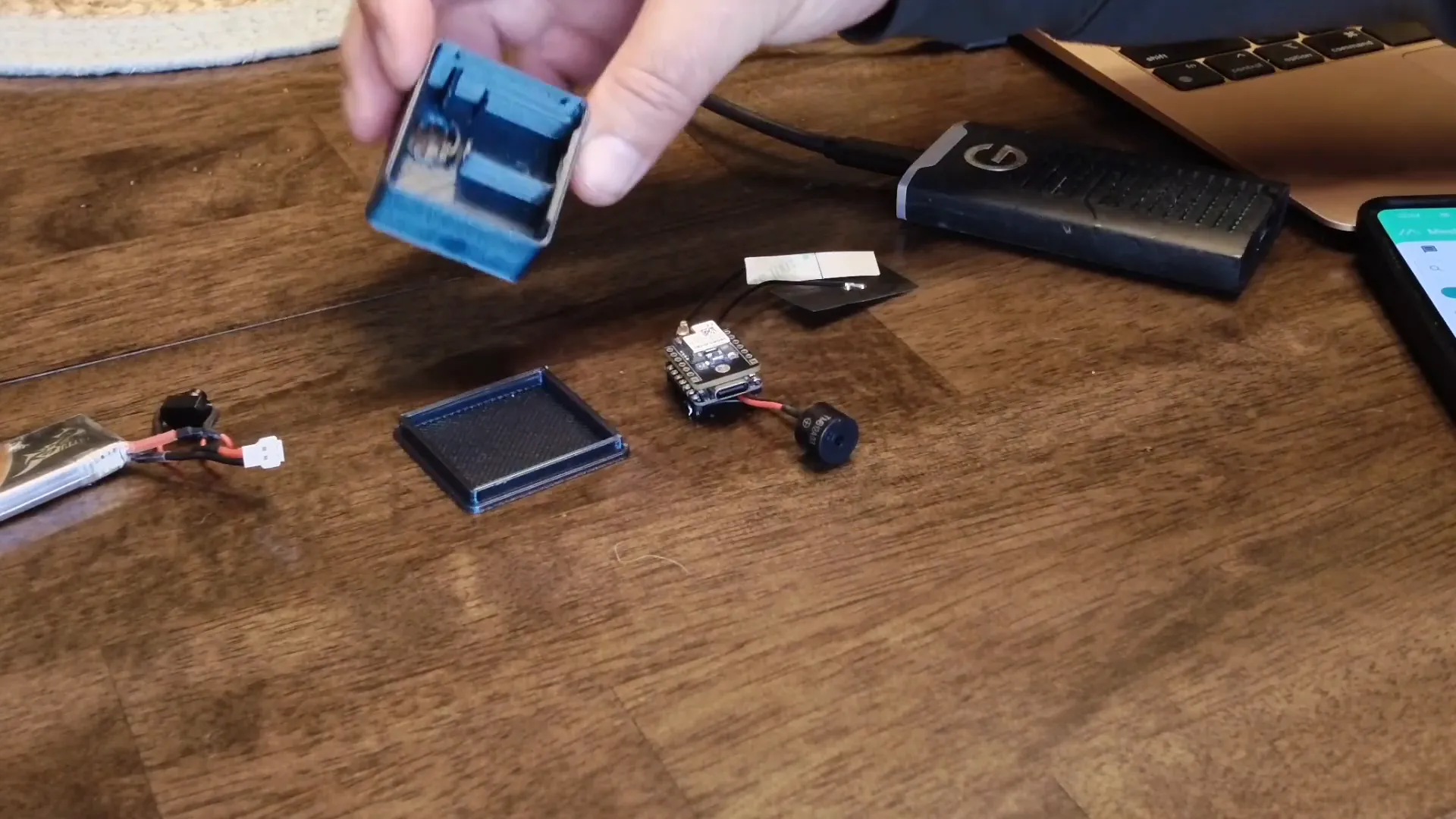
In my previous video, I showcased the construction of this node. The node fits snugly inside a custom case, which I designed, and it includes a 380 mAh battery along with a physical switch. This setup is not only practical but also user-friendly.
Enhancing Your Node with a Buzzer
One of the most exciting enhancements is adding a buzzer to the Meshtastic node. This buzzer acts as an alert system, notifying you with sound whenever a new message arrives. You can either use a buzzer or an LED for this purpose, but I opted for a DC buzzer for its simplicity and effectiveness.
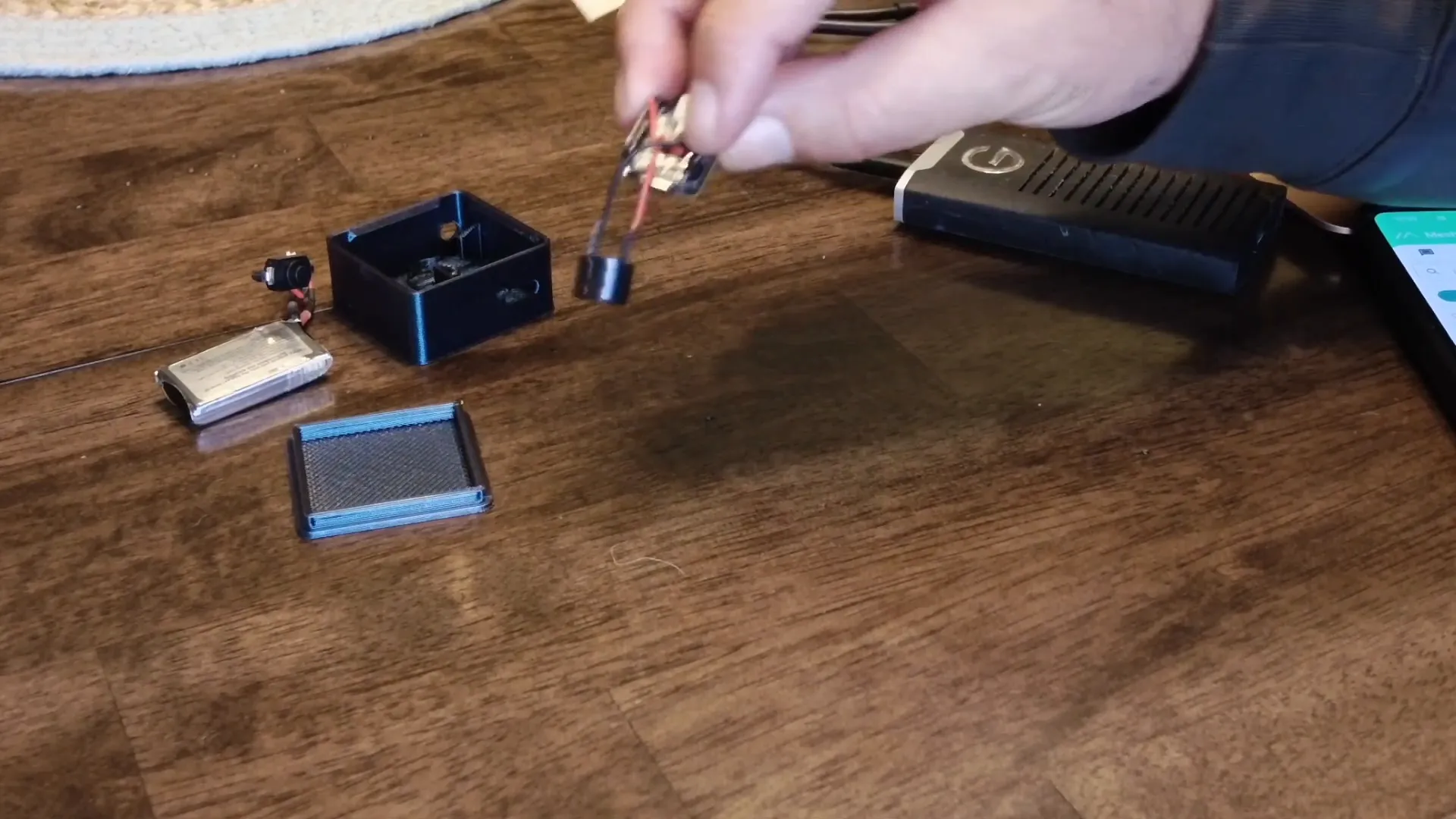
To connect the buzzer, you’ll need to solder it onto the board. The connection is straightforward: the buzzer connects from the ground pin to GPIO pin 6. This allows the buzzer to function as an external notification system.
Setting Up the Buzzer
Once the buzzer is connected, the next step is to power on the node. I usually do this outside the case initially to ensure everything is functioning correctly. After powering it up, you can see the node booting and connecting successfully.
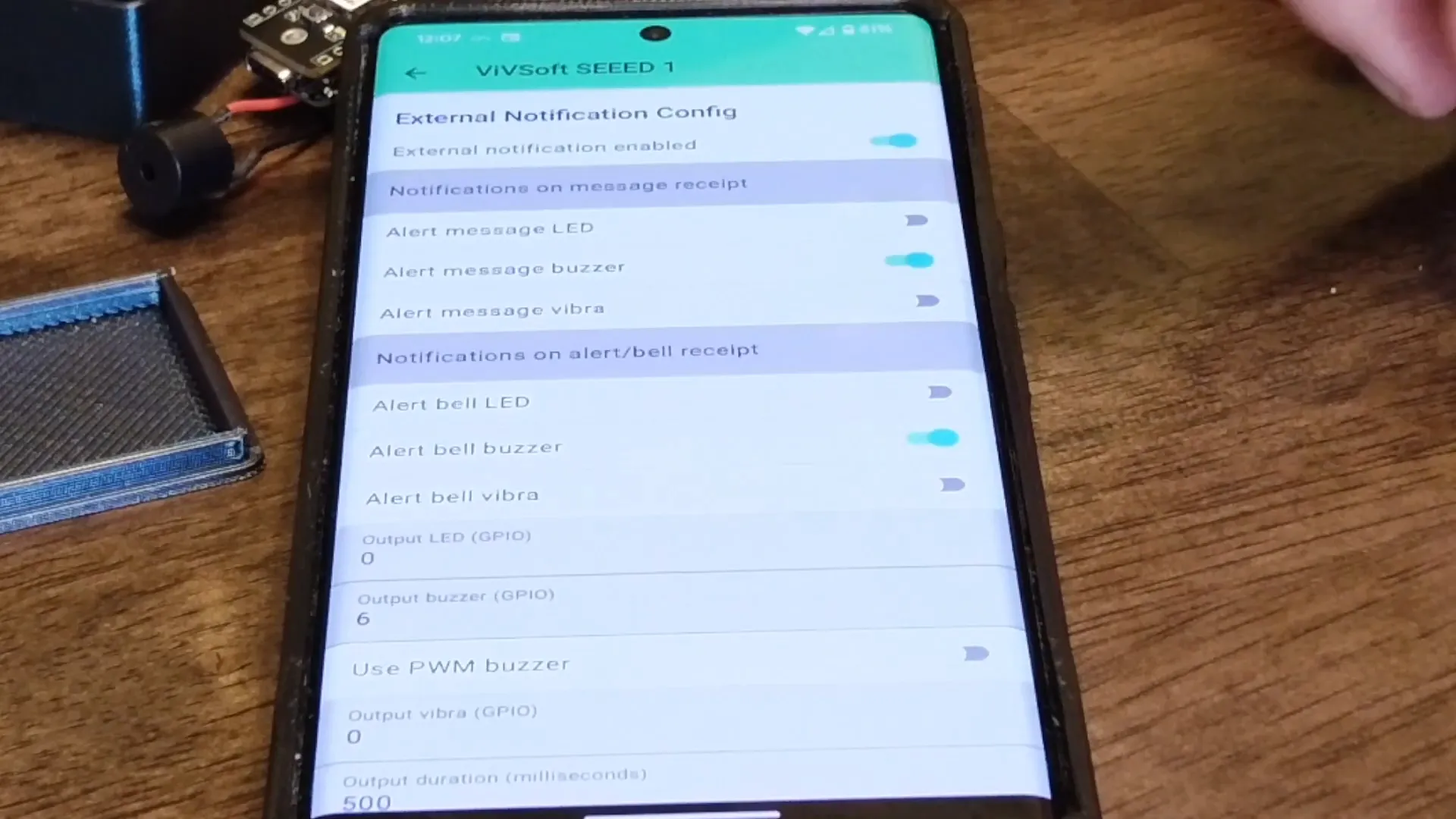
Using the Meshtastic app, you can configure the radio settings. Navigate to the radio configuration section, and enable external notifications. Here’s how to set it up:
- Turn on external notifications
- Enable the alert buzzer
- Activate the bell buzzer
- Set the GPIO pin to 6
With these settings configured, your buzzer will alert you whenever a message is received.
Customizing Alert Durations
Customization doesn’t stop at just adding a buzzer. You can also adjust how long the buzzer sounds. By accessing the external configuration options, you can set the output duration to 500 milliseconds and the nag timeout to 10 seconds. This means that the buzzer will sound for 10 seconds before automatically stopping.
This feature is particularly useful because it allows for flexibility in how alerts are managed. Although there is a button on the device, I haven’t exposed it through the case yet, so automatic settings are key.
Testing the Setup
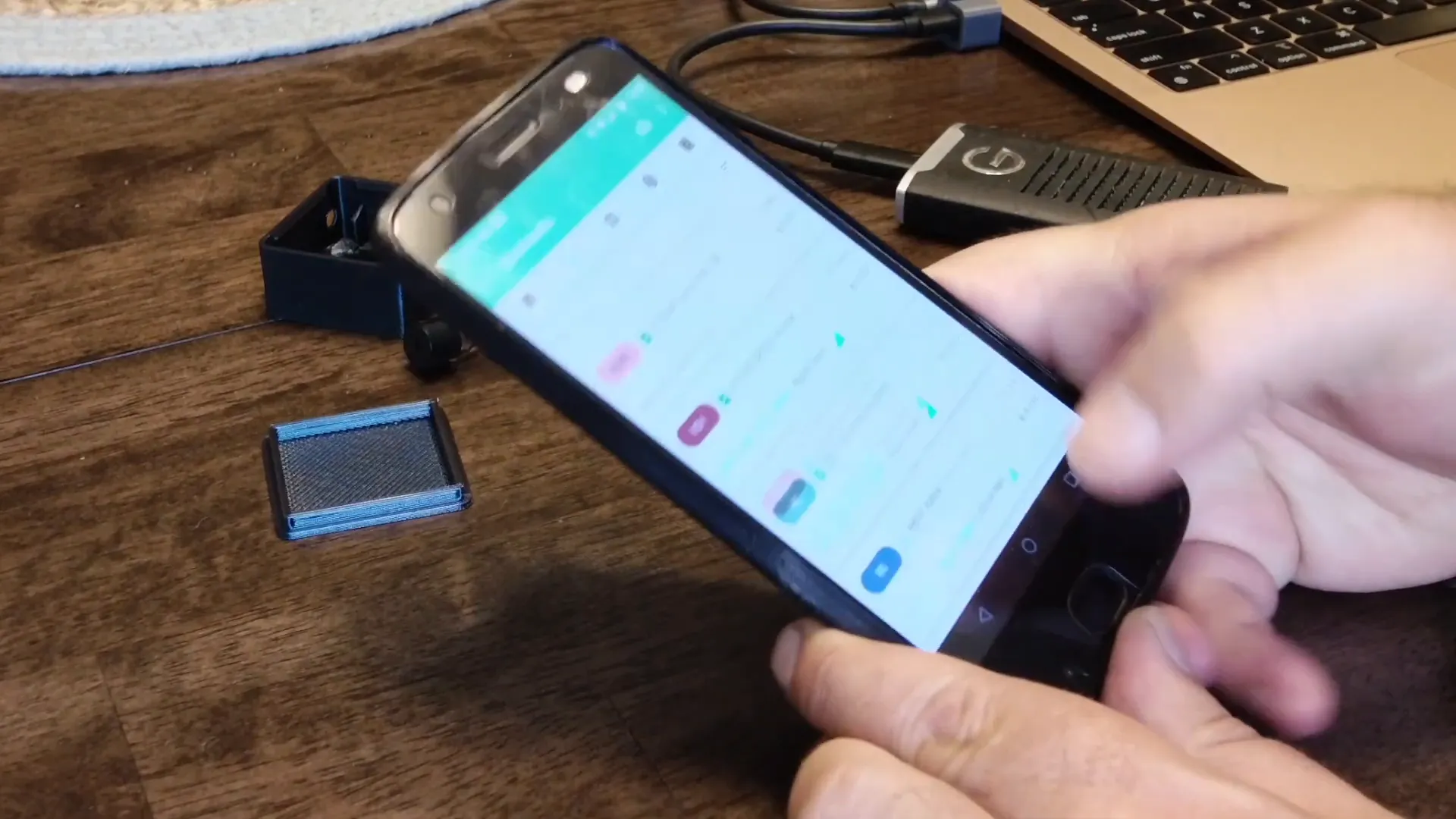
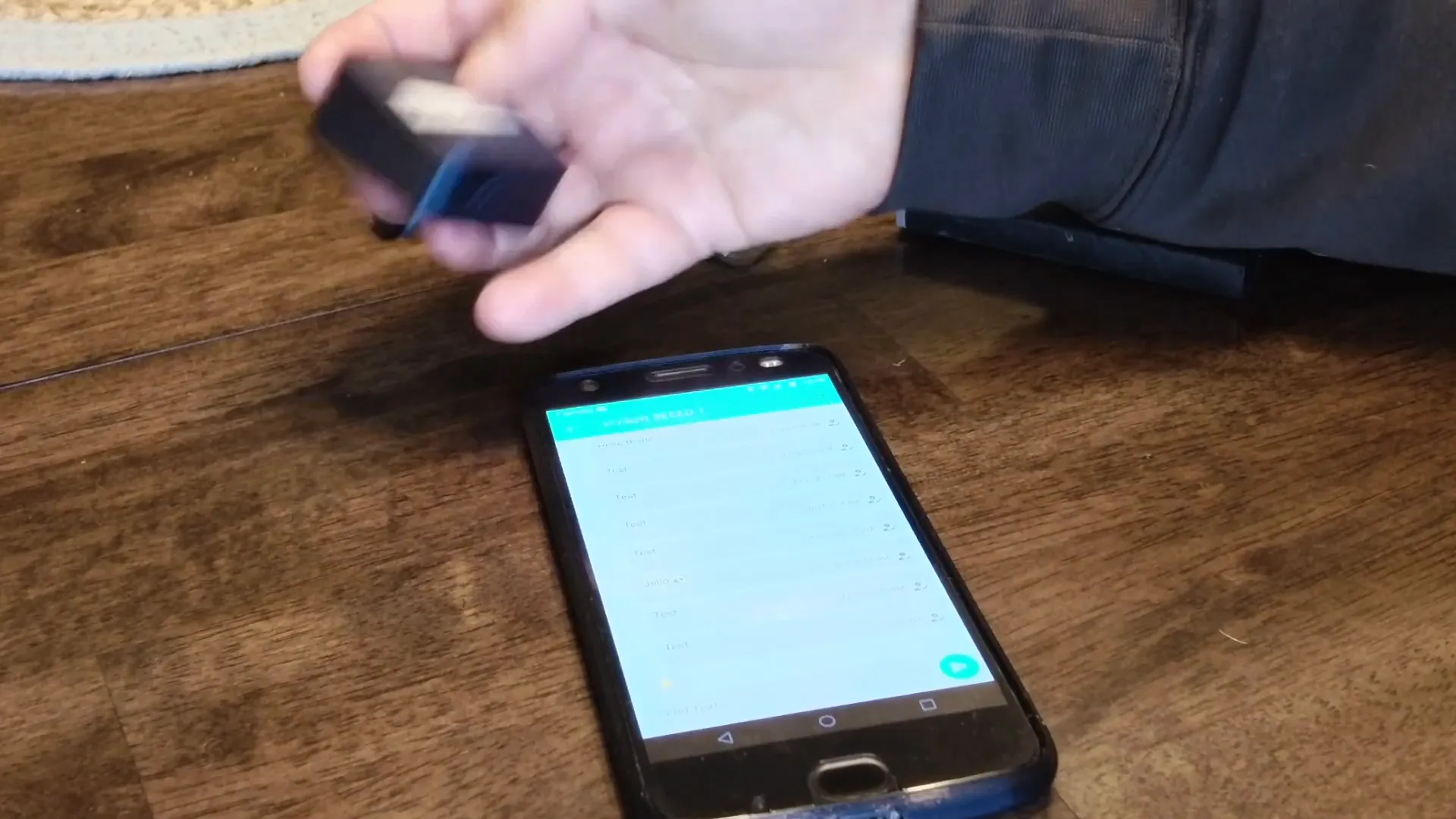
After configuring everything, it’s time to test the setup. I’ll send a test message using another node in the network. As I send the message, the buzzer will beep, notifying me of the incoming communication.
This functionality is crucial, especially in scenarios where you might not be looking at your device. You’ll hear the buzzer sound for the preset duration, making sure you never miss a message.
Creating a Custom Case
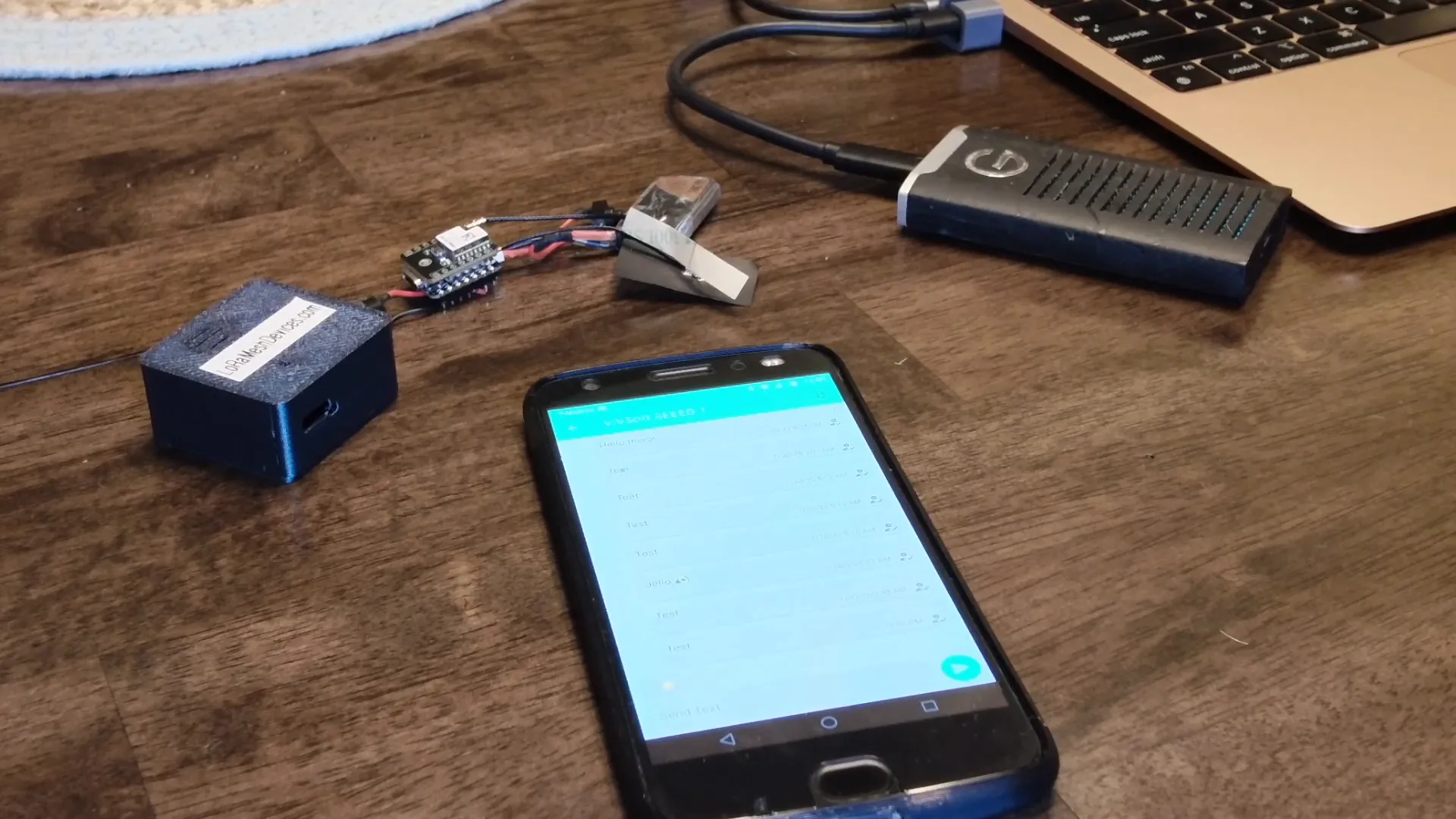
Another essential aspect of enhancing your Meshtastic node is creating a custom case. This not only protects the hardware but also makes it more portable. The case I designed accommodates the node and the battery while leaving space for the buzzer.
The design ensures that the sound from the buzzer is not muffled, allowing alerts to be heard even when the node is enclosed. A well-constructed case can significantly improve the usability and longevity of the device.
Why Use Meshtastic? Key Features
So, why should you consider using Meshtastic? Here are some of the standout features:
- Decentralized Communication: Meshtastic allows communication without relying on traditional cellular networks, making it perfect for remote areas or during emergencies.
- Long-Range Connectivity: Utilizing LoRa technology, Meshtastic can maintain connectivity over several kilometers.
- Custom Notifications: With the addition of a buzzer, you can receive alerts instantly, ensuring you're always informed.
- Open Source: Being an open-source project, it encourages community collaboration and customization, allowing you to tweak and modify the software to suit your needs.
Getting Started with Meshtastic
Ready to dive into the world of Meshtastic? Here’s how to get started:
- Acquire the Hardware: Purchase a Seeed Studio SX1262 node or a compatible device from LoRaMeshDevices.com.
- Set Up the Firmware: Follow the instructions to flash the Meshtastic firmware onto your device.
- Install the App: Download the Meshtastic app on your smartphone to manage your device settings.
- Connect and Configure: Pair your device with the app and configure settings, including notifications and alert durations.
Practical Tips for Using Meshtastic
To ensure your Meshtastic experience is seamless, consider these practical tips:
- Always test your setup before heading out to ensure everything is functioning correctly.
- Keep your firmware updated to benefit from new features and improvements.
- Engage with the Meshtastic community for support and ideas on how to enhance your setup.
FAQs
What is the range of the Meshtastic node?
The range can vary based on environmental factors, but typically, you can expect several kilometers of connectivity.
Can I use Meshtastic for outdoor activities?
Absolutely! Meshtastic is perfect for hiking, camping, and other outdoor adventures where traditional cell service may be unreliable.
Is Meshtastic suitable for emergencies?
Yes, Meshtastic is designed for decentralized communication, making it ideal for emergency situations where cellular networks might be compromised.
Where can I buy Meshtastic devices?
You can find a variety of Meshtastic devices at LoRa Mesh Devices.
Conclusion
The $10 Meshtastic node is not just an affordable solution; it’s a powerful tool for enhancing communication. With features like customizable alerts and long-range connectivity, it’s perfect for anyone looking to maintain contact in various situations. Whether for outdoor adventures or emergency preparedness, the Meshtastic node is a must-have for tech enthusiasts and everyday users alike. Thanks for joining me on this journey, and happy meshing!