
Elecrow M1 Meshtastic Review: E-Paper Display Awesomeness!
Published by Vivian van Zyl in Meshtastic the 06/26/2025 at 07:36 pm

The Elecrow M1 Meshtastic device has caught my attention with its unique e-paper display and solid feature set. As someone passionate about IoT, GPS tracking, and mesh network devices, I’ve put this compact node through its paces to see how it performs in real-world scenarios. In this review, I’ll walk you through the ThinkNode M1’s standout features, usability, firmware updates, and how it integrates with the Meshtastic ecosystem. Whether you’re considering this device for your next project or just curious about its capabilities, this deep dive will give you a clear picture of what to expect.
Table of Contents
- ThinkNode M1 Overview
- Battery Life and Power Management
- GPS Performance and Challenges
- Interface and User Experience
- Connectivity and Mobile App Integration
- Firmware Upgrade and InkCard Display Support
- Unique Features: Speaker and LED Notifications
- Why the Elecrow M1 Meshtastic Stands Out
- Where to Buy
- Frequently Asked Questions
ThinkNode M1 Overview
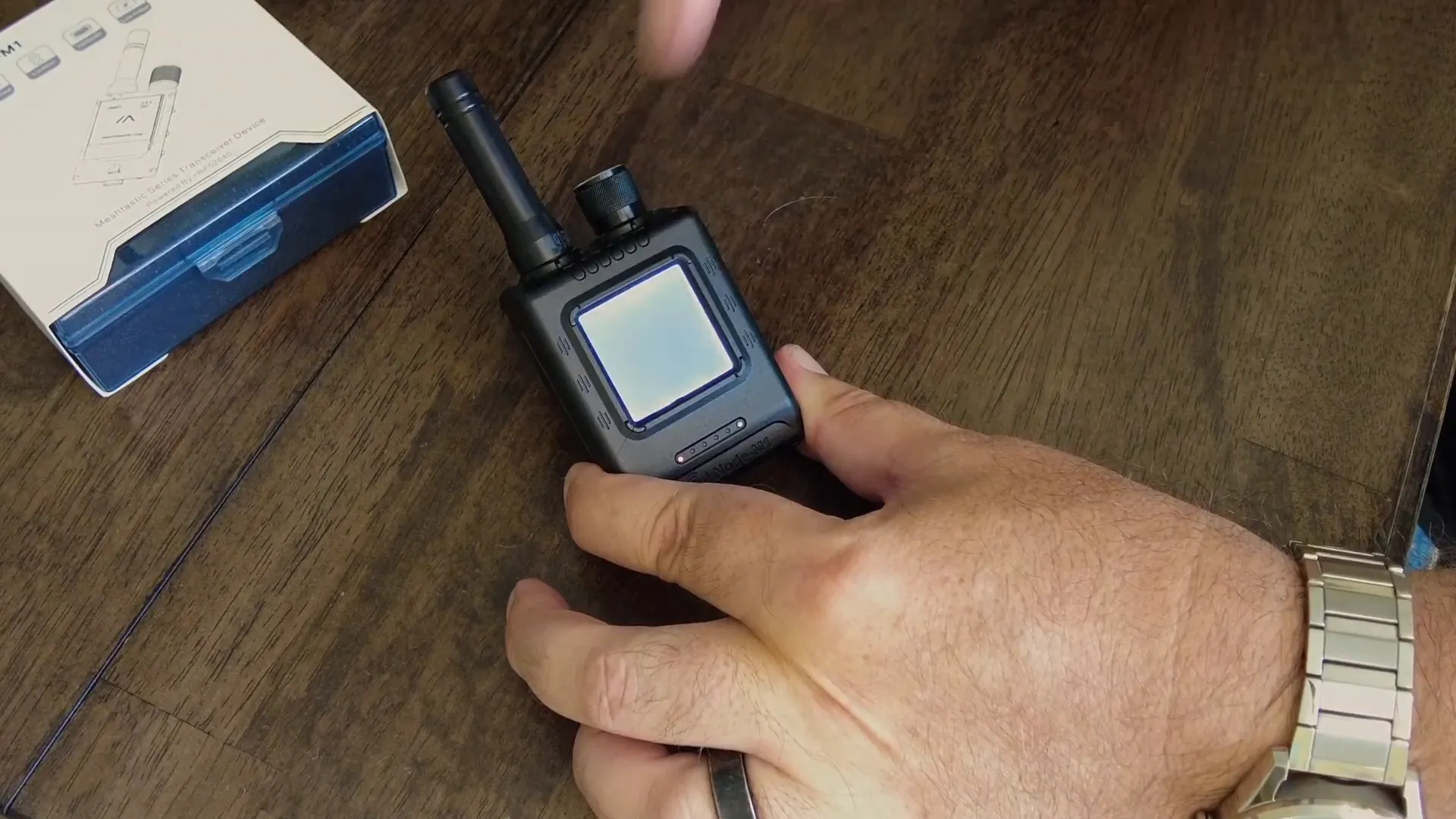
The Elecrow M1 Meshtastic, or ThinkNode M1, comes packaged neatly in a compact case with all the essentials including a USB-C cable for charging. The key highlight of the M1 version is its e-paper display, which sets it apart from many other mesh network nodes on the market. The e-paper screen offers excellent readability even in daylight, and it is backlit with an adjustable rotary dial that controls brightness levels—bright enough to "blind the cat," as I jokingly noted. This makes it very versatile for use outdoors or indoors.
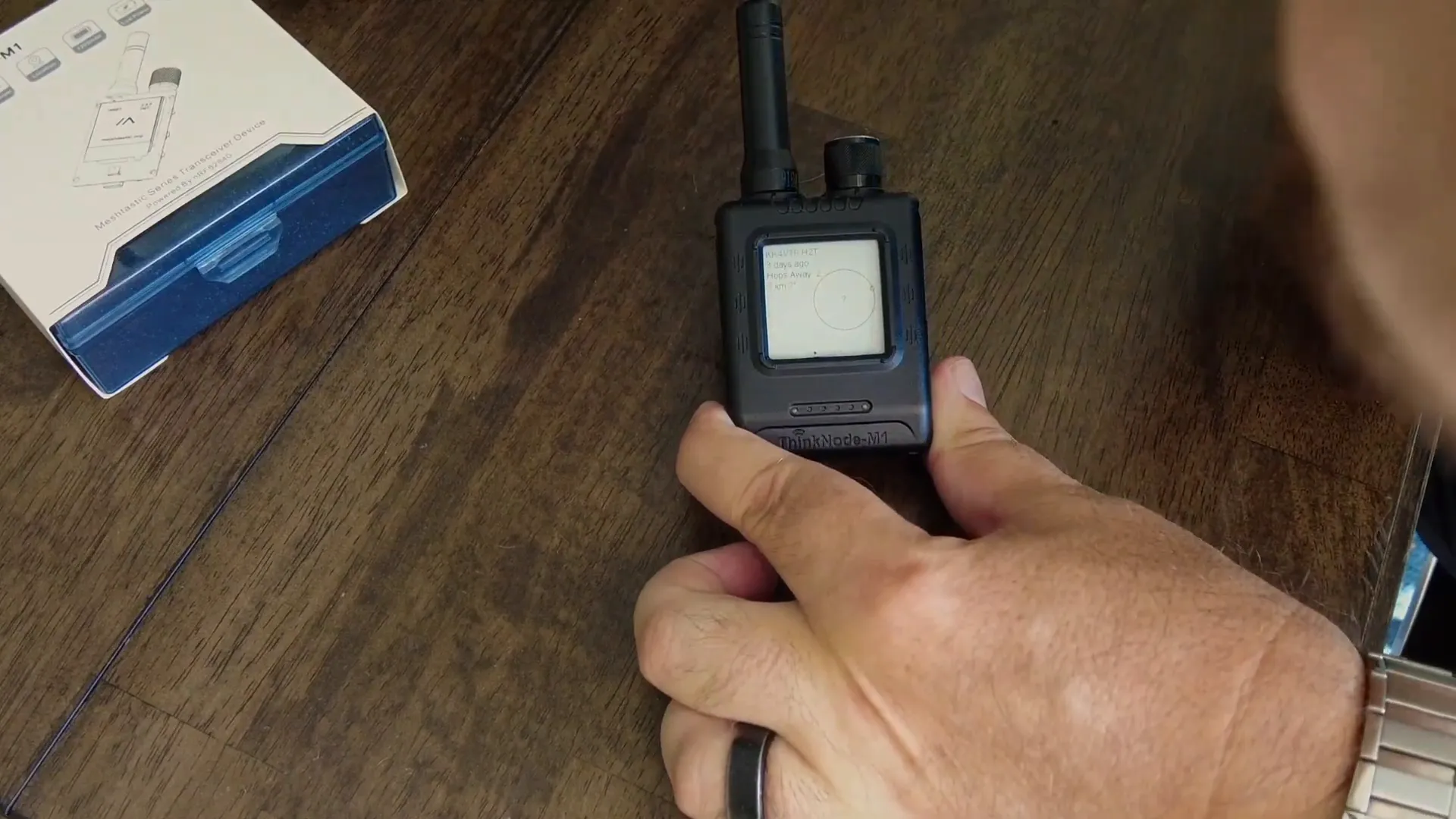
Under the hood, the M1 uses the nRF52840 chip, a low-power and efficient microcontroller, unlike the M2 version that uses an ESP32-S3 chip known to consume more power. The device includes a 2.4 GHz antenna with a unique SMA connector design where the male part is on the radio and the female part is on the antenna, but it performs surprisingly well given its sturdy build.
Physical controls on the device include:
- An ON/OFF switch
- A function button
- A paging button to scroll through screens (though this can be unresponsive when the node is busy)
- A dedicated physical GPS switch, which I found especially useful
On the back, there’s a 2mm mount hole, allowing you to attach the node to other equipment or mounts if needed.
Battery Life and Power Management
Battery life is impressive with the GPS turned off, lasting around four to five days on a single charge. When GPS is active, expect about 24 hours of operation. The USB-C charging port at the bottom makes powering up the device simple and convenient. There’s also a small reset button accessible via a pinhole.
The device fits comfortably in the hand and easily slips into a pocket, making it ideal for on-the-go use during hikes, walks, or other outdoor activities.
GPS Performance and Challenges
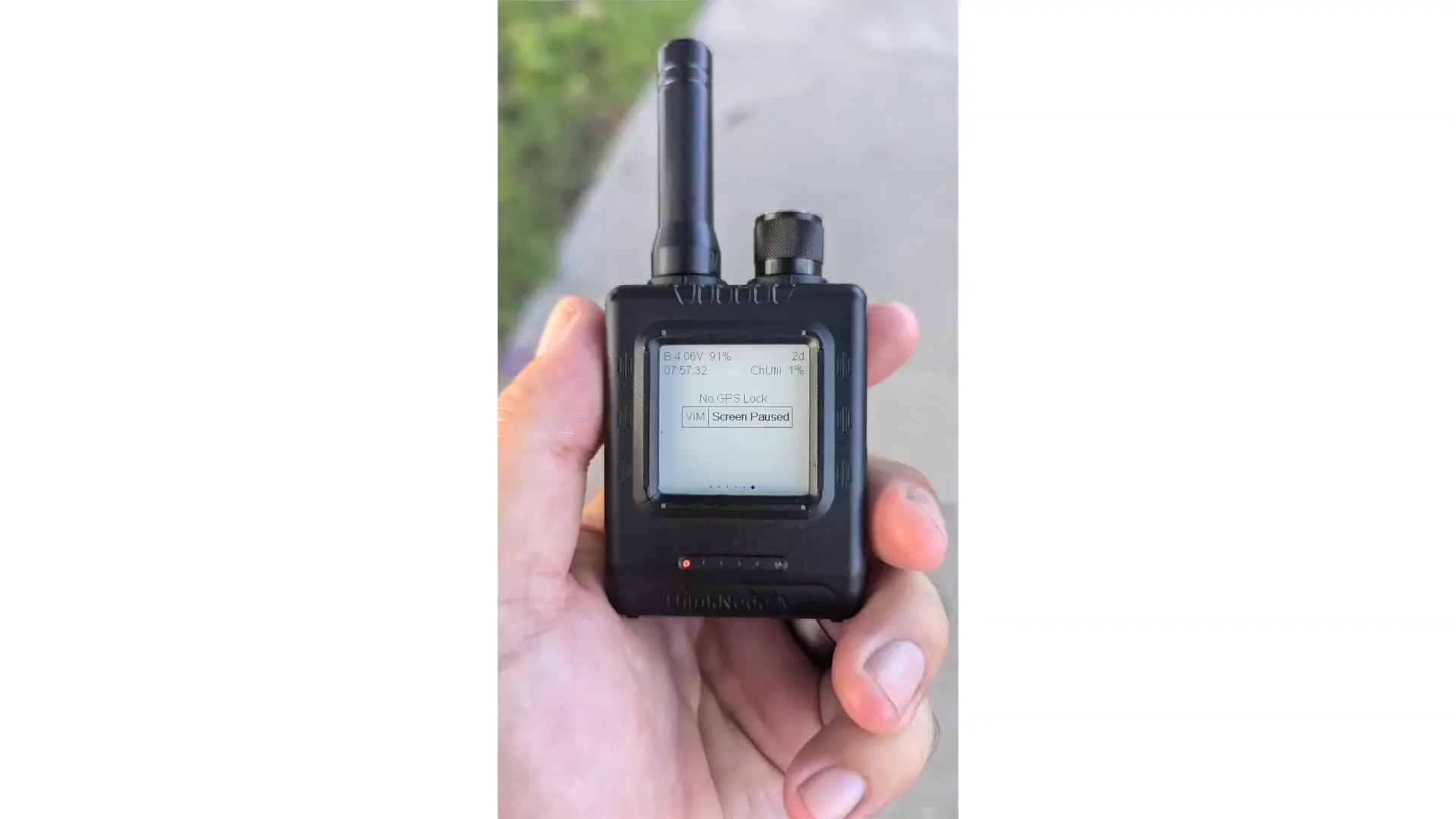
One of the more challenging aspects of the ThinkNode M1 is its GPS functionality. It uses a standard GPS module that requires a solid lock before you can rely on it. I found that if you grab the device and start moving immediately, it struggles to get a GPS fix. The best practice is to place it outside in an open area for 5-10 minutes before heading out. Once locked, the GPS performs reliably and tracks well.
Flipping the GPS switch off and on or rebooting the device helps regain a GPS lock if it’s lost during use.
Interface and User Experience
The e-paper display is a delight to use, especially with the backlight control. Double tapping the top button toggles the backlight on and off, and the rotary dial allows fine-tuning the brightness. However, the paging button to scroll through pages on the screen can be sluggish, especially when the node is busy processing data.
Additional features include an SOS mode activated by triple-clicking the function button, which triggers a beeping sound and flashes an LED—useful for emergencies or alerts.
Connectivity and Mobile App Integration
The ThinkNode M1 integrates seamlessly with the Meshtastic mobile app, just like other nodes in the ecosystem. Once connected, you can see GPS coordinates, signal strength, node metrics, and more from the app interface.
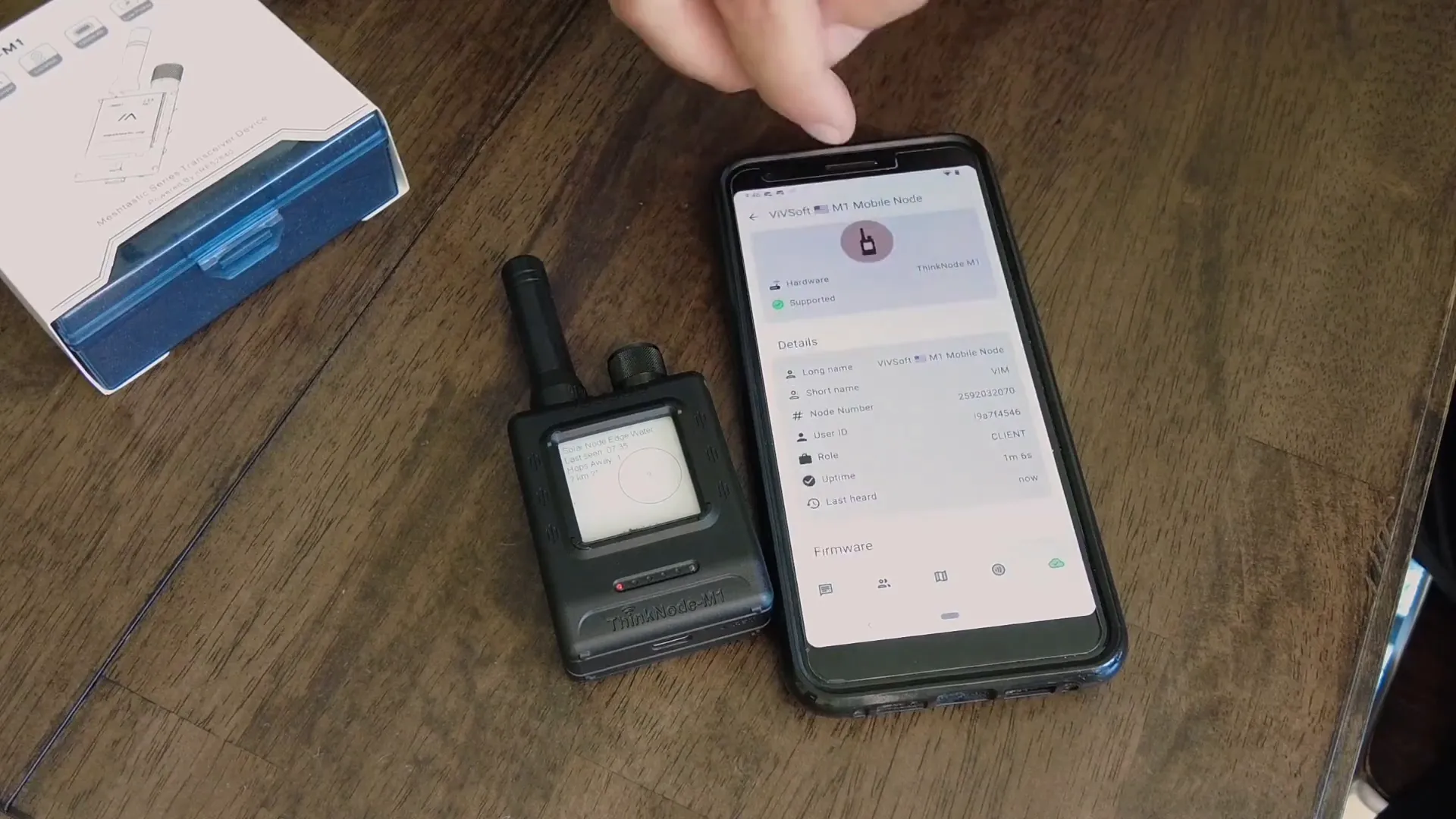
The device comes preloaded with firmware version 2.6.5, but I explored upgrading it to the latest 2.7 release to unlock improved features and performance.
Firmware Upgrade and InkCard Display Support
Upgrading to firmware version 2.7 was straightforward and brought a much-improved user interface with clearer icons and additional information such as uptime, memory usage, and channel utilization. The backlit e-paper display continued to work flawlessly after the update.
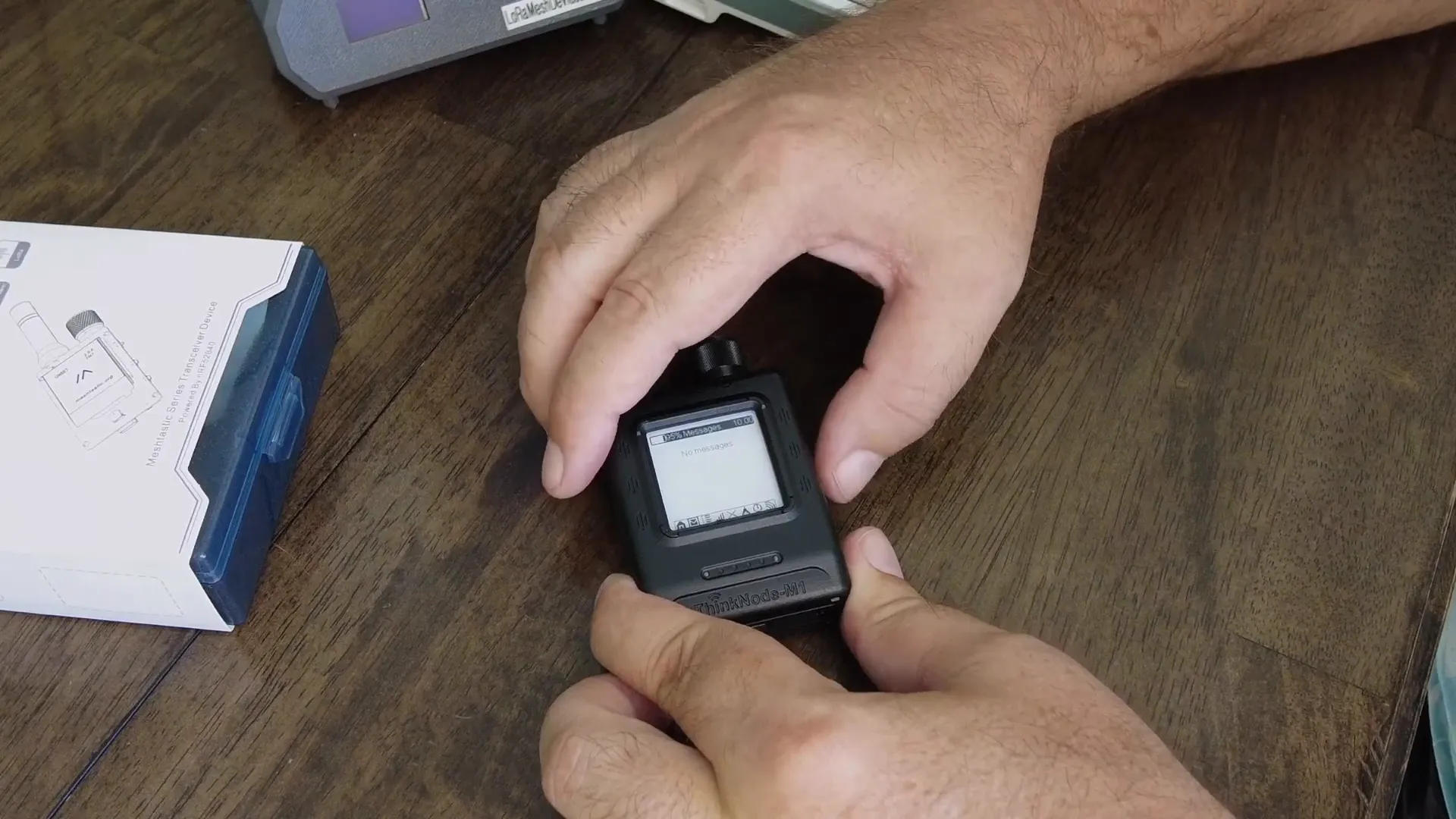
I also experimented with the InkCard variant firmware, designed specifically for e-paper displays. However, this version did not function properly on the M1—buttons were unresponsive and the backlight behaved erratically. It’s possible this is due to configuration issues, so for now, I recommend sticking with the standard 2.7 firmware for the best experience.
Unique Features: Speaker and LED Notifications
The ThinkNode M1 is equipped with a small speaker and LED indicator that enhance its notification capabilities. When the device receives a message, the LED flashes and the speaker plays a customizable ringtone using RTTTL strings configured in the Meshtastic app.
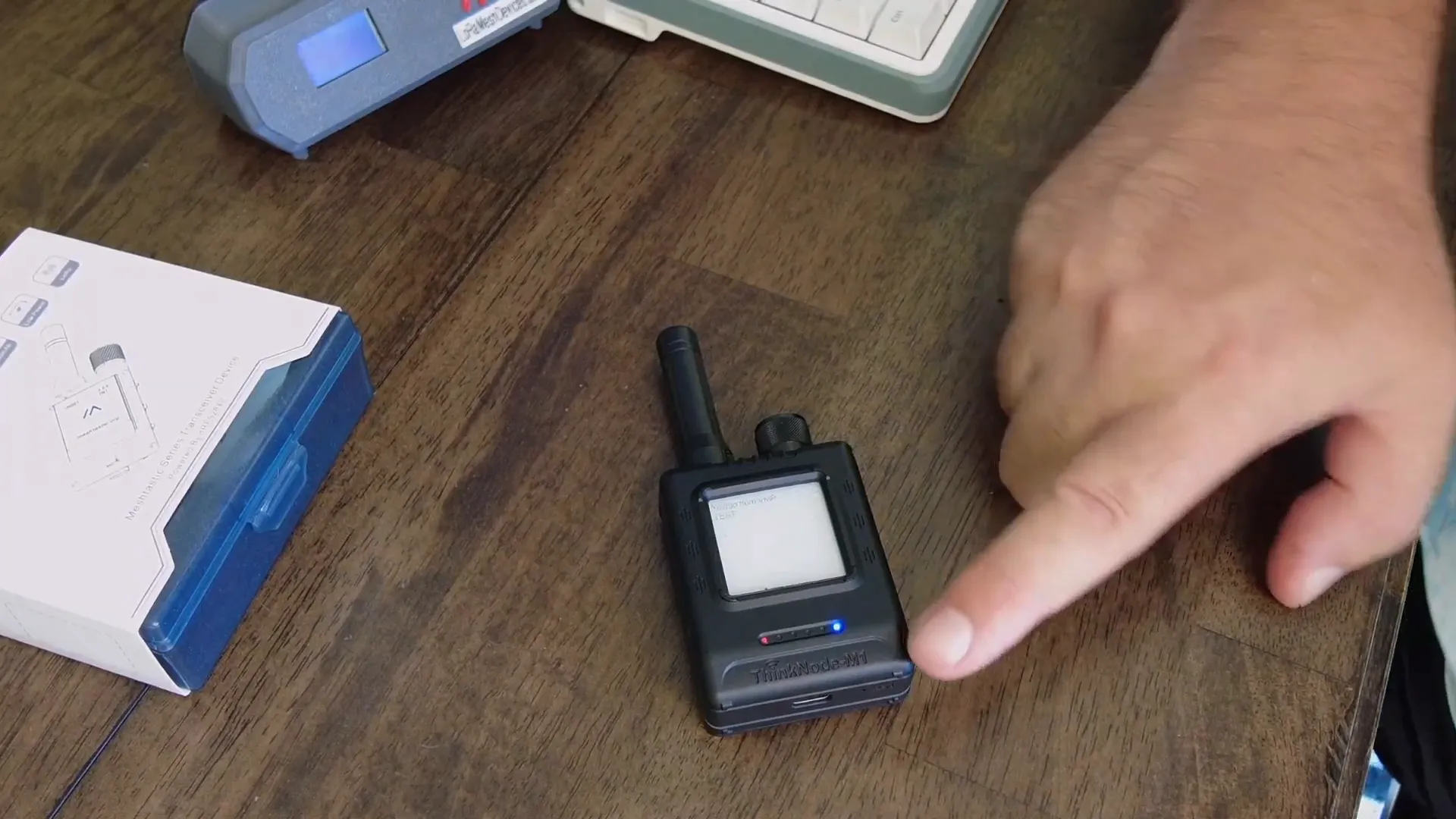
This feature is particularly handy if you leave the node at home or in an office, as it immediately alerts you to incoming messages without needing to check your phone or device display.
Why the Elecrow M1 Meshtastic Stands Out
For the price, the ThinkNode M1 delivers exceptional value. It combines a large, readable e-paper display, solid antenna performance, GPS tracking, physical control switches, and advanced notification features into a compact and durable package.
Compared to other devices like the Haltech v3, the M1’s inclusion of an e-ink display, speaker, and LED makes it a versatile tool for mesh networking enthusiasts, outdoor adventurers, and anyone needing reliable GPS and messaging functionality in a low-power device.
Its battery life, ease of use, and seamless integration with the Meshtastic app make it my daily driver for mesh network communication.
Where to Buy
If you’re interested in adding the Elecrow M1 Meshtastic to your toolkit, it’s available at a reasonable price on Elecrow’s website. I’ve linked it below for your convenience.
Frequently Asked Questions
How long does the battery last on the ThinkNode M1?
With GPS turned off, the battery can last around 4-5 days. When GPS is active, expect roughly 24 hours of use per charge.
Does the e-paper display work well in bright sunlight?
Yes, the e-paper display is highly readable in daylight and has an adjustable backlight for darker environments.
Is the GPS reliable?
The GPS requires you to get a lock before use, which can take 5-10 minutes outdoors. Once locked, it performs well for tracking and navigation.
Can I upgrade the firmware on the ThinkNode M1?
Yes, the device supports firmware upgrades. The latest stable version 2.7 improves UI and features, but the InkCard firmware variant may have compatibility issues with the M1’s display.
What makes the ThinkNode M1 better than the M2?
The M1 features a larger e-paper display and uses a low-power nRF52840 chip, whereas the M2 uses a smaller display and a more power-hungry ESP32-S3 chip.
Does the device have any unique notification features?
Yes, it includes a speaker and LED that alert you to incoming messages with customizable ringtones and flashing lights.
Overall, the Elecrow M1 Meshtastic is a robust and feature-packed device that is perfect for anyone looking to enhance their mesh network experience with a reliable, visually clear, and easy-to-use node.