
Enhancing Your Meshtastic Node with Air Quality Tracking
Published by Vivian van Zyl in Meshtastic the 01/05/2025 at 09:17 pm

In today's tech-driven world, monitoring our environment is more crucial than ever. This blog dives into upgrading a Meshtastic node by integrating a BME680 sensor, an environmental monitor capable of measuring temperature, humidity, atmospheric pressure, and indoor air quality (IAQ). Whether you're an IoT enthusiast or just curious about air quality, this guide will walk you through the process, showcasing the benefits of incorporating this sensor into your home setup.
Table of Contents
- What is a Meshtastic Node?
- Introducing the BME680 Sensor
- Preparing Your Setup
- Connecting the BME680 Sensor
- Monitoring Air Quality
- Utilizing the Meshtastic App
- Conducting Real-Time Tests
- The Importance of Air Quality Monitoring
- Conclusion
- Frequently Asked Questions (FAQ)
What is a Meshtastic Node?
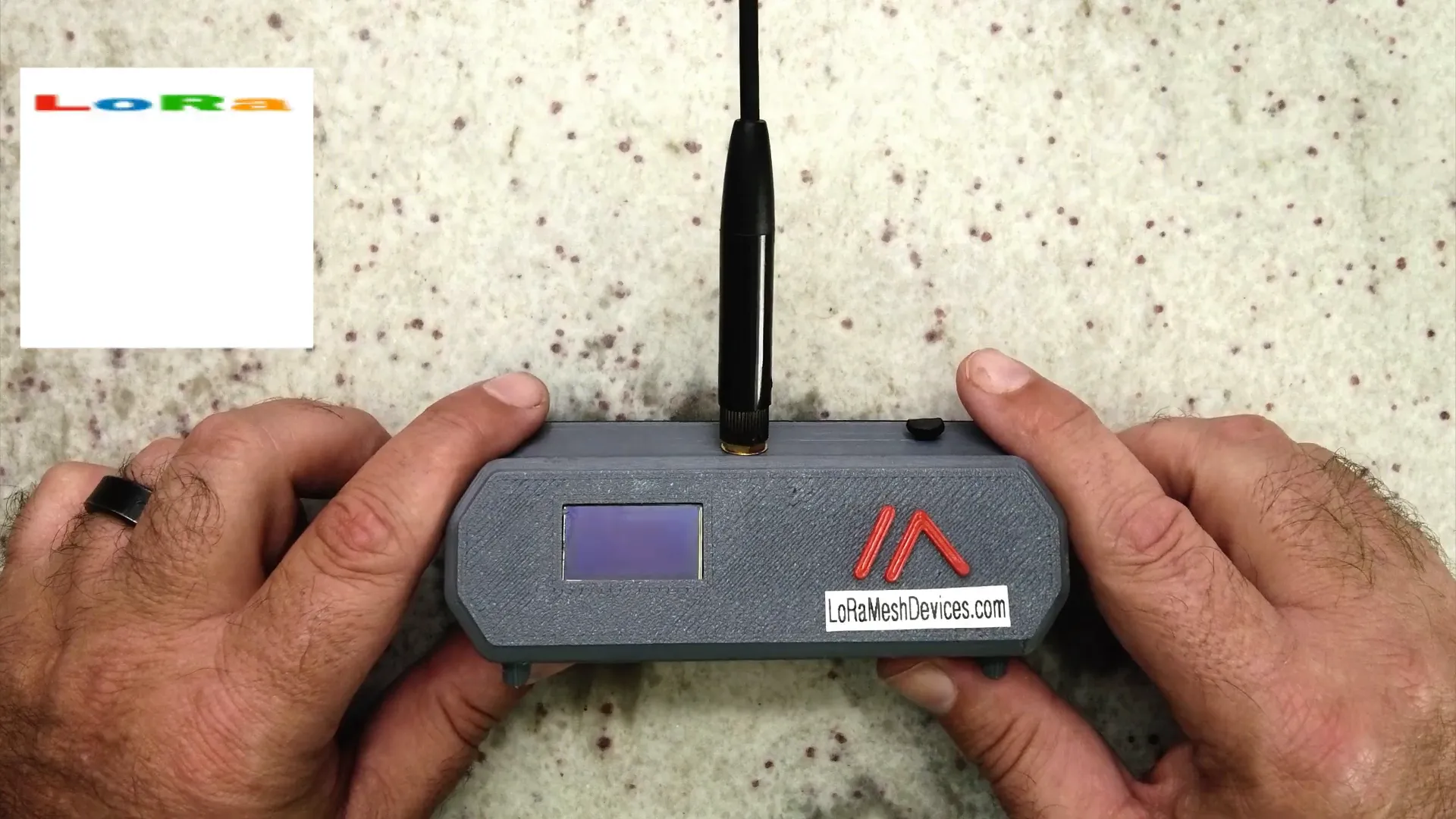
The Meshtastic node is a compact communication device designed for decentralized, off-grid communication using LoRa technology. This device allows users to send messages over long distances without relying on traditional cellular networks. Equipped with a simple LCD screen and a button, it serves as a practical tool for various applications, including environmental monitoring.
Introducing the BME680 Sensor
The BME680 sensor is a powerful tool for environmental monitoring. It not only measures temperature and humidity but also includes features for assessing air quality. This makes it a significant upgrade over the previous BME280 model, which lacks the air quality measurement capability. The BME680 provides insights into the air quality around us, making it ideal for indoor environments where air quality can fluctuate significantly.
Key Features of the BME680 Sensor
- Temperature Measurement: Accurate temperature readings to help monitor indoor climate.
- Humidity Measurement: Essential for understanding moisture levels in the air.
- Pressure Measurement: Atmospheric pressure readings can indicate weather changes.
- Air Quality Measurement: Monitors indoor air quality, which can affect health and comfort.
Preparing Your Setup
Before diving into the installation process, ensure you have the necessary components ready. You will need:
- A Meshtastic node (mini version from Seed Studios).
- A BME680 sensor module.
- Soldering tools for connections.
- Access to the I2C bus on the Meshtastic node.
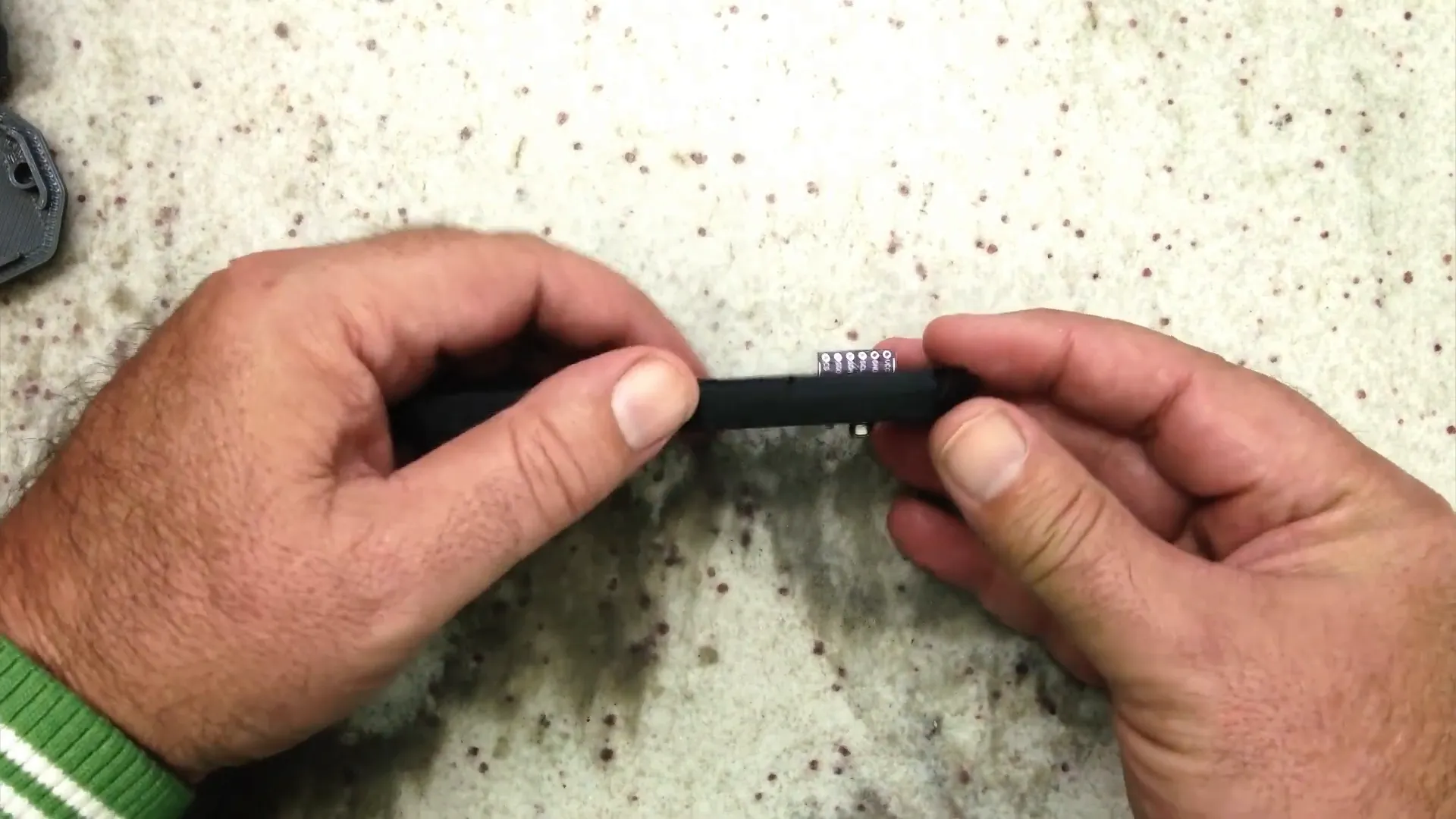
To start, you will need to create a small hole in the node’s casing to allow the BME680 sensor to protrude. This placement is crucial as it ensures that the sensor measures the outside air quality rather than the air inside the enclosure, which can be affected by the heat generated by the node's components.
Connecting the BME680 Sensor
After preparing the physical placement of the sensor, the next step is to connect it to the I2C bus of the Meshtastic node. This involves soldering the sensor to the appropriate pins, ensuring a secure connection for reliable data transmission.
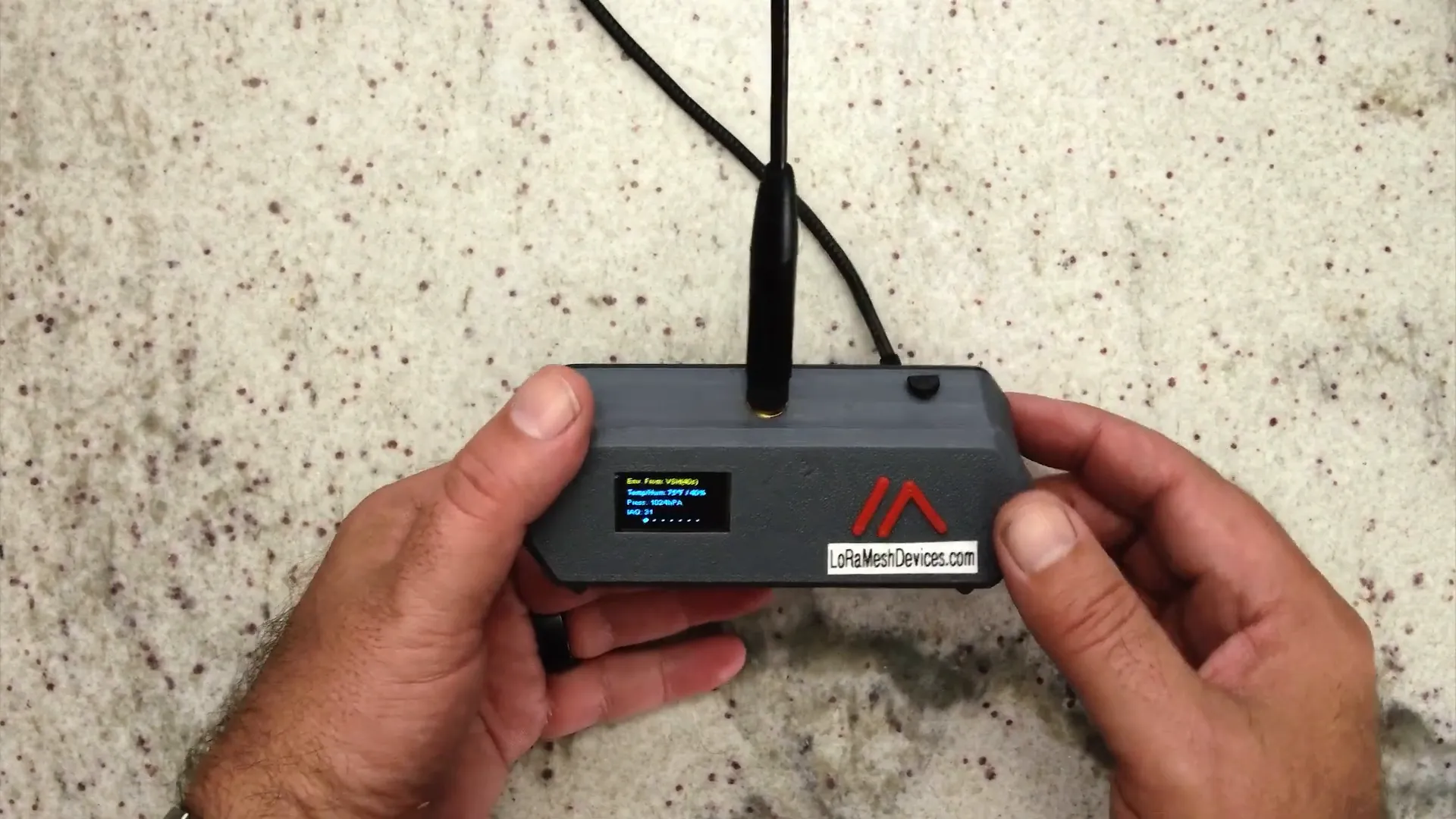
Once the sensor is connected, it’s time to power on the node and check the readings. The sensor will take a moment to stabilize and provide accurate readings. Initially, you might see values like temperature, humidity, atmospheric pressure, and IAQ displayed on the node's screen.
Monitoring Air Quality
With the BME680 sensor successfully integrated, you can now monitor air quality in real-time. The IAQ metric provides valuable insights into the indoor air quality, which is particularly useful for ensuring a healthy living environment.
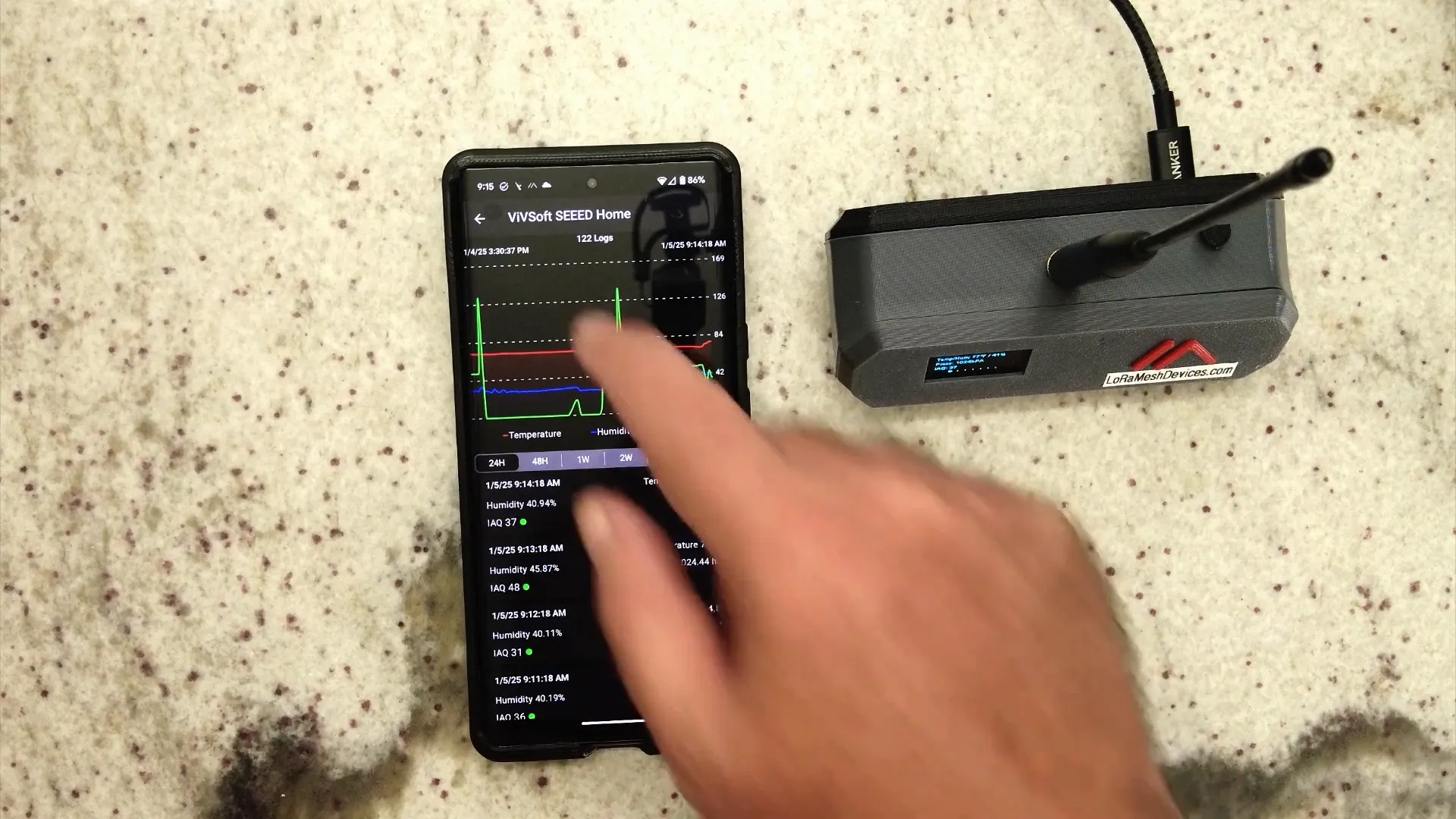
As the readings stabilize, you may see fluctuations in the IAQ. For example, when the sensor is exposed to smoke or other pollutants, the IAQ reading will spike, indicating a drop in air quality. This functionality is especially beneficial for monitoring environments where air quality could be compromised.
Utilizing the Meshtastic App
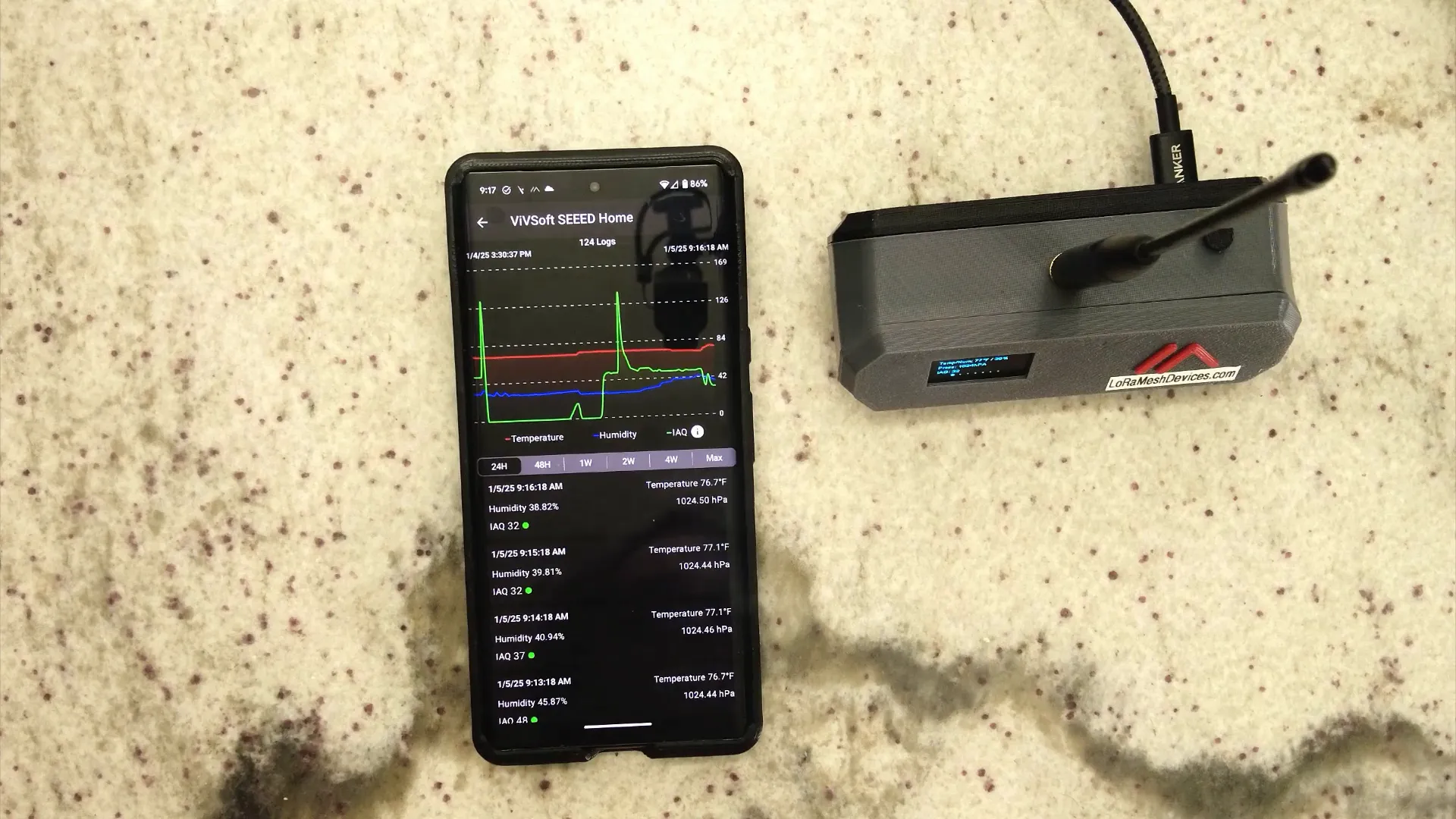
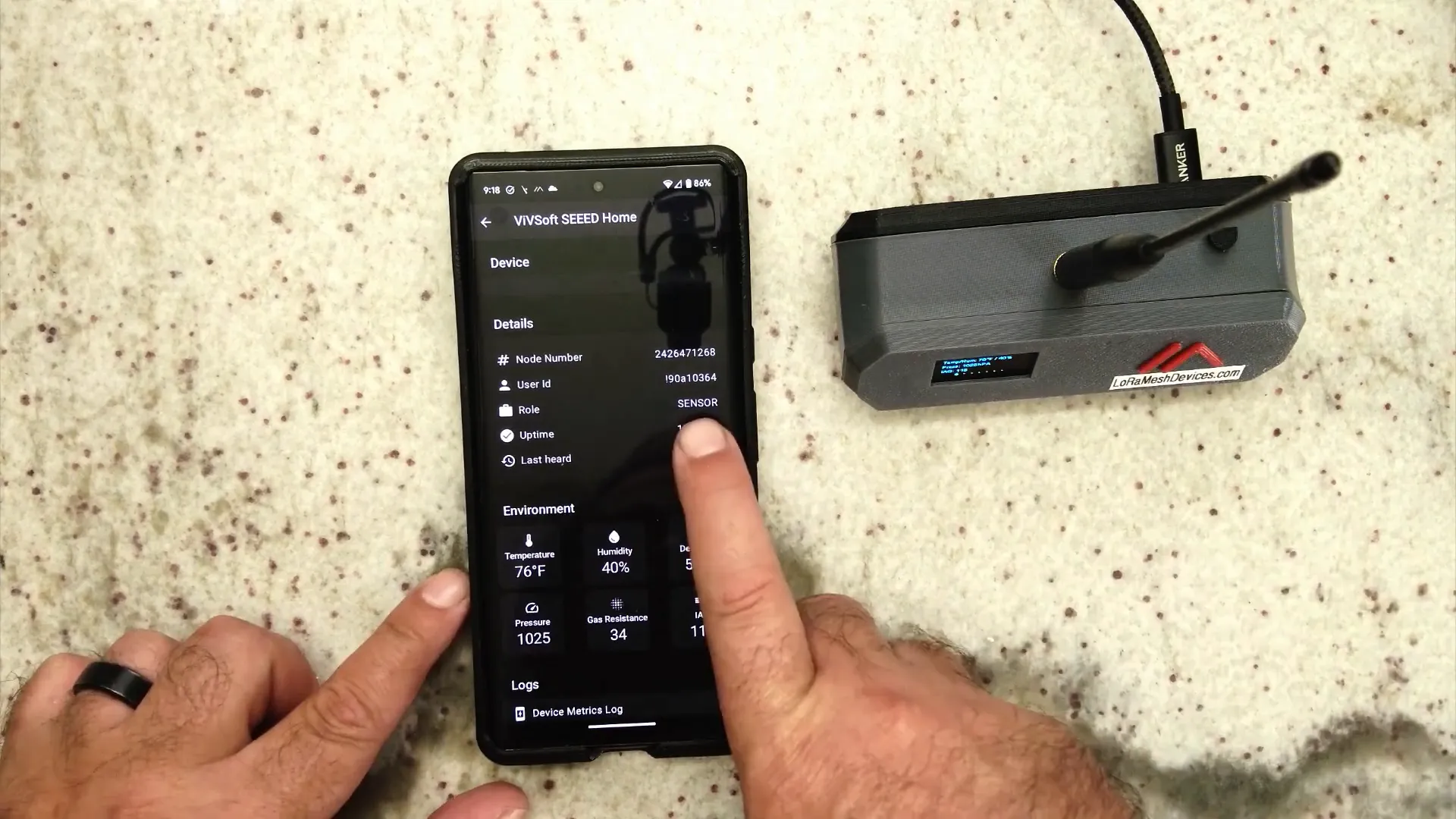
The Meshtastic app enhances the experience by allowing users to view detailed sensor readings and configure telemetry settings. When connected via USB, the app refreshes the data every sixty seconds, providing real-time updates on air quality, temperature, and humidity.
The app's interface is user-friendly, displaying graphs that visualize changes in humidity, air quality, and temperature over time. This feature is crucial for tracking patterns and making informed decisions about air quality management in your home.
Configuring Telemetry Settings
In the app, users can configure how often the sensor data is published to the mesh network. For instance, you can set the environment to update every 600 seconds, ensuring that you receive timely air quality updates. This setup prioritizes sensor data transmission to improve the efficiency of the network.
Conducting Real-Time Tests
To demonstrate the sensor's effectiveness, a simple test can be conducted using smoke. Blowing smoke near the sensor will illustrate its responsiveness. You'll notice the IAQ reading jump significantly, providing immediate feedback on how changes in the environment affect air quality. This capability is not only fascinating but also serves a practical purpose in monitoring indoor air pollution.
After the smoke is removed, the IAQ value will gradually decrease, showcasing how quickly the sensor can adapt to changes in air quality. This feature is vital for real-time monitoring, allowing homeowners to react swiftly to deteriorating air conditions.
The Importance of Air Quality Monitoring
With air quality having a direct impact on health, integrating a sensor like the BME680 into your Meshtastic node is a step towards creating a healthier living space. Poor indoor air quality can lead to various health issues, including respiratory problems and allergies. By monitoring air quality, you can take proactive measures to improve your environment.
This upgrade not only enhances your Meshtastic setup but also empowers you with knowledge about your living conditions. Whether it's adjusting ventilation, using air purifiers, or simply being aware of potential pollutants, having this information at your fingertips is invaluable.
Conclusion
Upgrading your Meshtastic node with a BME680 sensor is a rewarding project that enhances your ability to monitor and respond to air quality in your home. With real-time data, configurable settings, and an easy-to-use app, you can ensure that your indoor environment remains safe and healthy.
For those interested in acquiring the BME680 sensor for your own projects, check out the Teyleten Robot BME680 Digital Temperature Humidity Pressure Sensor available at lorameshdevices.com.
Frequently Asked Questions (FAQ)
What is the BME680 sensor used for?
The BME680 sensor measures temperature, humidity, atmospheric pressure, and indoor air quality (IAQ), making it useful for monitoring environmental conditions.
How does the Meshtastic node work?
The Meshtastic node uses LoRa technology to create a decentralized communication network, allowing users to send messages and telemetry data over long distances.
Can I use the BME680 sensor for outdoor monitoring?
While the sensor can be used outdoors, it's essential to ensure it is protected from direct exposure to elements like rain or extreme temperatures.
How often does the sensor update its readings?
Depending on the configuration, the sensor can update its readings every 600 seconds or as frequently as every 60 seconds when connected to a smartphone via USB.
Where can I find more information about LoRa mesh devices?
For more details on affordable, long-range solutions, visit LoRa Mesh Devices.