
How to Flash InkHUD on Heltec E-Paper Display with Meshtastic
Published by Vivian van Zyl in Meshtastic the 05/07/2025 at 07:21 pm

In the exciting world of IoT and low-power wireless communication, Meshtastic has emerged as a versatile platform for creating mesh networks using LoRa technology. One of the standout innovations in this space is the use of e-ink displays, which combine readability with ultra-low power consumption. In this comprehensive guide, I’ll walk you through how to flash the InkHUD firmware onto a Heltec E-Paper Display, transforming it into a powerful heads-up display (HUD) tailored for Meshtastic nodes. This article will cover the entire process—from hardware overview to customization tips—so you can harness the full potential of your Heltec device.
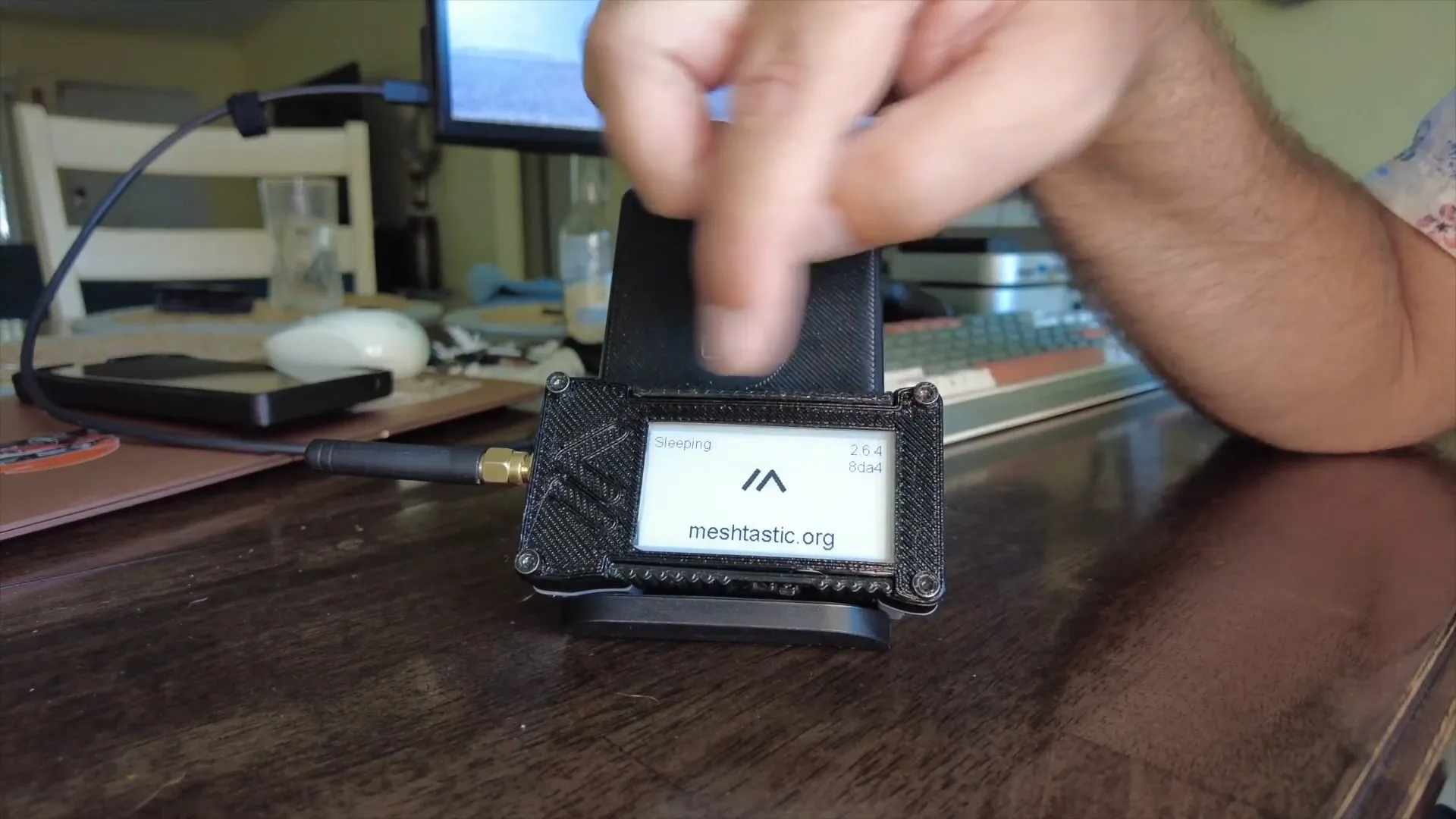
Table of Contents
- Understanding the Heltec E-Paper Display and Meshtastic
- Flashing the InkHUD Firmware: Step-by-Step
- First Boot and Initial Setup
- Exploring InkHUD Features and Interface
- Sending Messages and Node Interaction
- Powering Down and Maintenance
- Why Choose InkHUD for Your Meshtastic Node?
- Frequently Asked Questions (FAQ)
- Final Thoughts
Understanding the Heltec E-Paper Display and Meshtastic
E-ink displays are known for their incredibly low power draw and excellent readability—even in direct sunlight. Unlike traditional LCD or OLED screens, e-ink screens refresh slowly but maintain an image without continuous power, making them ideal for battery-powered IoT devices.
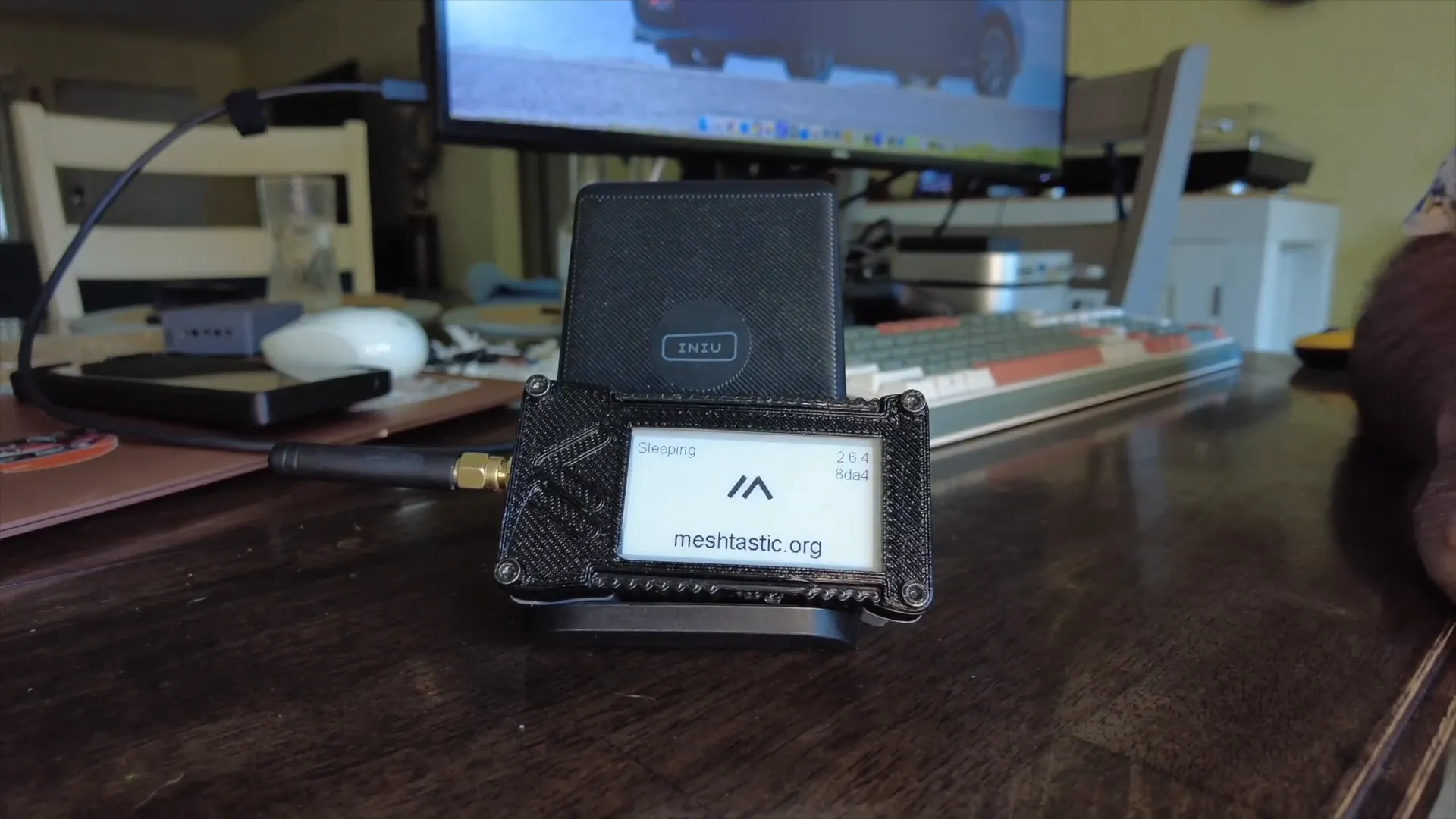
The Heltec Wireless Paper device incorporates a 2.13-inch e-ink display housed in a compact mobile case. While this setup might not be the perfect use case for every project, the display size is one of its strongest features. Compared to the smaller Heltec V3 display, the Wireless Paper’s e-ink screen is significantly larger, delivering enhanced readability and usability.
Meshtastic firmware runs on these devices, enabling them to communicate over long distances using LoRa radios. The standard Meshtastic UI works well across different Heltec devices, but the InkHUD firmware offers a next-level interface optimized for the e-ink display’s unique capabilities.
Flashing the InkHUD Firmware: Step-by-Step
The first step in upgrading your Heltec Wireless Paper to the InkHUD experience is flashing the specialized firmware. Here’s how to do it:
- Connect your Heltec device to your computer via USB.
- Open your browser and navigate to the official Meshtastic flasher tool at flasher.meshtastic.org.
- From the list of supported devices, select Wireless Paper (Heltec Wireless Paper).
- Choose the beta release version 2.64, which includes the InkHUD firmware.
- Enable the Install InkHUD option to ensure the specialized UI is installed.
- Click Flash and follow the prompts to select your device and begin flashing.
After a few moments, the new InkHUD firmware will be installed on your device. Once complete, your Heltec E-Paper will boot up with the new heads-up display interface.
First Boot and Initial Setup
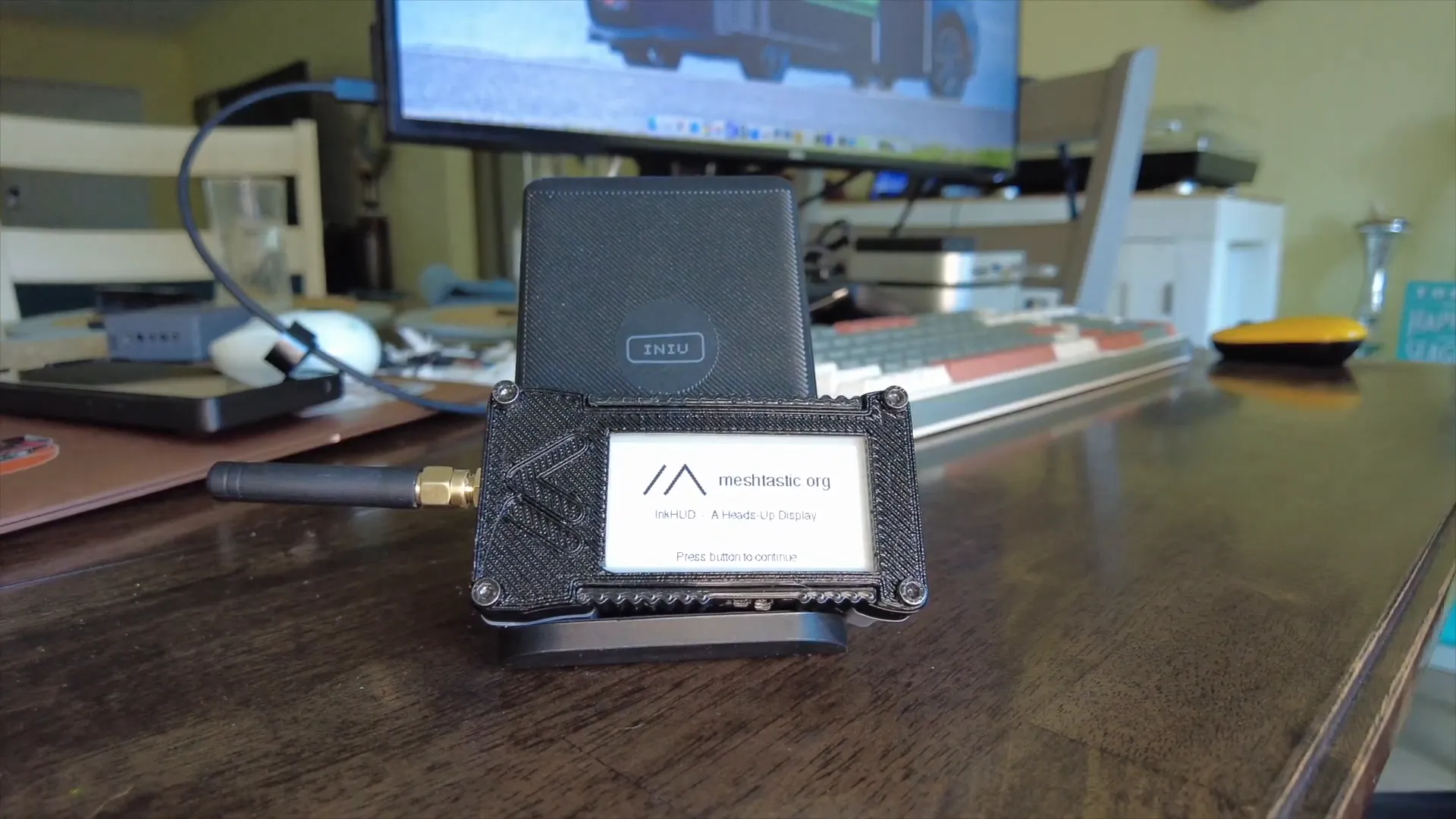
Once the InkHUD firmware is loaded, the device will display a welcome screen with setup tips such as connecting the antenna and general shutdown instructions. This UI is designed specifically for the e-ink display, offering an intuitive and clean layout that maximizes the screen’s readability.
Before you can fully use your upgraded Heltec node, you need to pair it with the Meshtastic mobile app. Here’s a quick rundown of the pairing process:
- Open the Meshtastic app on your smartphone.
- Power on your Heltec device. It will display a Bluetooth PIN code.
- Enter the code into the app to pair your phone with the device.
- Set the device’s region (e.g., United States) in the app settings.
- Confirm and apply the settings; the device will reboot to finalize configuration.
Once rebooted, your Heltec Wireless Paper will be running InkHUD v2.64, ready to discover other Meshtastic nodes and relay messages.
Exploring InkHUD Features and Interface
The InkHUD interface distinguishes itself from the standard Meshtastic UI by providing real-time status updates and a highly readable layout optimized for the e-ink screen. Here are some of the key features and insights:
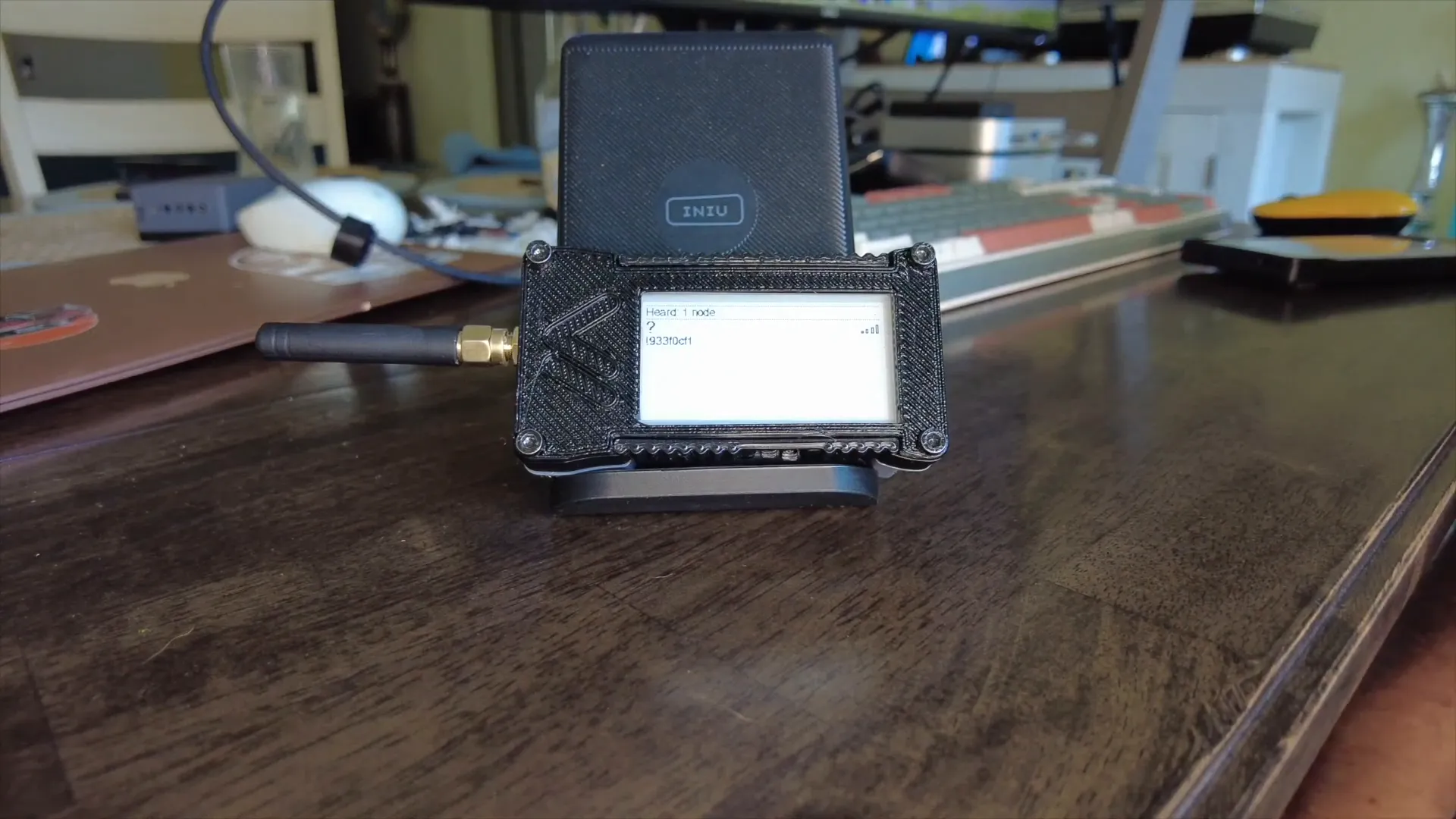
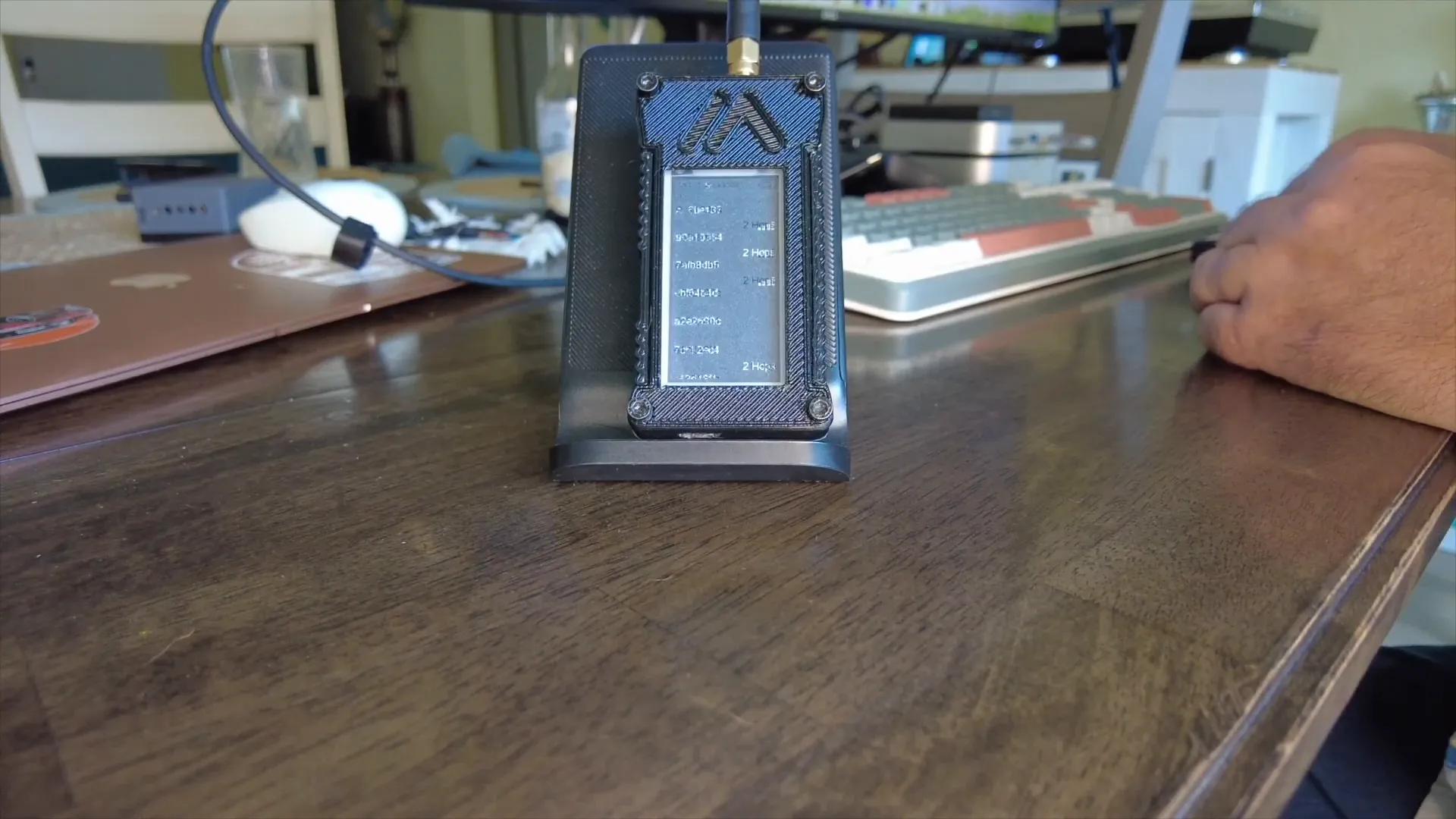
- Node Discovery: The display shows the number of nodes detected, signal strength, and proximity. As the device hears packets from other Meshtastic nodes, it updates the list dynamically.
- Battery and Time: The current time and battery voltage are prominently displayed, helping users monitor device health at a glance.
- Channel and Duty Cycle Utilization: You can view how much of the radio channel is being used and the duty cycle, which is essential for regulatory compliance and network efficiency.
- Message Display: Incoming messages are shown clearly, including the sender node’s ID and message content.
- Map Visualization: While still in early development, the InkHUD attempts to show the relative positions of nodes in proximity, offering a spatial understanding of the mesh network.
Customizing Your InkHUD Experience
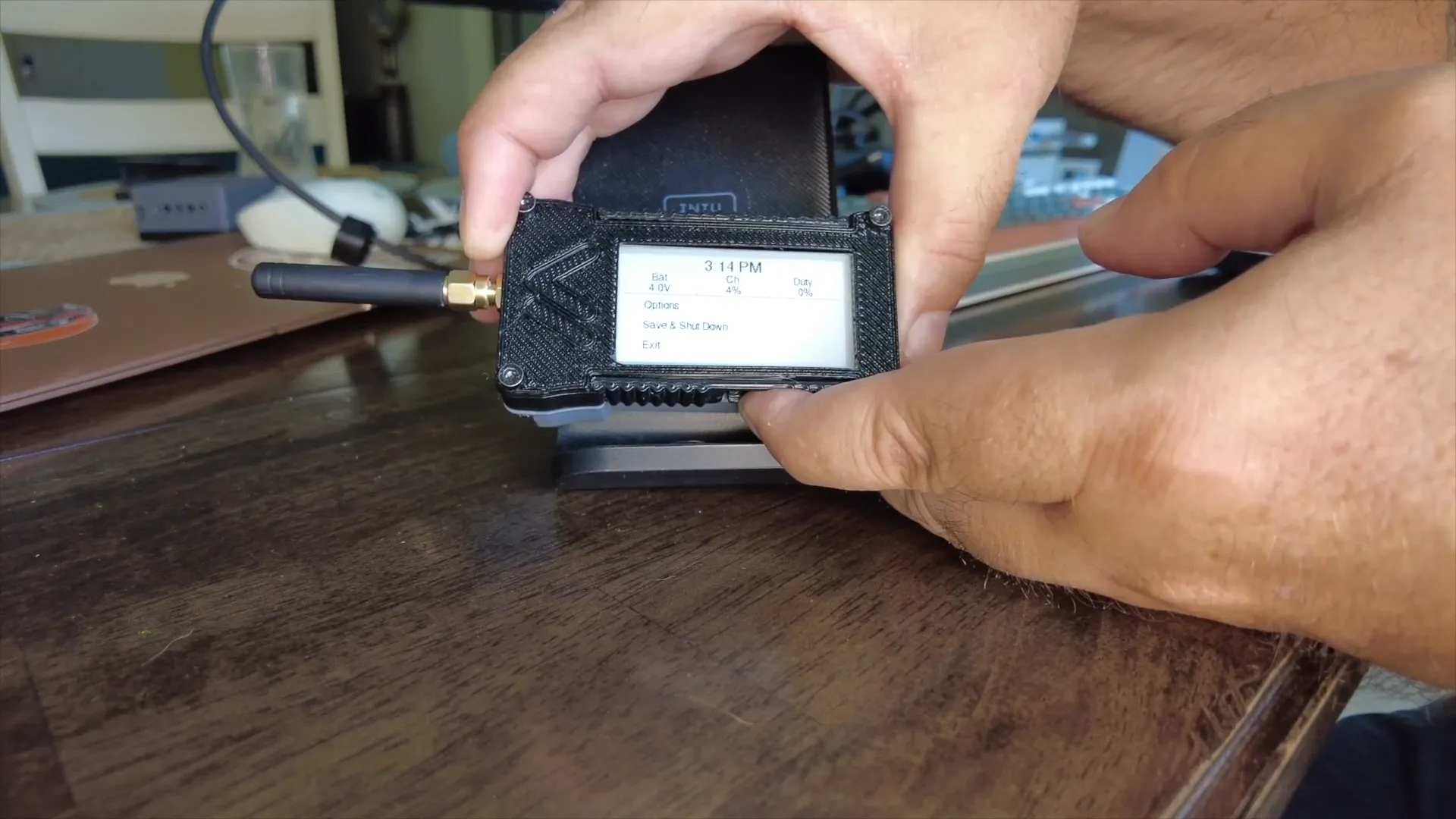
Customization is straightforward via the device’s button interface. Long-pressing the button opens a menu where you can adjust various settings:
- Applets: Toggle small utility apps or features on and off.
- Auto Show: Enable or disable automatic display of certain information.
- Recent Duration: Control how long recent messages or data remain visible.
- Layout: Choose between different UI layouts to suit your preference or screen orientation.
- Rotation: One of my favorite features is the ability to rotate the display orientation. This is especially useful for mounting the device in various positions.
- Notifications: Manage how and when notifications appear on the display.
For example, rotating the display is as simple as long-pressing the button multiple times to cycle through orientations until you find the one that fits your setup best.
Sending Messages and Node Interaction
InkHUD supports sending and receiving messages seamlessly. When you send a message, it appears on the screen with the sender’s node ID and message content. The display refreshes slowly due to e-ink technology but remains highly readable and effective.
Messages update the node list and map proximity visualization, giving instant feedback on network activity. This functionality is essential for field communication where low power consumption and clear data presentation are critical.
Powering Down and Maintenance
Properly shutting down your Heltec Wireless Paper running InkHUD is important to preserve battery life and ensure data integrity. The shutdown process includes:
- Press the button to enter the menu.
- Scroll down to the Save and Shutdown option.
- Long press the button to confirm shutdown.
The display will then show the node number and Meshtastic logo as it powers down.
Why Choose InkHUD for Your Meshtastic Node?
InkHUD is a specialized UI designed to leverage the unique capabilities of e-ink displays like the Heltec Wireless Paper. Here’s why I think it’s a game-changer:
- Low Power Consumption: E-ink displays consume minimal power, making your Meshtastic node last longer in the field.
- Excellent Readability: The screen is easy to read even in bright sunlight, unlike traditional LCDs.
- Custom UI Tailored for IoT: The InkHUD interface prioritizes essential mesh network information and usability, optimized for a small display.
- Flexibility: You can customize layouts, orientation, and notifications to suit your project’s needs.
Whether you’re building a remote sensor node, a messaging device, or an outdoor communication tool, InkHUD on Heltec E-Paper provides a robust, energy-efficient solution.
Frequently Asked Questions (FAQ)
What is Meshtastic and how does InkHUD relate to it?
Meshtastic is an open-source mesh networking platform that uses LoRa radios for long-range, low-power communication. InkHUD is a specialized firmware UI designed for Meshtastic devices with e-ink displays, enhancing usability and power efficiency.
Can I use InkHUD on other Heltec devices?
InkHUD is specifically optimized for the Heltec Wireless Paper e-ink device. While the standard Meshtastic UI works on other Heltec devices like the V3, InkHUD’s unique features and display driver are tailored for e-ink screens.
Is flashing InkHUD firmware safe for my device?
Yes, flashing InkHUD firmware via the official Meshtastic flasher tool is safe when following the proper steps. Always ensure you select the correct device and firmware version to avoid bricking your hardware.
How do I update InkHUD firmware in the future?
You can update InkHUD firmware using the same Meshtastic flasher site. Simply connect your device, select the latest InkHUD release, and flash as you did initially.
Where can I buy the Heltec Wireless Paper device?
You can purchase the Heltec Wireless Paper E-Ink display from authorized resellers such as LoRaMeshDevices.
Final Thoughts
Flashing InkHUD on your Heltec Wireless Paper E-Paper display opens up new possibilities for low-power, readable, and customizable mesh networking devices. The blend of Meshtastic’s robust communication protocol with the unique advantages of e-ink displays creates an ideal platform for IoT enthusiasts and developers.
From flashing the firmware to pairing with the Meshtastic app and customizing the UI, this journey is straightforward and rewarding. The InkHUD interface not only looks great but delivers practical features like battery monitoring, node discovery, and message handling in a clean, efficient manner.
If you’re interested in building energy-efficient mesh nodes that perform well in all lighting conditions, the Heltec Wireless Paper combined with InkHUD firmware is definitely worth exploring. I encourage you to try it yourself and experience the difference firsthand.
Happy meshing!