
MeshSense: Your Ultimate Companion Tool for Meshtastic Networks
Published by Vivian van Zyl in Meshtastic the 01/23/2025 at 11:14 pm

In the ever-evolving world of technology, having the right tools can make all the difference. Today, we're diving into an exciting piece of software called MeshSense, developed by Affirmatech. This tool is designed specifically for Meshtastic enthusiasts, offering a range of features that enhance your network experience. Let's explore what makes MeshSense a must-have for anyone involved with Meshtastic devices.
Table of Contents
- What is MeshSense?
- Connecting to Nodes
- Telemetry and Logging
- Node Filtering and Inactive Nodes
- Global Mapping Feature
- Setting Up a Node
- Conclusion: Why You Should Try MeshSense
- Frequently Asked Questions
What is MeshSense?
MeshSense is a powerful software application that provides real-time visualization of your Meshtastic network. Whether you’re monitoring active nodes or analyzing telemetry data, this tool has got you covered. Connecting to your nodes is seamless, allowing you to view connections, battery levels, environmental stats, and much more. It’s a user-friendly solution that integrates perfectly with your existing setup.
Connecting to Nodes
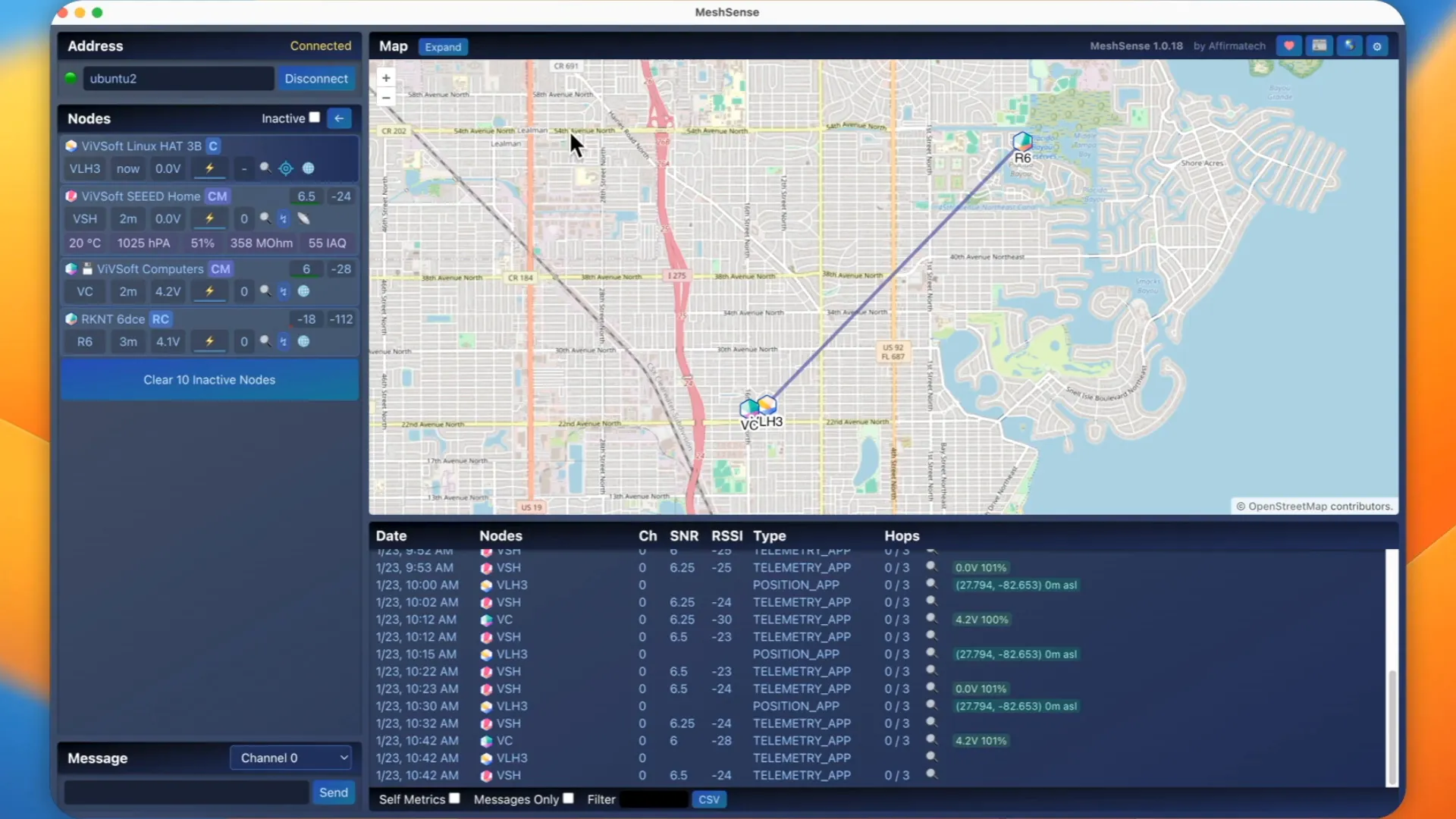
One of the standout features of MeshSense is its ability to connect to various nodes effortlessly. For instance, when I connected my Raspberry Pi node, I could see its IP address and the status of all other visible nodes. The software even allows you to set a threshold for how long a node can be inactive before being flagged. This feature is particularly useful for managing multiple nodes in a larger network.
As I explored the interface, I noticed how it displayed the nodes I was connected to. From my desk setup to other devices scattered around the area, the software effectively visualized my connections. You can even zoom in and out to see the geographical locations of these nodes, making network management intuitive and straightforward.
Telemetry and Logging
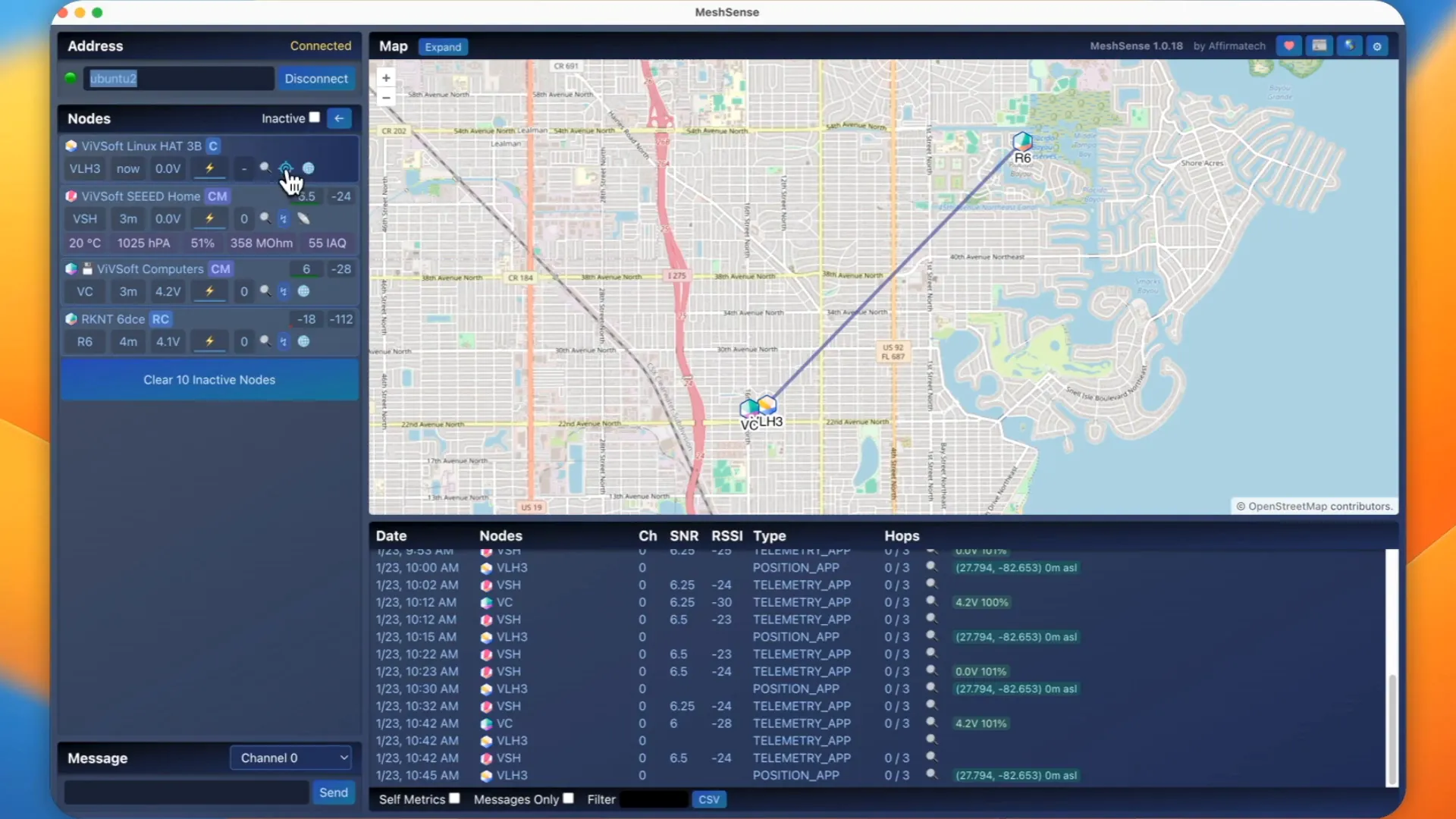
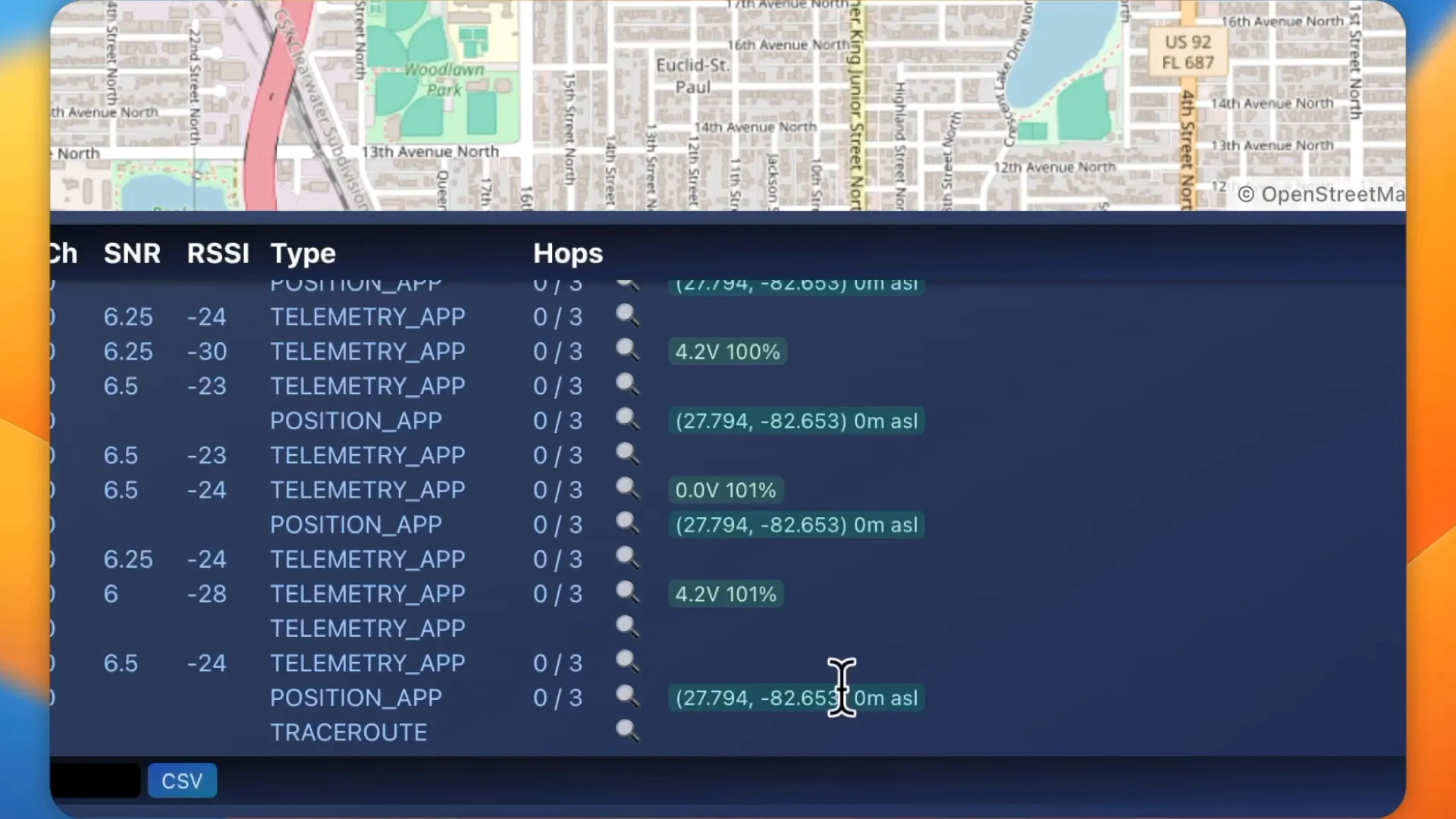
Telemetry data is crucial for understanding the performance of your network. MeshSense offers a comprehensive log that captures all telemetry messages, allowing you to monitor battery percentages, signal strengths, and other critical metrics. For example, if a node reports a battery level of 100%, you can easily see this in the log, providing instant insights into your network's health.
Additionally, the trace route feature allows you to analyze the path taken by signals between nodes. With this, you can see detailed statistics like signal-to-noise ratios and received signal strength indicator (RSSI). This level of detail is invaluable for troubleshooting and optimizing your network.
Node Filtering and Inactive Nodes
Managing a large network can be overwhelming, but MeshSense simplifies this with its filtering options. You can filter logs to focus on specific nodes, making it easier to manage data without getting lost in the details. For example, if you only want to see information related to a node labeled 'VSH,' you can filter it out easily.
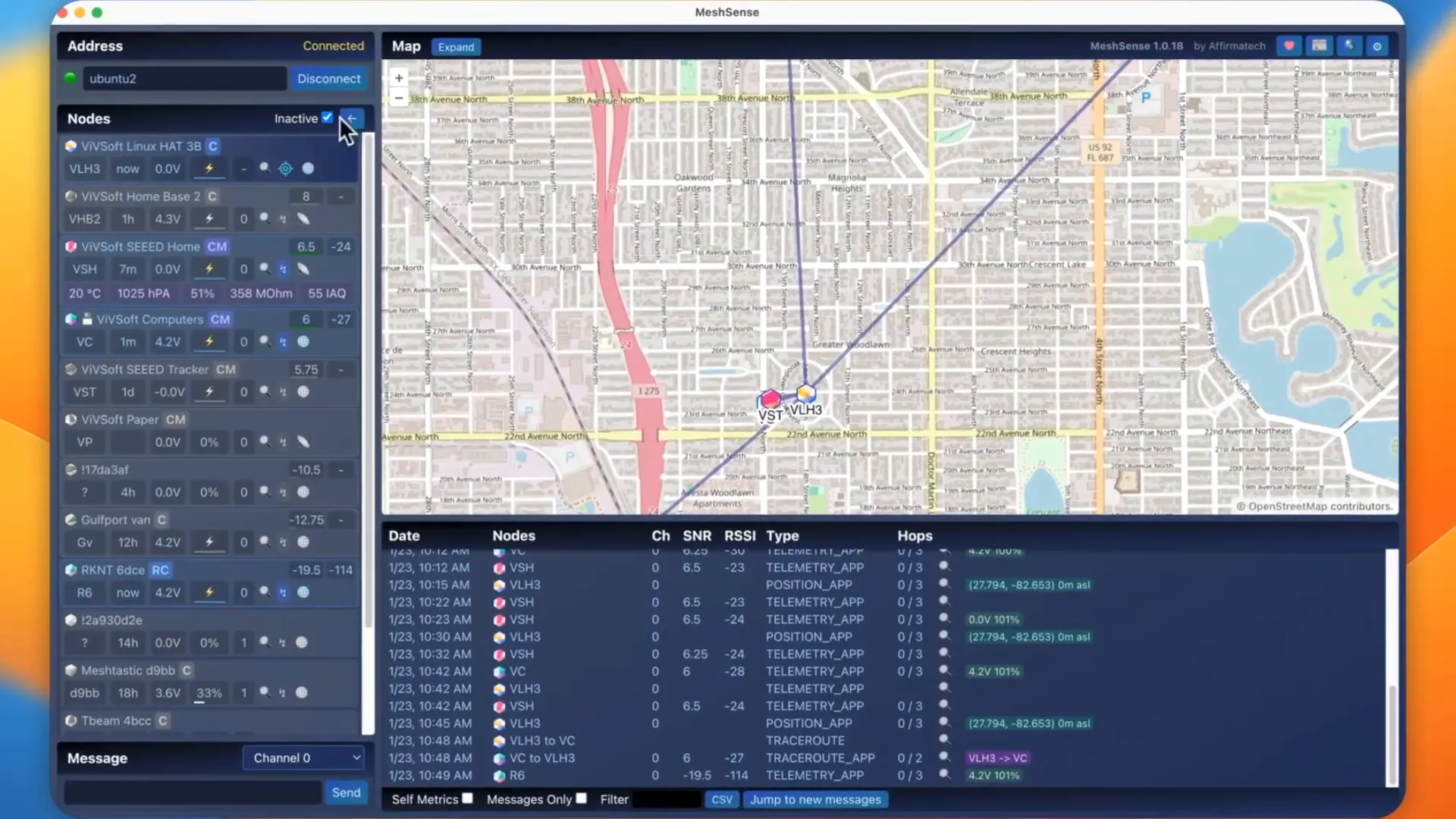
Moreover, the software keeps track of inactive nodes, providing a list of devices that have been connected in the past but are currently offline. This feature ensures that you have a clear understanding of your network's status, even when some nodes aren't active.
Global Mapping Feature
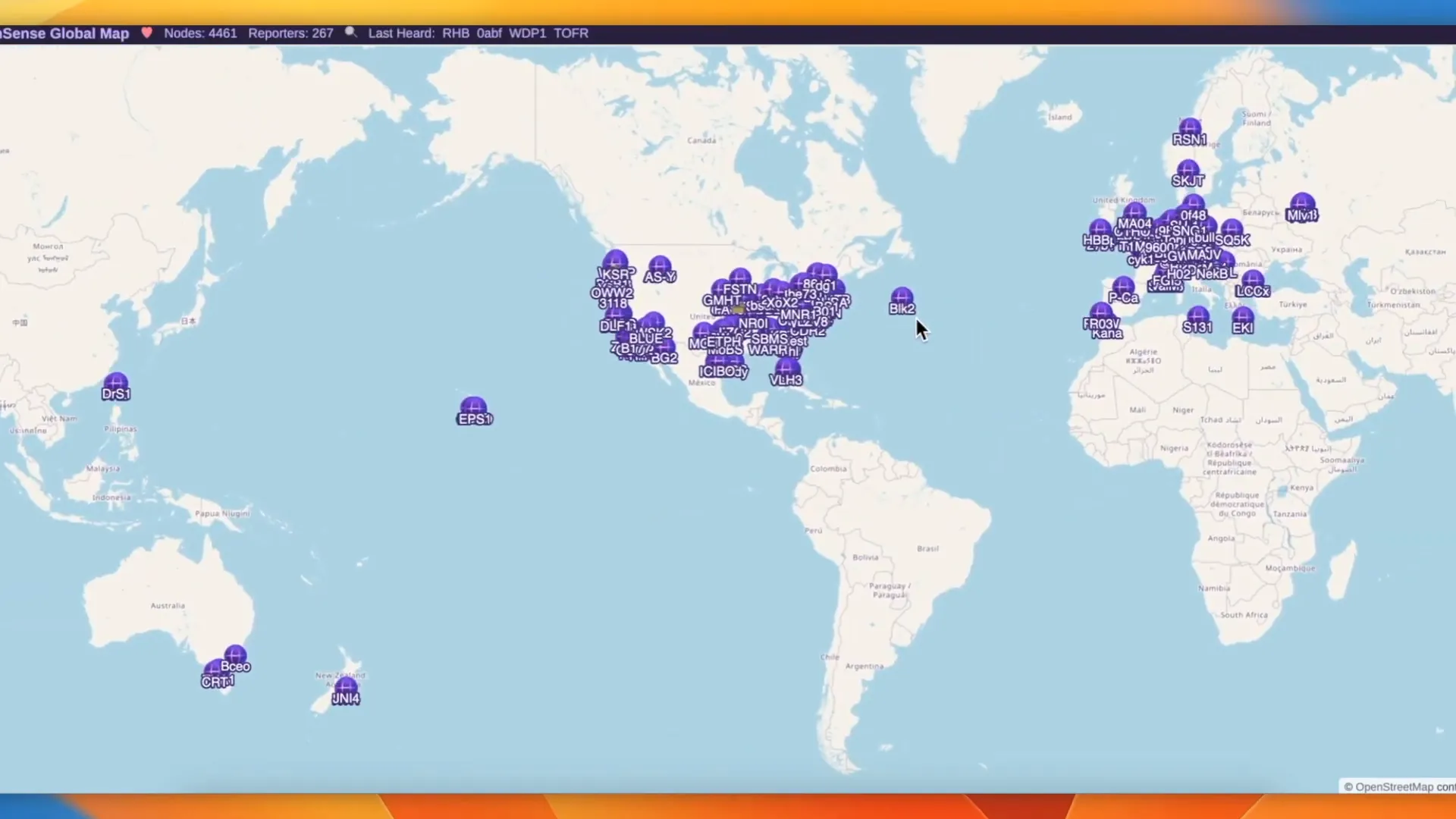
One of the most impressive features of MeshSense is its global mapping capability. This feature opens up a world of possibilities, allowing you to visualize the entire network on a global scale. You can see users from different regions using the software, which is fascinating for anyone interested in decentralized networks.
What sets this global map apart is its accessibility. Unlike other mapping solutions that require complex setups, MeshSense provides a straightforward way to visualize your network without the need for MQTT configurations. This simplicity is a major advantage, especially for those who may not be tech-savvy.
Setting Up a Node
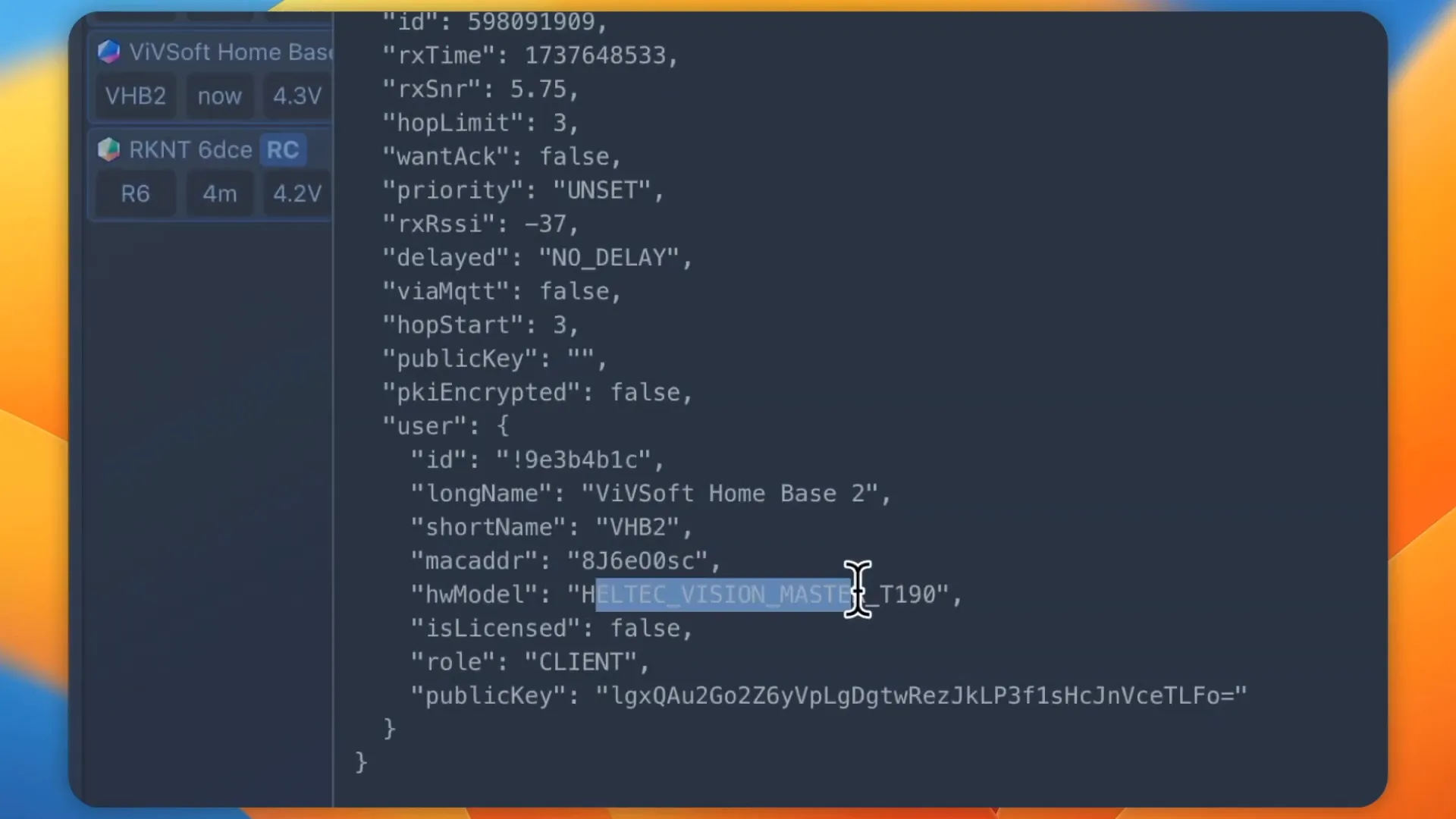
Setting up a node with MeshSense is a breeze. I recently started a new node and watched as it joined the network. The application displayed real-time updates, allowing me to see the node’s status and details instantly. This feature is essential for ensuring that all nodes are operational and connected correctly.
As the node activated, I could quickly access its details, such as battery level and location, making it easy to monitor its performance. The application also allows you to perform traceroutes on these nodes, giving you immediate feedback on the connection quality.
Conclusion: Why You Should Try MeshSense
In conclusion, MeshSense is an outstanding tool for anyone involved with Meshtastic networks. It combines a user-friendly interface with powerful features that make managing and optimizing your network straightforward. From real-time telemetry to global mapping, this software offers everything you need to enhance your network experience.
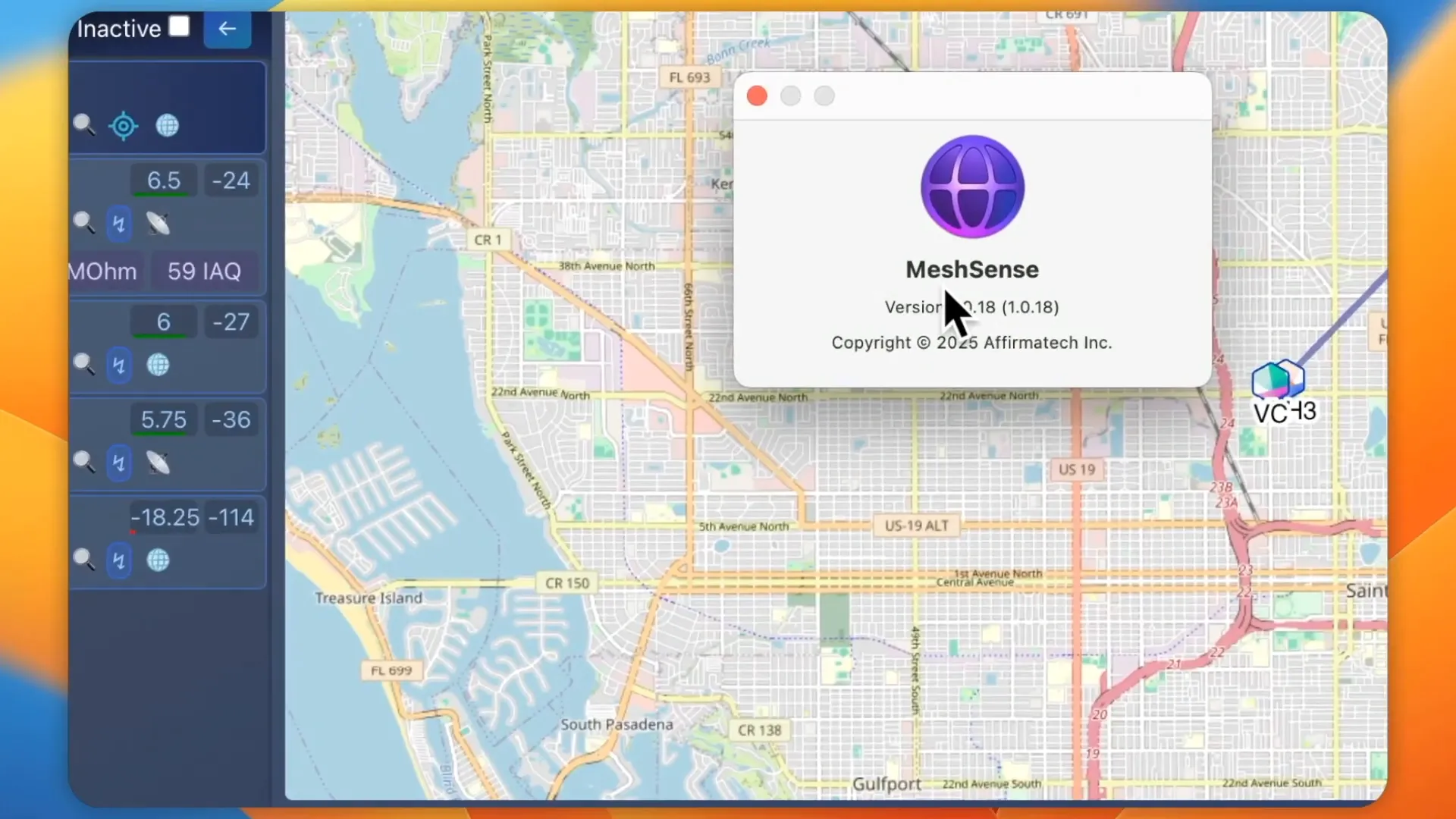
You can download MeshSense from [Affirmatech](https://affirmatech.com/meshsense), and it's compatible with Linux, macOS, and Windows. This broad compatibility ensures that you can use it regardless of your operating system. If you're looking to take your Meshtastic projects to the next level, MeshSense is definitely worth trying out!
Frequently Asked Questions
What is MeshSense used for?
MeshSense is a software tool designed to enhance the Meshtastic network experience by providing real-time visualization of nodes, telemetry data, and global mapping.
Is MeshSense compatible with all operating systems?
Yes, MeshSense runs on Linux, macOS, and Windows, making it accessible to a wide range of users.
Can I filter nodes in MeshSense?
Absolutely! MeshSense allows you to filter logs and data by specific nodes, making it easier to manage larger networks.
How does the global mapping feature work?
The global mapping feature visualizes your entire network on a map, showing the locations of active users without the need for complex setups like MQTT.
Where can I download MeshSense?
You can download MeshSense from the official [Affirmatech website](https://affirmatech.com/meshsense).
Thank you for exploring MeshSense with me. I hope you found this guide helpful, and I look forward to seeing how you use this incredible tool to enhance your Meshtastic projects!