
Meshtastic Beginner: Setup Guide for the Seeed T-1000E
Published by Vivian van Zyl in Meshtastic the 01/22/2026 at 08:09 pm

If you are a Meshtastic Beginner and want a simple, reliable off-grid messaging node, the Seeed T-1000E is an excellent place to start. This guide walks through the essentials: what Meshtastic does, why the T-1000E works so well for newcomers, how to get it powered and paired, and a few practical tips to use it confidently on hikes, in group safety scenarios, or during emergencies.
Table of Contents
- What is Meshtastic and why it matters for a Meshtastic Beginner
- Why choose the Seeed T-1000E as a Meshtastic Beginner device
- Quick equipment checklist
- Install the Meshtastic app
- Power up and charge the T-1000E
- Pairing and basic configuration (step-by-step)
- Sending messages and discovering nodes
- Essential button and GPS controls
- Practical tips for Meshtastic Beginners
- Next steps
- FAQ
- Closing thoughts
What is Meshtastic and why it matters for a Meshtastic Beginner
Meshtastic is an open-source long-range radio platform that creates off-grid mesh networks. Devices exchange text messages and GPS coordinates over LoRa radio, so people can communicate and share locations without cell service or internet. For a Meshtastic Beginner, that means simple, battery-powered devices can provide local messaging and tracking for:
- Hiking and group safety
- Search and rescue or emergency coordination
- Off-grid events and fieldwork
Why choose the Seeed T-1000E as a Meshtastic Beginner device
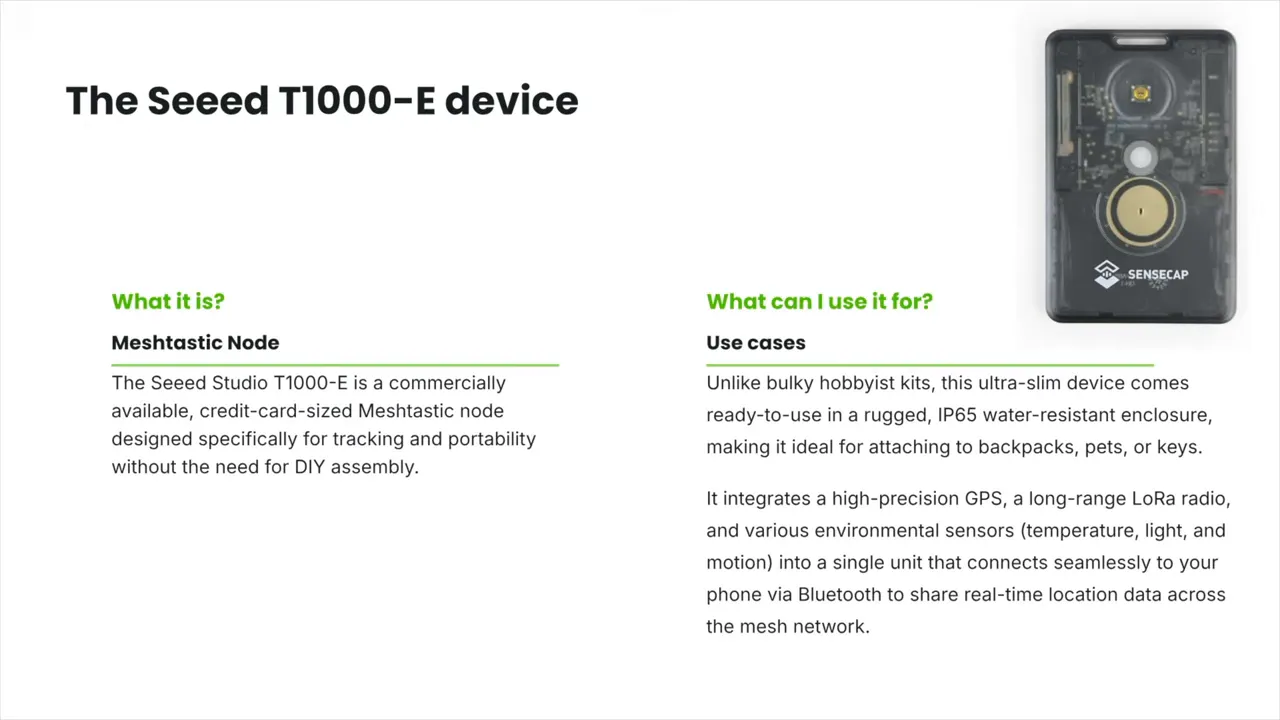
The Seeed T-1000E is a credit-card sized node with everything built in: LoRa radio, GPS, internal antenna, speaker, LED, a button, sensors, and a rechargeable battery. For a Meshtastic Beginner this removes the need to solder or assemble kits. It is water resistant and compact enough to toss in a backpack and go.
Quick equipment checklist
- Seeed T-1000E unit
- USB charging cable (included)
- Android phone (or other supported client)
- Meshtastic app installed
Install the Meshtastic app
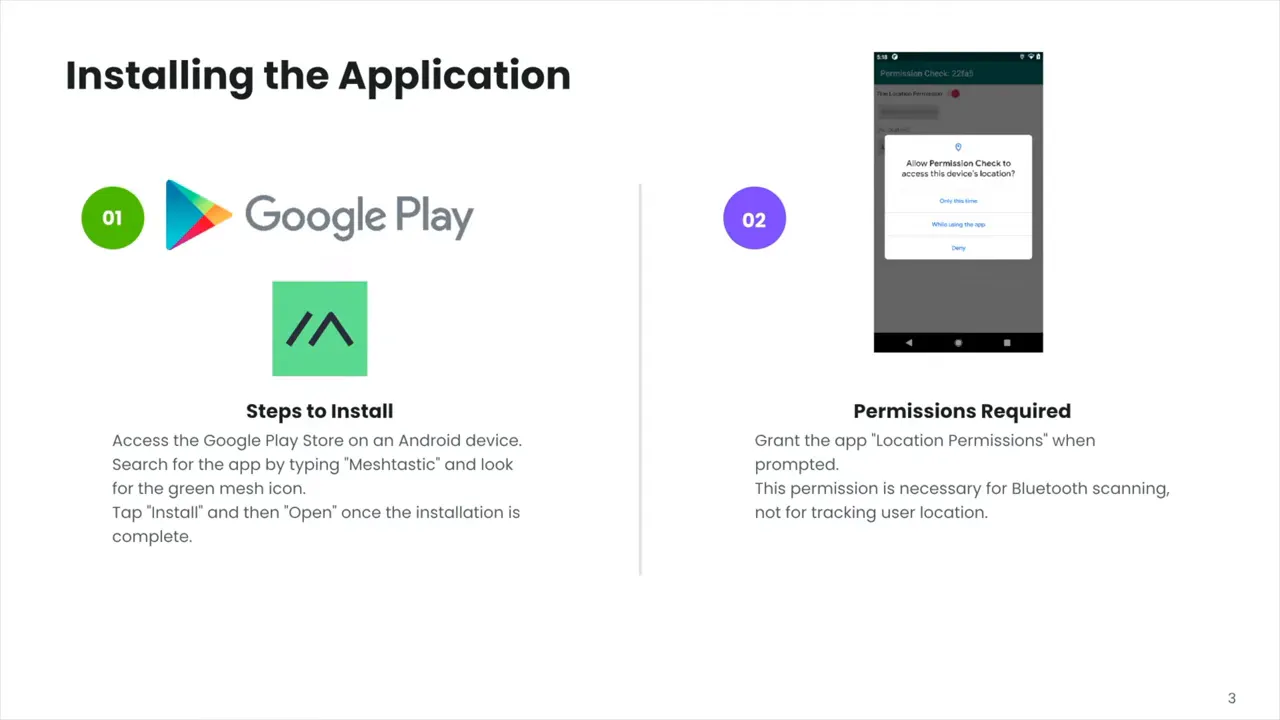
For this guide the phone steps use Android. Open the Play Store and install the Meshtastic app. Allow any requested permissions so the app can use Bluetooth, location, and USB as needed. As a Meshtastic Beginner you will use the app to configure the node and to send messages.
Power up and charge the T-1000E
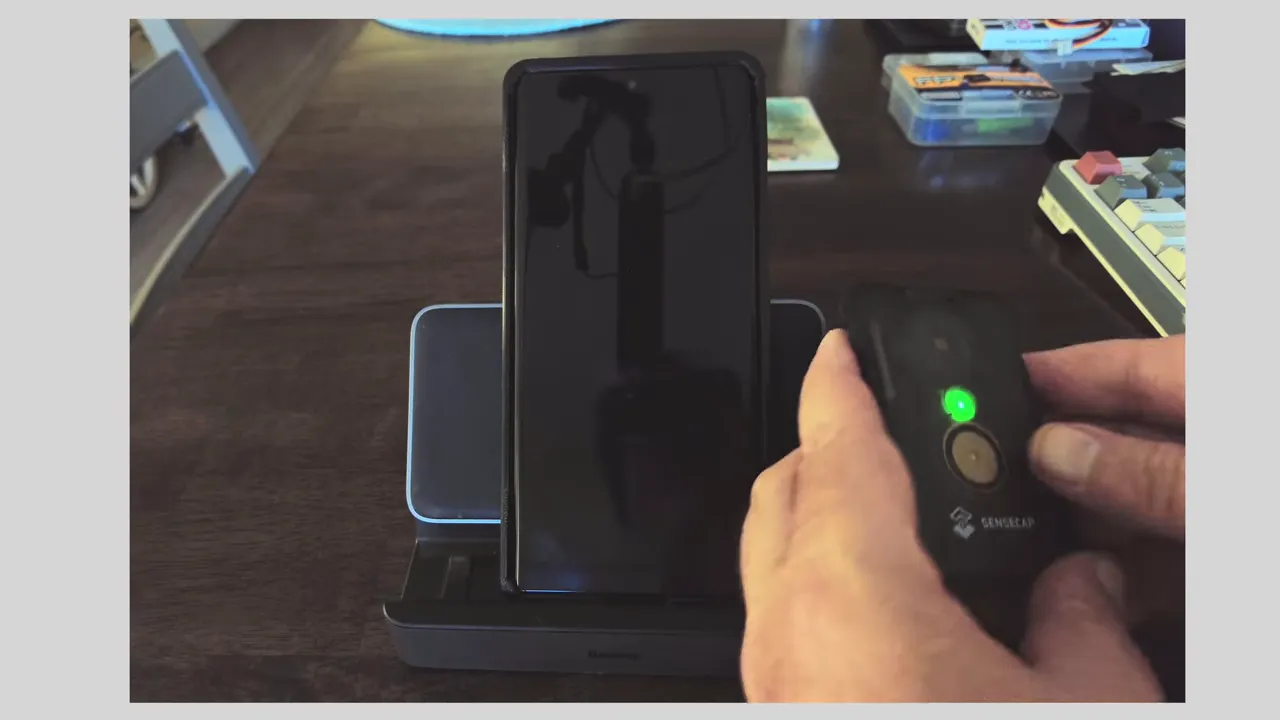
Connect the magnetic USB cable to the back of the device to charge. The unit may power on automatically while charging, and it also has a physical power button. Keep in mind the usual radio rule about antennas—most nodes require an external antenna before powering up—but the T-1000E has a built-in antenna so you can start it straight from the box.
Pairing and basic configuration (step-by-step)
- Scan or add the node in the app. Use the app’s scan button to find devices. The T-1000E typically shows up with a name like mastic_xxxx.
- Pair via Bluetooth or USB. Default pairing PIN is 123456. You can also plug the device into your phone with a cable for a direct connection.
- Set the LoRa region. Go to Radio Configuration and choose your country/region (for example United States). Save—this will reboot the node.
- Name your node. Under User settings give your device a friendly name and a short four-character ID. Save and allow the reboot to finish.
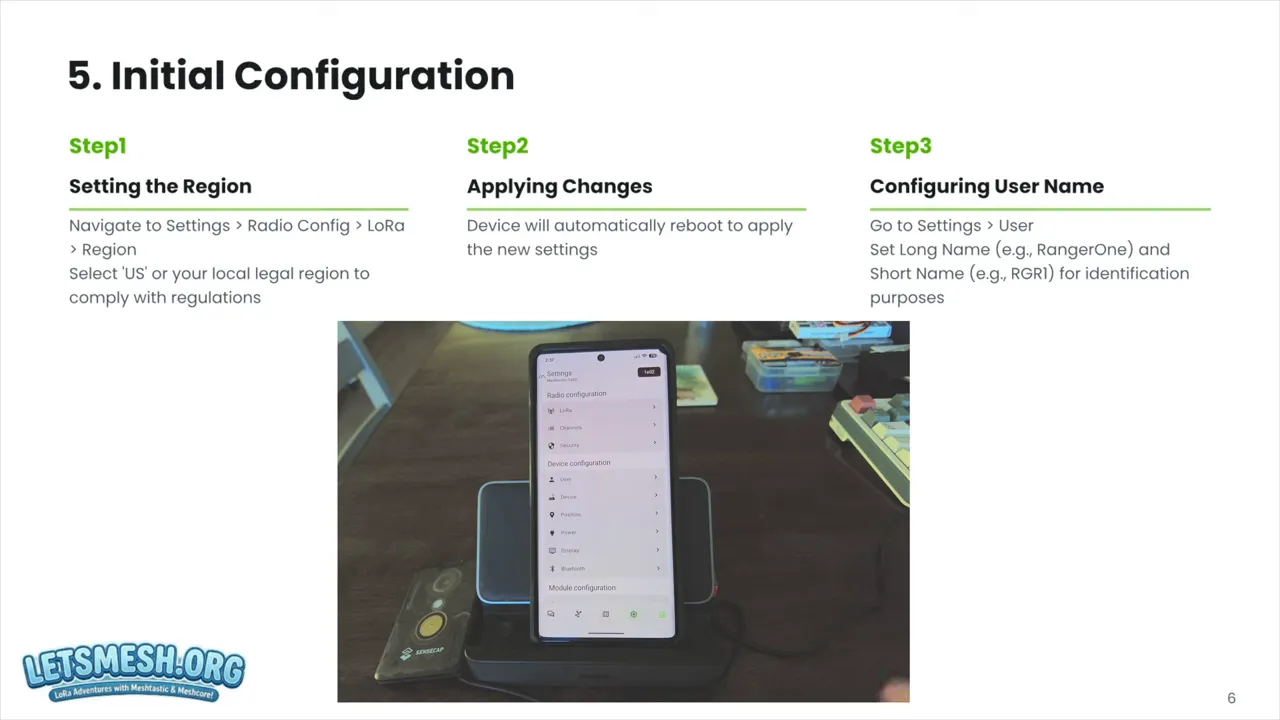
After these two required steps—region and user name—the node is ready on the mesh. As a Meshtastic Beginner this minimal configuration gets you on the network quickly.
Sending messages and discovering nodes
Open the nodes list in the app. The node list will show resolved nodes and can also show unknown nodes that the network discovered but has not fully resolved yet. The default chat channel is named Longfast. Use the chat icon to broadcast messages to everyone on that channel. You can also attempt direct messages to specific nodes, though not every node accepts direct messages.
Essential button and GPS controls
- Power on/off: Long press the button to turn the unit off or on.
- Send GPS location: Double press the button to broadcast your current GPS coordinates (only if GPS is active; limited to once per minute).
- Toggle GPS: Triple click the button to turn the GPS on or off.
Practical tips for Meshtastic Beginners
- Start simple: Set region and a user name first—those are the only required fields to get on the mesh.
- Use USB if Bluetooth is flaky: USB pairing is often more reliable for initial configuration.
- Allow time for node resolution: Discovery and name resolution can take a while as devices exchange info over the LoRa network.
- Keep the device accessible: The T-1000E is rugged and water resistant, but keeping it chargeable and reachable makes sending quick GPS pings easier.
Next steps
Once comfortable with basic setup, explore firmware upgrades, alternative node hardware, or external antennas for specific use cases. For a Meshtastic Beginner the T-1000E covers the essentials and helps you learn the network behavior before diving deeper.
FAQ
What is Meshtastic and who should use it?
Meshtastic is an open-source long-range mesh network platform using LoRa radios to send messages and GPS coordinates without internet. It is ideal for hikers, event organizers, field teams, and anyone needing off-grid communication.
Do I need to build hardware to get started as a Meshtastic Beginner?
No. Devices like the Seeed T-1000E come fully assembled with radio, GPS, battery, and antenna. That makes them perfect for beginners who want a plug-and-play experience.
How do I pair the T-1000E to my phone?
Use the Meshtastic app to scan and pair via Bluetooth using the default PIN 123456, or connect the device directly with a USB cable for a wired connection.
How do I send my GPS location?
Double press the button on the device to broadcast your current GPS location. GPS can be toggled on or off with a triple click. Location broadcasts are rate limited to roughly once per minute.
Will Meshtastic work without internet?
Yes. The core advantage of Meshtastic is local communication over LoRa radio, so messages and GPS data flow across the mesh without cellular or Wi-Fi connectivity.
Closing thoughts
For a Meshtastic Beginner the Seeed T-1000E removes many complexity barriers. It offers a compact, waterproof, ready-to-use node that pairs easily, broadcasts GPS, and joins a community-driven mesh network. Keep experimenting with the app settings and node placement and you will quickly learn how mesh behavior scales for your use cases.
Ready to try? Charge your unit, install the app, set your region and username, and you will be talking to the mesh in minutes.