
Meshtastic, MeshCore Channels Explained: Public vs Private Keys
Published by Vivian van Zyl in Meshtastic the 12/11/2025 at 10:45 pm

Channels are how nodes in a LoRa mesh talk to each other and decide who can read what. This guide explains channels in Meshtastic, Meshcore, how public and private keys work, why the default channel behaves the way it does, and practical tips for using channels with sensors like motion-based car alarms.
Table of Contents
- How channels work in Meshtastic
- Slots, channel numbers, and why they do not need to match
- Practical example: motion sensor and car alarm
- MeshCore channels: nearly identical concepts
- Best practices and security tips
- Quick reference: Meshtastic, Meshcore similarities
- FAQ
- Final notes
How channels work in Meshtastic
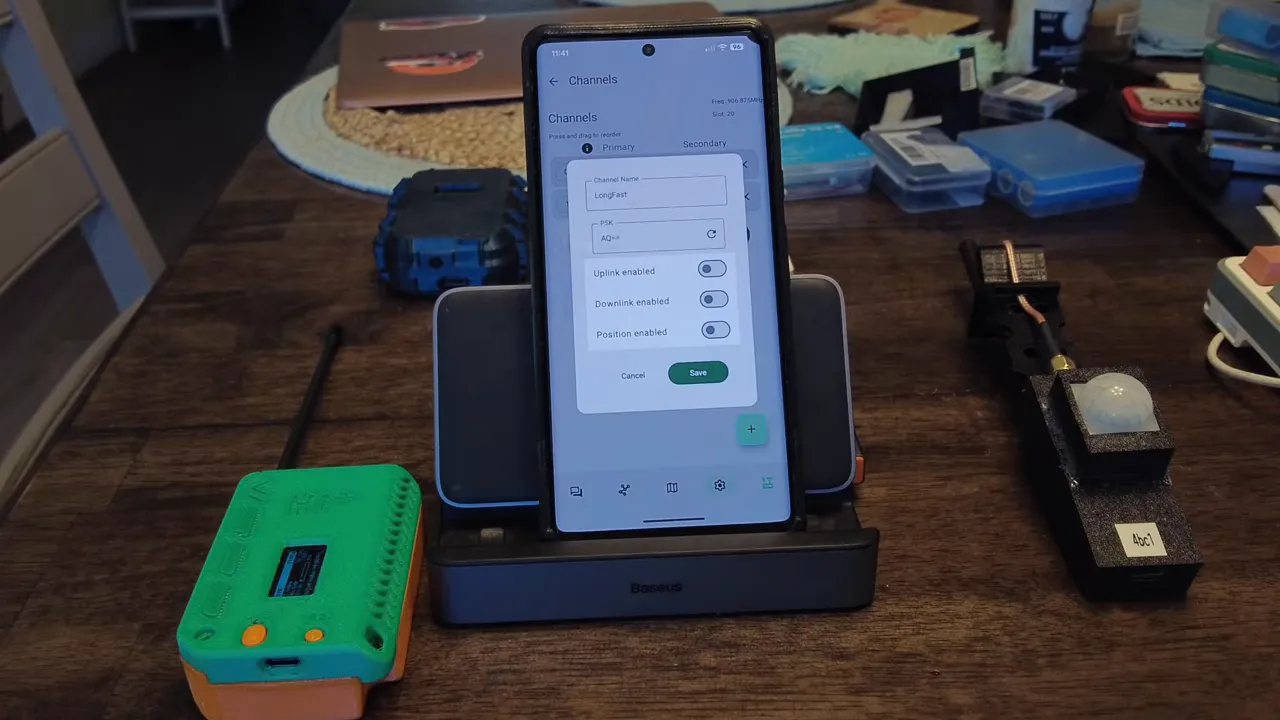
Every Meshtastic node can be configured with one or more channels. One channel is always present by default: the public channel named LongFast. It lives in channel slot zero and uses the short key AQ==. Because that key is common to every device, the app marks the lock icon in orange to indicate low-strength encryption. The traffic on LongFast is encrypted, but with a small, shared key that anyone can use to decrypt messages.
Private channels and long keys
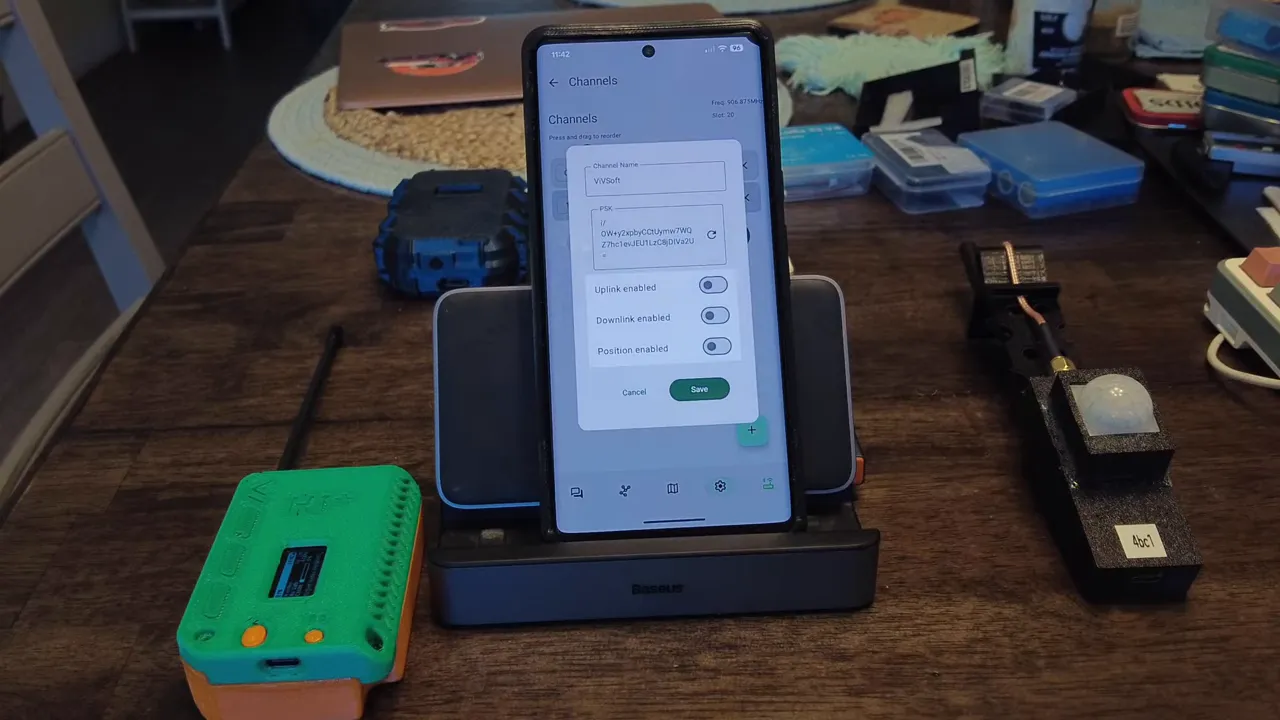
You can create private channels with long, randomly generated keys. For example, a private channel named VIVSOFT will have a much longer key and appear with a green lock in the UI. Anything sent in that channel is forwarded by all nodes on the radio frequency, but only devices that have the channel name and matching key can decrypt the payload. In other words: broadcast on the air, but readable only by those who share the key.
Slots, channel numbers, and why they do not need to match
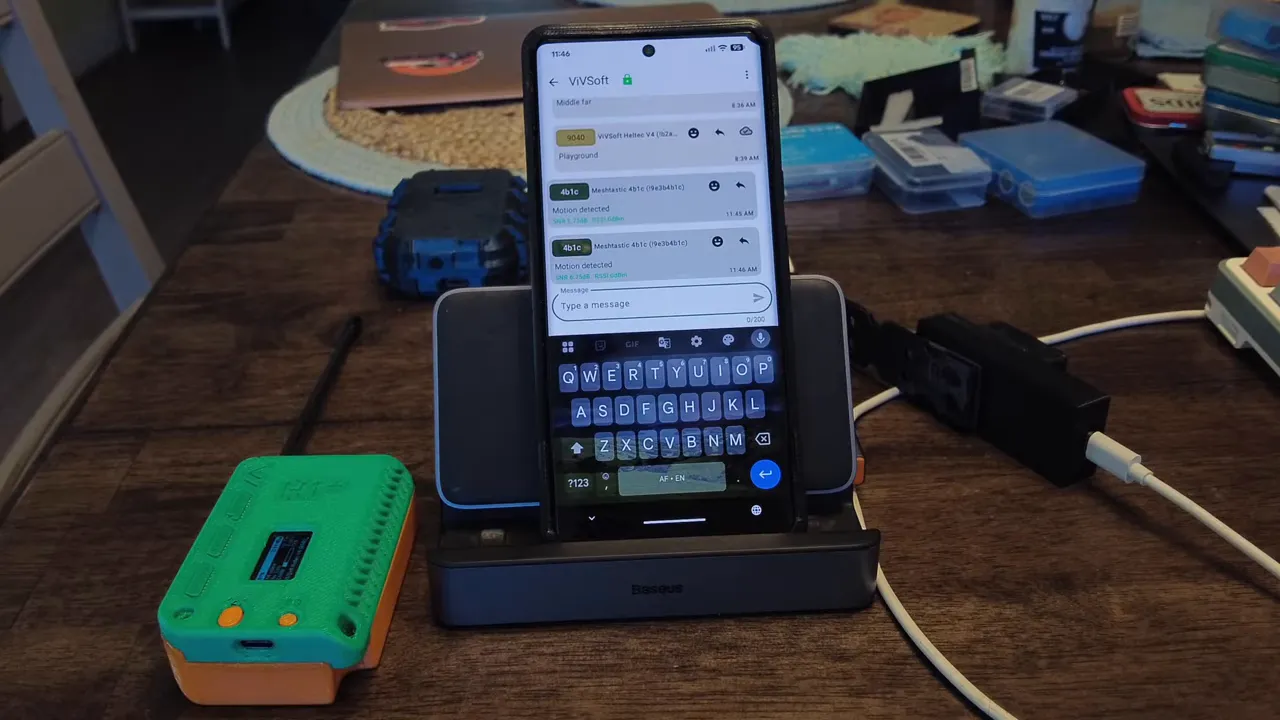
A common point of confusion is the slot number assigned to a channel on a specific device. Slot numbers are local positions in the device’s channel list and do not need to match across devices. What matters is the channel name and the encryption key. A node can have VIFSOFT in slot 0 while another node has it in slot 2. As long as both share the same channel name and key, the receiving node will decrypt the message and place it into its local slot for VIVSOFT.
Practical example: motion sensor and car alarm
Motion sensors and other automated sensors typically use channel slot 0 by default. If slot 0 is set to the public LongFast channel, motion alerts broadcast publicly. To keep alarm messages private, set the sensor’s default channel to a private channel and distribute its key only to trusted devices.
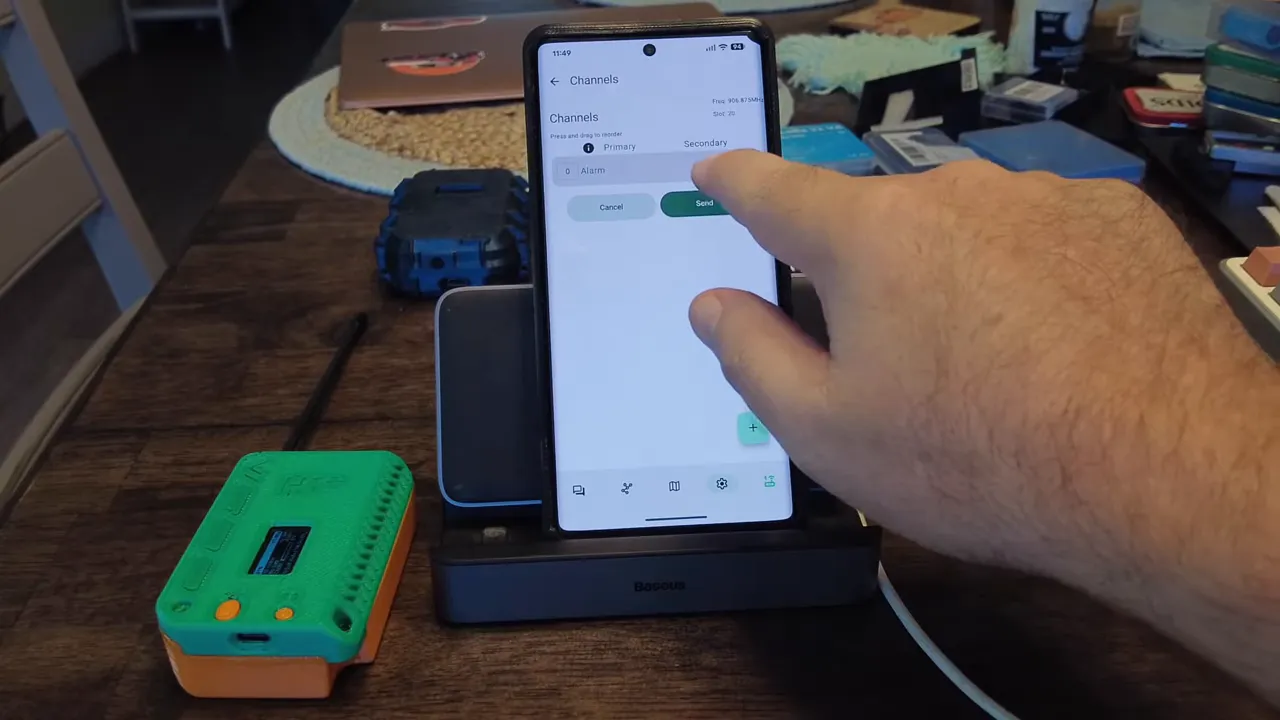
In practice, the flow looks like this:
- Sensor sends a motion message on its channel slot 0 (default).
- All nodes within radio range and hops will forward the packet, but only nodes with the channel name and matching key decrypt it.
- Other nodes see an opaque, encrypted packet and cannot read the contents.
MeshCore channels: nearly identical concepts
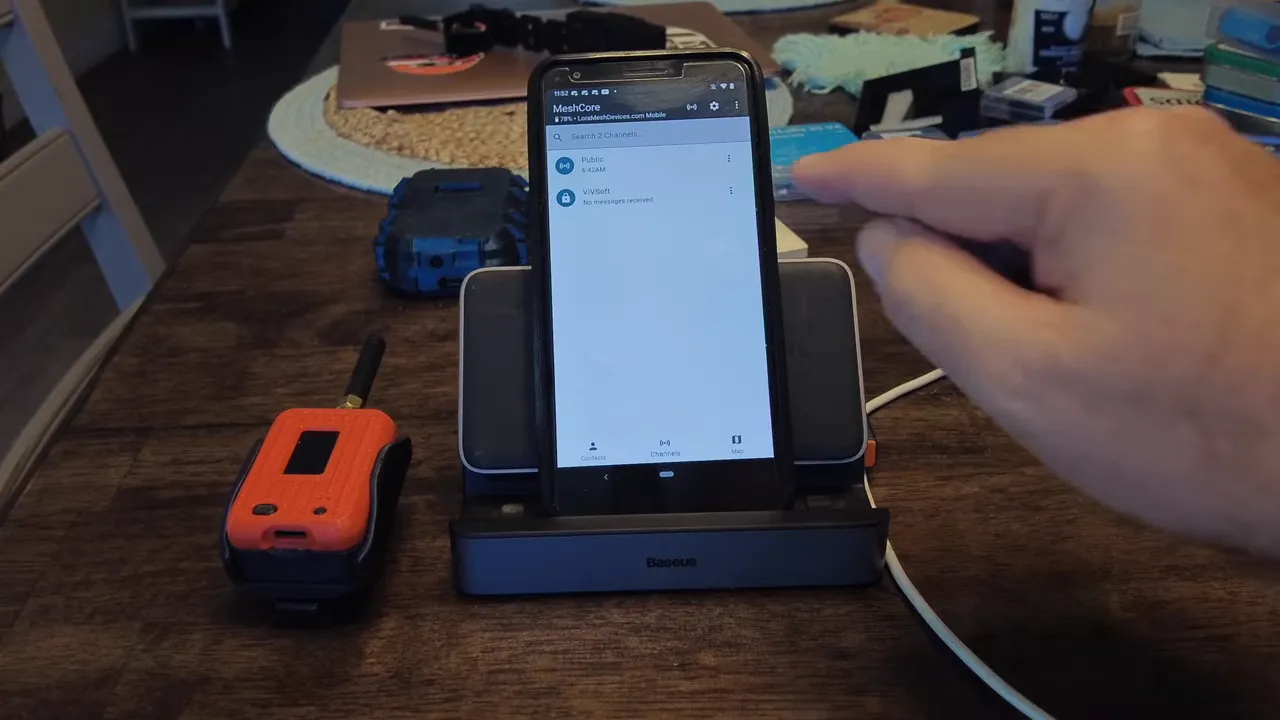
MeshCore follows the same basic model. There is a default public channel where everyone can post messages. Private channels use generated keys and can be shared via QR code or manual entry. The app shows how many repeaters heard a message, which is helpful for troubleshooting reach and hop counts.
Best practices and security tips
- Never rely on AQ== for anything sensitive. It is an 8-bit key used for convenience, not security.
- Generate long random keys for private channels and mark them green in the UI. Regenerate keys if a device is lost or compromised.
- Assign sensors to private channels if you want their telemetry to remain confidential, and avoid using slot 0 for public traffic if that sensor’s data must be private.
- Use channel names consistently and distribute keys securely—QR codes make joining private channels easy without copying keys by hand.
Quick reference: Meshtastic, Meshcore similarities
- Both platforms use channel names plus encryption keys to control who can read messages.
- Both have a public default channel that is shared and easily readable by anyone using the default key.
- Slots are local ordering only; what matters is channel name and key.
- MeshCore additionally displays repeater counts and supports QR-based channel sharing in the app.
FAQ
What is the default Meshtastic channel and why is it low security?
The default channel is LongFast (channel 0). It uses the short key AQ== which is shared by all devices for convenience. The UI flags it as orange to indicate weaker encryption—use it for non-sensitive broadcasts only.
Can two devices decrypt the same channel if their channel slots differ?
Yes. Slot numbers are local. As long as both devices have the same channel name and matching encryption key, they can decrypt messages regardless of the slot index on each device.
How should I secure motion sensor data?
Create a private channel with a long, generated key and set the sensor’s default channel to that private channel. Share the key only with trusted devices and regenerate it if a key is exposed.
Is MeshCore different from Meshtastic when it comes to channels?
The principles are the same: a public default channel and user-created private channels secured with keys. MeshCore also provides QR code sharing and shows repeater/heard counts in the app.
How do I share a private channel securely?
Use generated keys and share them via secure methods. In-app QR code sharing is convenient and reduces copy-paste mistakes. Avoid sending keys over unencrypted channels or public messaging services.
Final notes
Understanding channels in Meshtastic, Meshcore comes down to two things: the channel name and the encryption key. Slots are just presentation. Set defaults thoughtfully, generate strong keys for private traffic, and keep control of those keys to ensure only authorized devices can read your mesh messages.