
Meshtastic Store and Forward: Step-by-Step Guide and Tests
Published by Vivian van Zyl in Meshtastic the 12/02/2025 at 10:32 pm

Table of Contents
- Why Meshtastic Store and Forward matters
- What you need in hardware
- Private network test: how it behaves
- Public network test and limitations
- How to configure a private channel for Store and Forward
- Troubleshooting tips
- Quick workflow summary
- Frequently asked questions
- Final notes on Meshtastic Store and Forward
Why Meshtastic Store and Forward matters
Meshtastic Store and Forward is the feature that keeps messages safe when nodes go offline. When a node wakes up again it can request any messages that were stored while it was away. That makes a big difference for intermittent connections, remote trackers, and low power deployments.
What you need in hardware
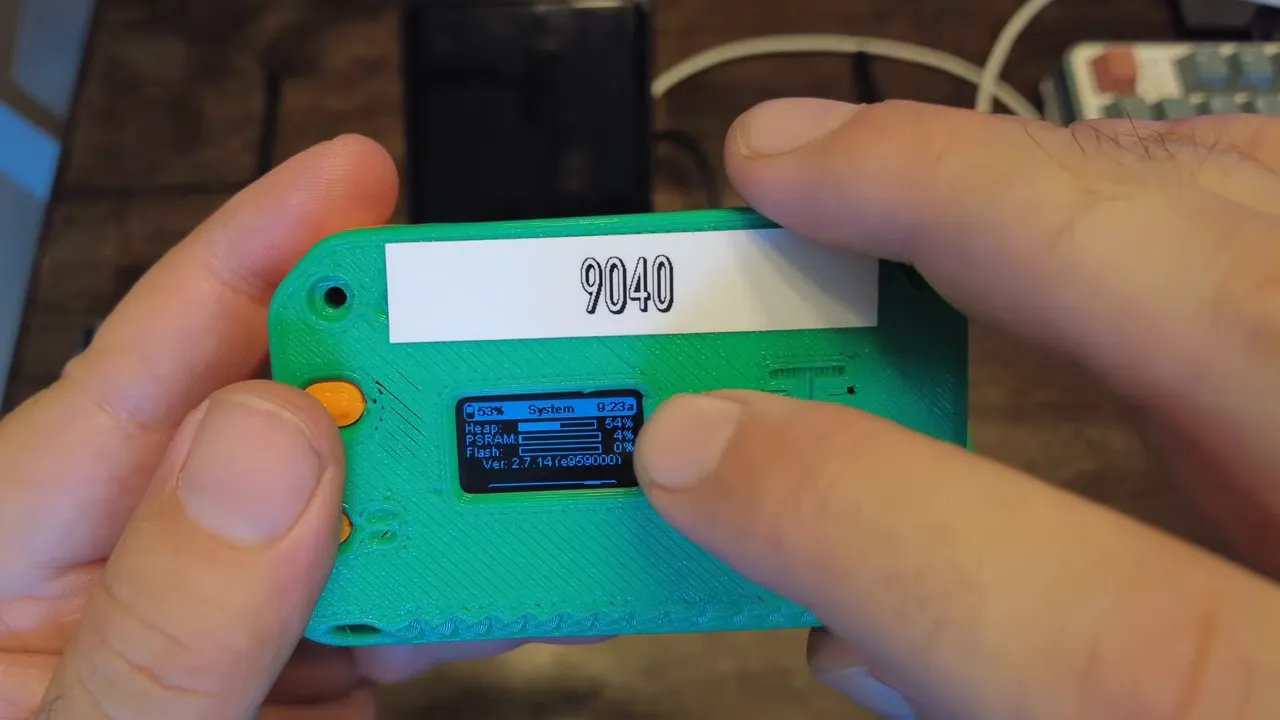
Not every Meshtastic device can act as a Store and Forward server. The critical requirement is PSRAM. Devices like the Heltec V4 include PSRAM and can be configured as a server. Simpler boards such as the T114 usually do not expose PSRAM information and are not suitable for this role.
Private network test: how it behaves
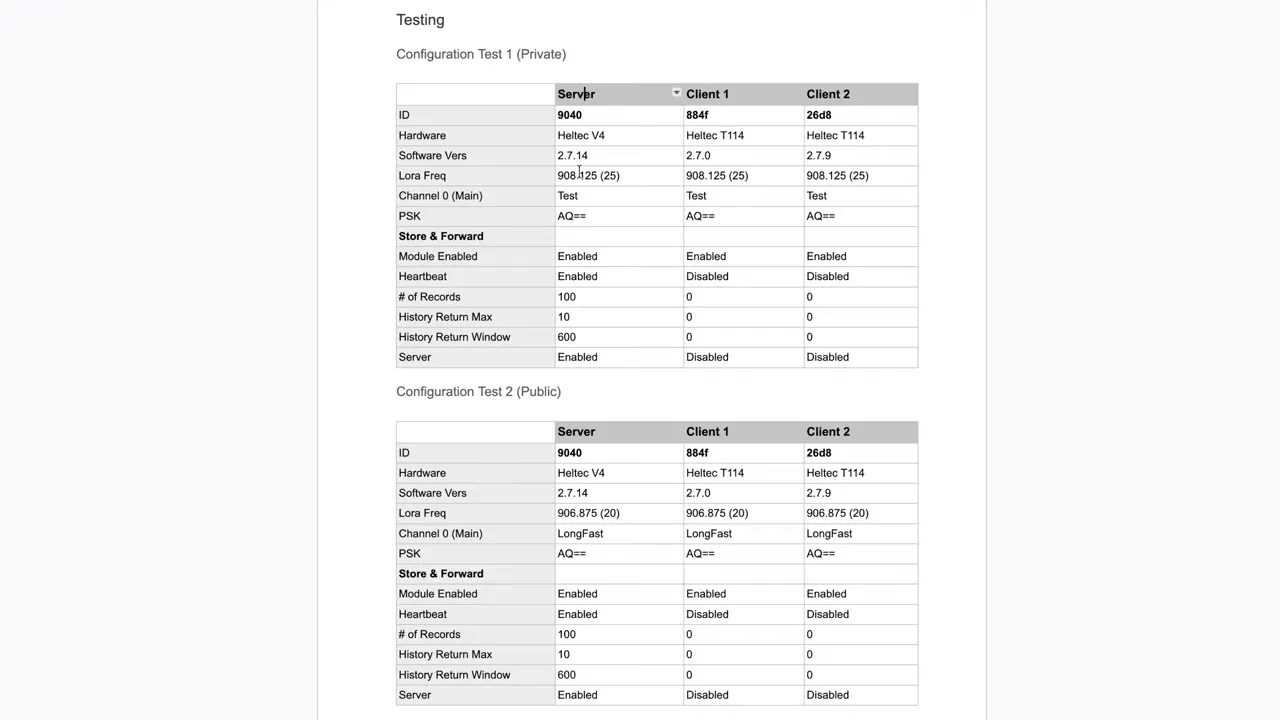
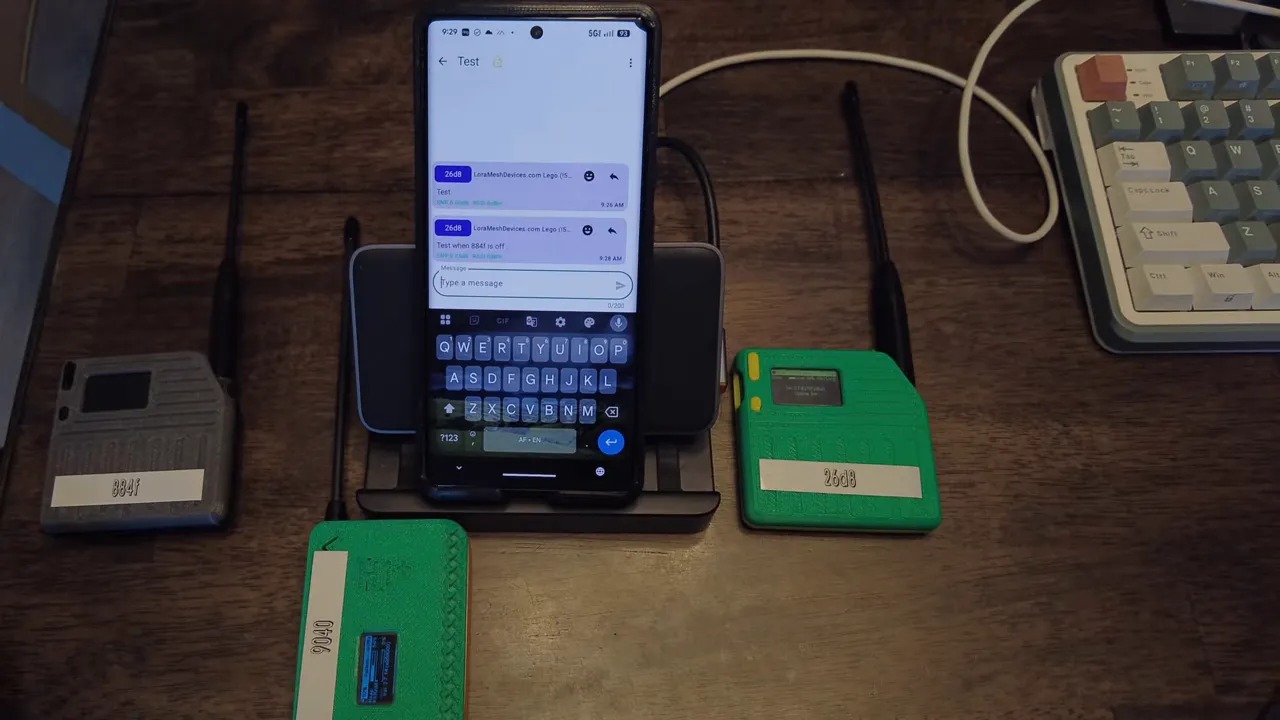
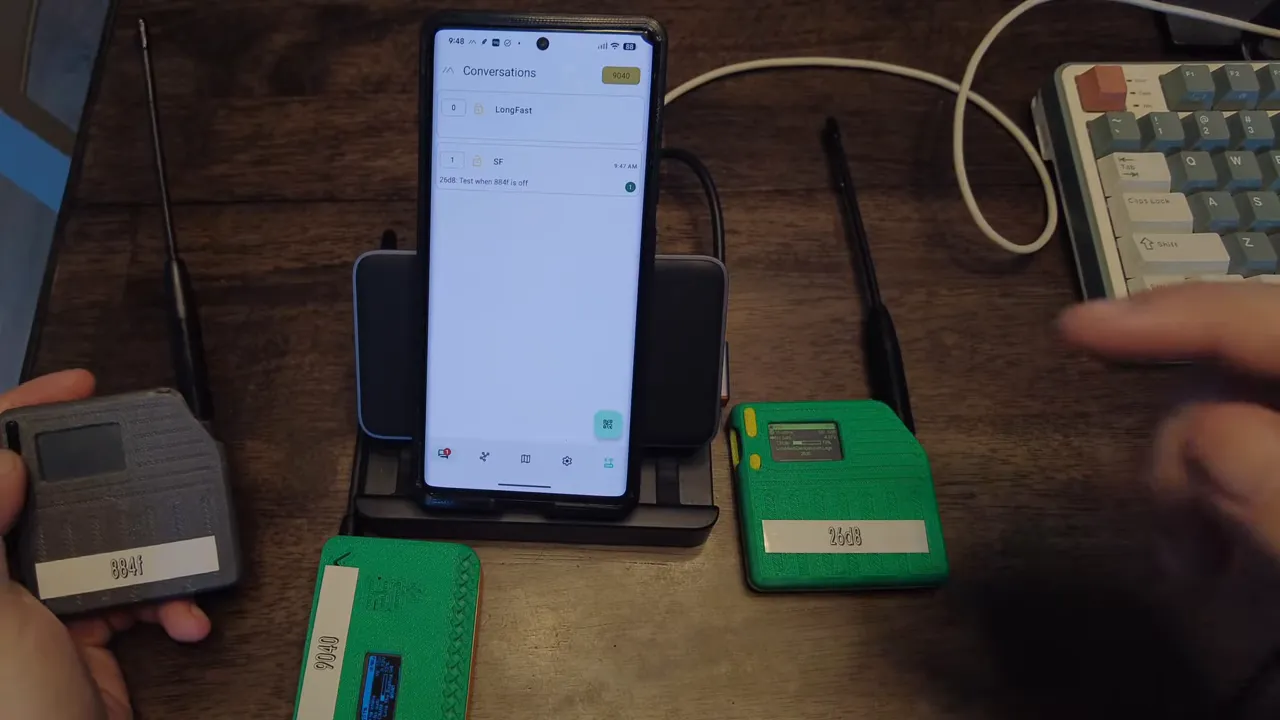
A clean way to test Store and Forward is on a private channel so only your nodes participate. I used a private slot with channel 0 and a custom AES key. With the Heltec V4 acting as the server and two T114 clients, I verified that messages sent while one client was powered off were stored by the server and delivered when the client came back online.
The flow is simple. Send a message from Node A while Node B is offline. The server records the message. When Node B boots it can request stored messages. The server then returns the queued items. In practice you may see duplicate messages because the node and server do not always share identical delivery state. Expect some duplicates and handle them at the application level if needed.
Public network test and limitations
Switching the same nodes to the public default channel using LongFast (slot 20) reveals an important restriction. Store and Forward commands are refused on the default public channel. Attempting to request stored messages returns the error message:
"S and F not permitted on public channel"
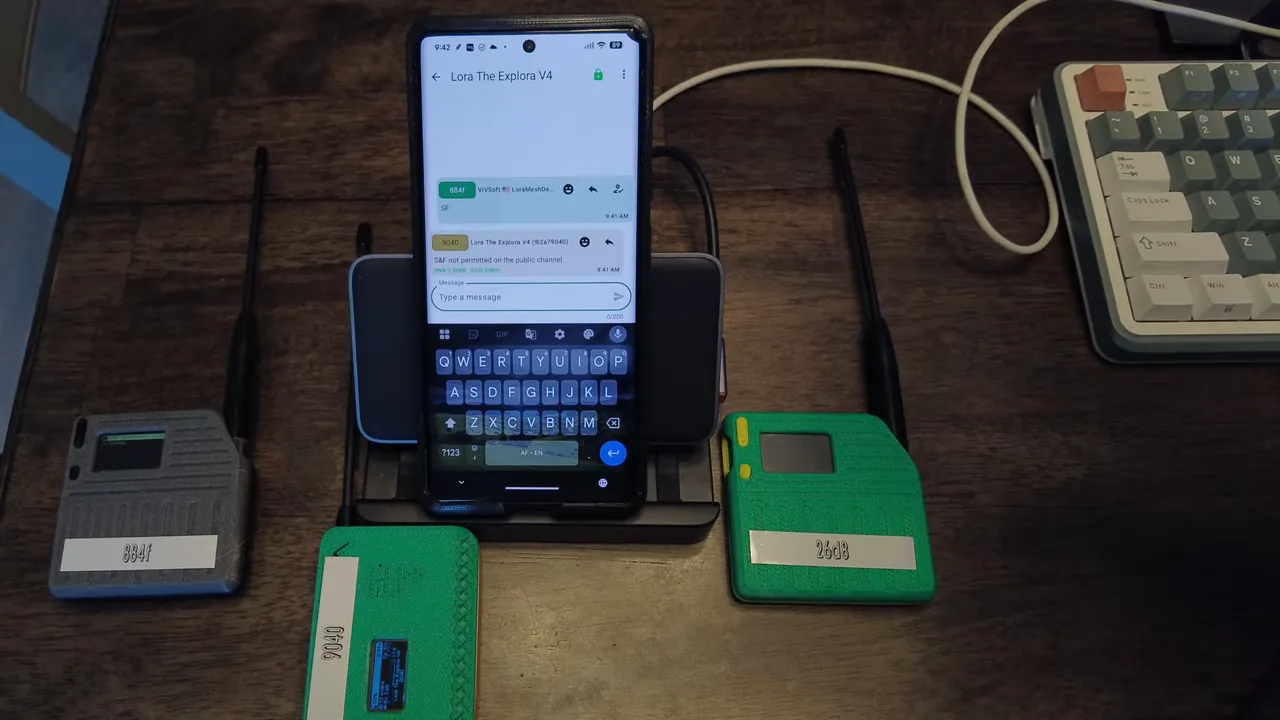
This is by design for many setups. The server will not accept Store and Forward operations on the public LongFast channel. Creating a separate private channel for SF operations restores functionality.
How to configure a private channel for Store and Forward
- Choose a nondefault slot and channel number or create channel 1 as a separate private channel.
- Set a custom AES key so only your nodes can read messages on that channel.
- Enable Store and Forward on the device with PSRAM and set the server role and limits in the configuration panel.
- Test by turning one node off, sending messages on the private channel, then powering the node back on and requesting SF messages.
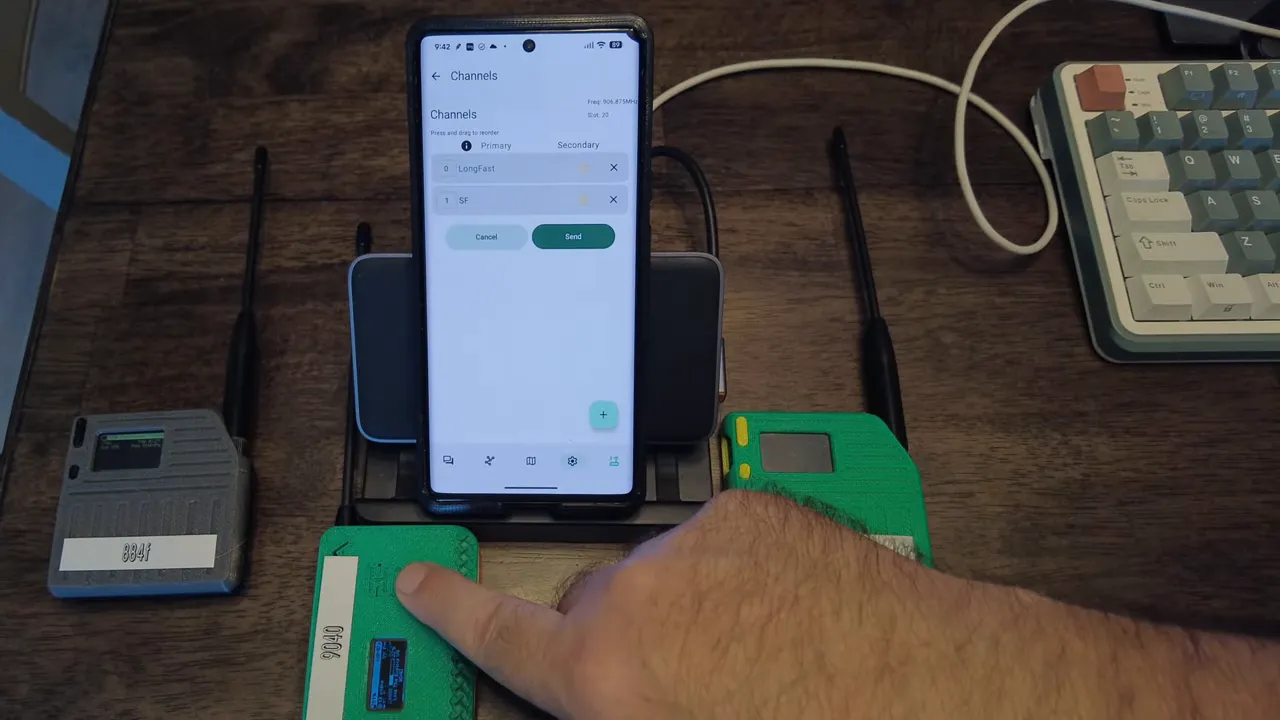
When done properly the server will store messages sent on the private channel and return them on request after the client rejoins.
Troubleshooting tips
- No PSRAM on device means the device cannot act as an SF server. Use Heltec V4 or similar boards with PSRAM.
- SF refused typically means you are on the default public channel. Move SF traffic to a private channel.
- Duplicate messages can appear when the receiving node and server disagree about delivery. De-duplicate based on message ID or timestamp.
- Discovery noise on public channels can make testing confusing. Use private slots while validating SF behavior.
Quick workflow summary
- Pick a server-capable device with PSRAM.
- Create a private channel and apply an AES key.
- Enable Store and Forward on the server device and set limits.
- Send messages while a client is offline.
- When the client returns, request SF messages and process delivered items.
Frequently asked questions
Which devices support Meshtastic Store and Forward?
Devices with PSRAM can act as Store and Forward servers. Heltec V4 is a common example. Devices without PSRAM like many T114 boards cannot reliably host the server role.
Can Store and Forward work on the public LongFast channel?
Store and Forward is not permitted on the default public LongFast channel in typical configurations. Use a private, nondefault channel for SF operations.
Why do I see duplicate messages after SF delivery?
Duplicates happen when the server and the client disagree about which messages were acknowledged before the client went offline. Implement de-duplication logic by comparing message IDs, timestamps, or hashes.
How do I secure my SF channel?
Create a private channel and set a custom AES key. Only nodes with that key can read or request Store and Forward messages on that channel.
What if my SF server runs out of memory?
Store and Forward settings allow you to limit how many messages the server stores. Monitor PSRAM usage and tune retention, message size limits, or purge policies accordingly.
Final notes on Meshtastic Store and Forward
Meshtastic Store and Forward delivers clear benefits for intermittent connectivity and remote deployments. The main takeaway is hardware matters and channel selection matters. Use a PSRAM enabled server and keep SF traffic on a private channel to ensure reliability and privacy. If you run into unexpected behavior check PSRAM availability, channel settings, and perform tests on an isolated private network before moving to public channels.